EasyManua.ls Logo

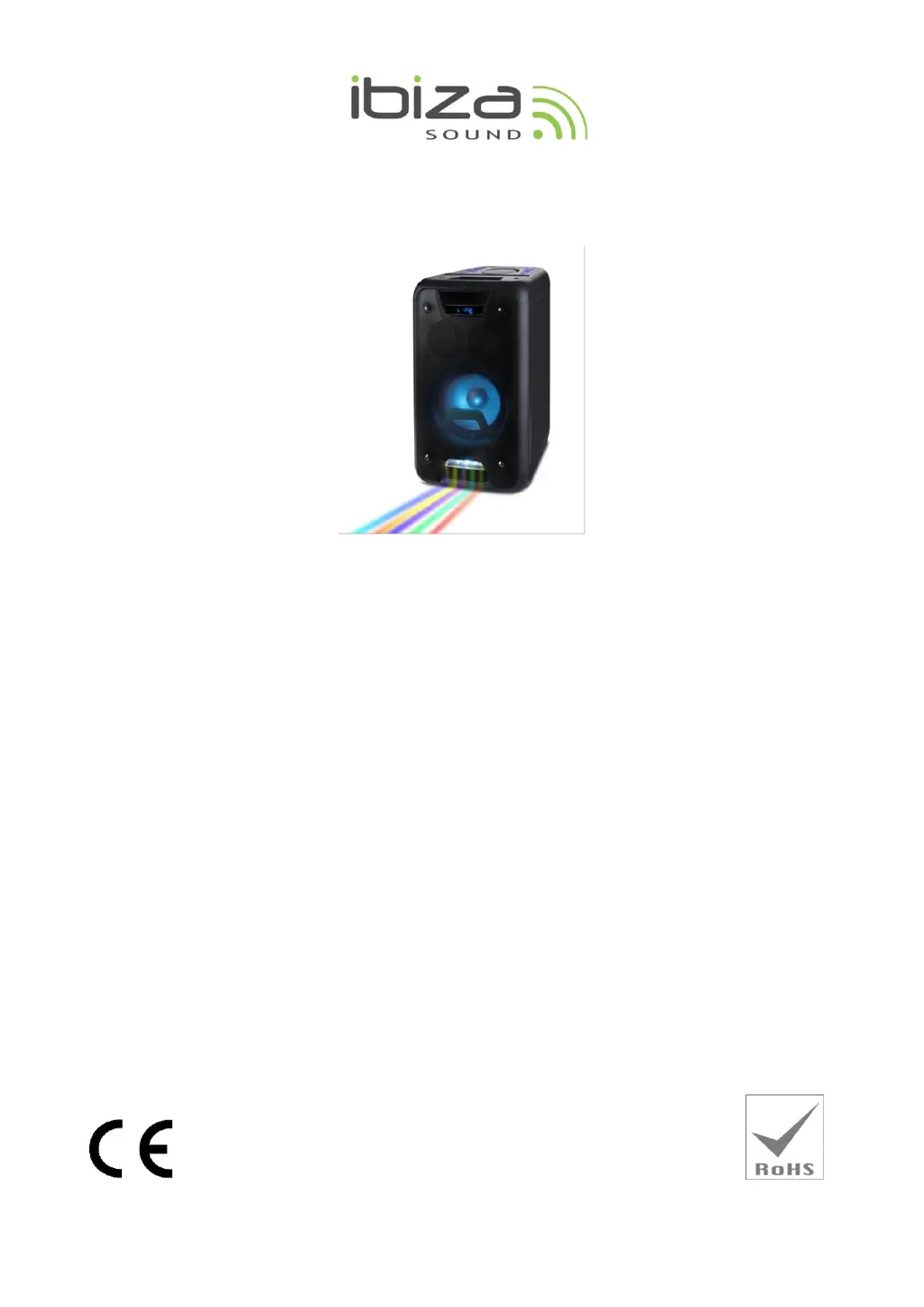
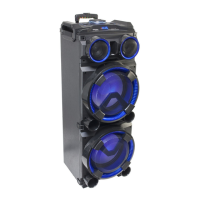
Ibiza sound FREESOUND300 - User Manual

Ibiza sound FREESOUND300
33 pages
Print Icon
To Next Page IconTo Next Page
Loading...
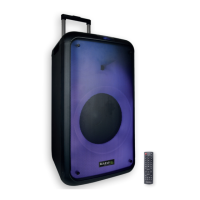
OUTDOOR SOUND BOX
FREESOUND300
GB Instruction Manual
F Manuel d’Utilisation
D Bedienungsanleitung
NL Handleiding
PT Manual de Instruções
RO-Manual de utilizare
SLO Navodila za uporabo
ES Manual de instrucciones
Imported from China by
LOTRONIC SA
Av. Z. Gramme 9
B-1480 Saintes

Questions and Answers

  • A
    Austin PattersonAug 17, 2025
    How to fix Blue-connect failure on Ibiza sound speakers?
    • H
      Helen HuangAug 17, 2025
      To address Blue-connect failures on your Ibiza sound speakers: * If Blue-connect is disconnected, find the correct device name or press the "MENU" button to restore factory settings. * If Blue-connect is connected but there's no voice, confirm you're connected to the right device name. * If the Blue-connect effective distance is too short, try to keep away from barriers like walls and glass.
  • E
    Edward MartinezAug 19, 2025
    Why does my Ibiza sound Speakers have big noise?
    • V
      Veronica CooperAug 19, 2025
      The big noise from your Ibiza sound Speakers can be caused by several factors: * A wired microphone may be too close to the speaker; ensure the microphone head does not point at the speaker. * A wired microphone may be on but not in use; turn it off when not in use. * The microphone volume may be too loud; reduce the microphone volume. * A mobile phone may be too close; keep mobile phones away during calls. * The speaker may be too close to equipment that interferes with it; keep the speaker away from other sources of interference.
  • B
    Benjamin OwensAug 22, 2025
    What to do if there is no sound from my Ibiza sound FREESOUND300' Microphone?
    • B
      brookejohnsonAug 22, 2025
      If there's no sound from the microphone on your Ibiza sound Speakers, check the following: 1. Ensure the microphone socket is fully plugged in. 2. Make sure the microphone switch is powered on. 3. Adjust the microphone volume, as it may be at its lowest setting.
  • J
    James SmithAug 26, 2025
    What to do if my Ibiza sound FREESOUND300 Speakers' Blue-connect fails?
    • S
      Sabrina ReeseAug 26, 2025
      If you are experiencing Blue-connect failure with your Ibiza sound Speakers: * If Blue-connect is disconnected, find the correct device name or press the "MENU" button to restore factory settings. * If Blue-connect is connected but there's no voice, verify that you are connected to the correct device name. * If the Blue-connect effective distance is too short, try to keep away from barriers such as walls or glass.
  • P
    Philip GarciaAug 28, 2025
    Why is there distortion of sound from my Ibiza sound FREESOUND300?
    • N
      nancy26Aug 28, 2025
      Sound distortion from your Ibiza sound Speakers can occur if the volume is too loud, so turn the volume down. It could also be due to an audio file error, so check and change the audio file.
  • R
    Roberta BatesAug 31, 2025
    How to fix FM Radio problems with my Ibiza sound FREESOUND300 Speakers?
    • P
      Paul WattsAug 31, 2025
      To resolve FM radio issues with your Ibiza sound Speakers: * If you can’t search radio channels, make sure the FM ANT is expanded. * If there's no sound, switch to the next channel and try again. * If there's no reception, position the FM ANT to a different angle. * For poor FM reception, twist the FM ANT to the other side or try “Auto scan”.
  • A
    aguirrekaylaSep 2, 2025
    What to do if there is no sound output when I turn on my Ibiza sound FREESOUND300?
    • M
      Michelle GreenSep 2, 2025
      If there is no sound output when you power on your Ibiza sound Speakers, consider the following: * Ensure there is an input sound source by connecting a Line signal. * Adjust the volume, as the volume knob may be in the lowest position. * Insert a USB/SD Card, as there may be no plug.
  • A
    Ashley KnightSep 5, 2025
    What to do if there is no sound from the USB/SD card on my Ibiza sound FREESOUND300 Speakers?
    • B
      brendawalterSep 5, 2025
      If there is no sound from the USB/SD card on your Ibiza sound Speakers: * Ensure the song format is compatible; it should be MP3/WMA. * If an illegal operation caused failures, power off and then power on the device. * Make sure the USB/SD Card is inserted properly.
  • B
    Brian MartinezSep 8, 2025
    Why does my Ibiza sound speaker have big noise?
    • J
      Joshua OneillSep 8, 2025
      There are several reasons why your Ibiza sound speaker might be producing excessive noise: * A wired microphone is too close to the speaker. To resolve this, ensure the microphone head does not point directly at the speaker. * A wired microphone is on but not in use. Turn off the wired microphone when it is not being used. * The microphone volume is set too high. Reduce the microphone volume. * A mobile phone is too close to the speaker during calls. Keep your mobile phone away from the speaker during calls. * The speaker is too close to equipment that interferes with it. Keep the speaker away from other sources of interference.
  • A
    Alexandra WestSep 12, 2025
    What to do if there is no sound output when I power on my Ibiza sound FREESOUND300?
    • E
      Edward QuinnSep 12, 2025
      If your Ibiza sound speakers have no sound output when powered on, consider the following: * Ensure a Line signal is connected as your input sound source. * Check that the volume knob isn't at its lowest position and adjust the volume accordingly. * Verify that a USB/SD card is properly inserted.

Summary

Ibiza Sound Outdoor Box - User Manual

Precautions and Warnings

Essential safety guidelines and warnings for operating the speaker safely.

Included Accessories

List of items included in the product package.

Top Panel Controls

Detailed explanation of the controls and indicators on the top of the unit.

Hardware Description and Remote Control

Rear Panel Ports and Switches

Explanation of the ports, switches, and connections on the rear of the unit.

Remote Control Functions

Guide to the buttons and their functions on the included remote control.

Operating Modes and Instructions

Bluetooth Pairing Procedure

Step-by-step instructions for pairing devices via Bluetooth.

FM Radio Operation

How to tune, scan, and listen to FM radio stations.

Media Playback Modes (Line In, USB, SD)

Instructions for using Line In, USB, and SD card modes for audio playback.

Specifications and Troubleshooting

Product Specifications

Technical specifications of the Ibiza FREESOUND300 speaker.

Troubleshooting Common Issues

Solutions for common problems encountered with the speaker.

Ibiza sound FREESOUND300 Specifications

General IconGeneral
Power300W
BluetoothYes
RMS power150W
Frequency response55 Hz - 20 kHz
Speaker TypeActive
TypePortable speaker
InputsUSB
Battery12V

Related product manuals