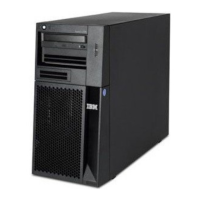
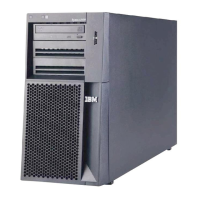
Replacing the side cover
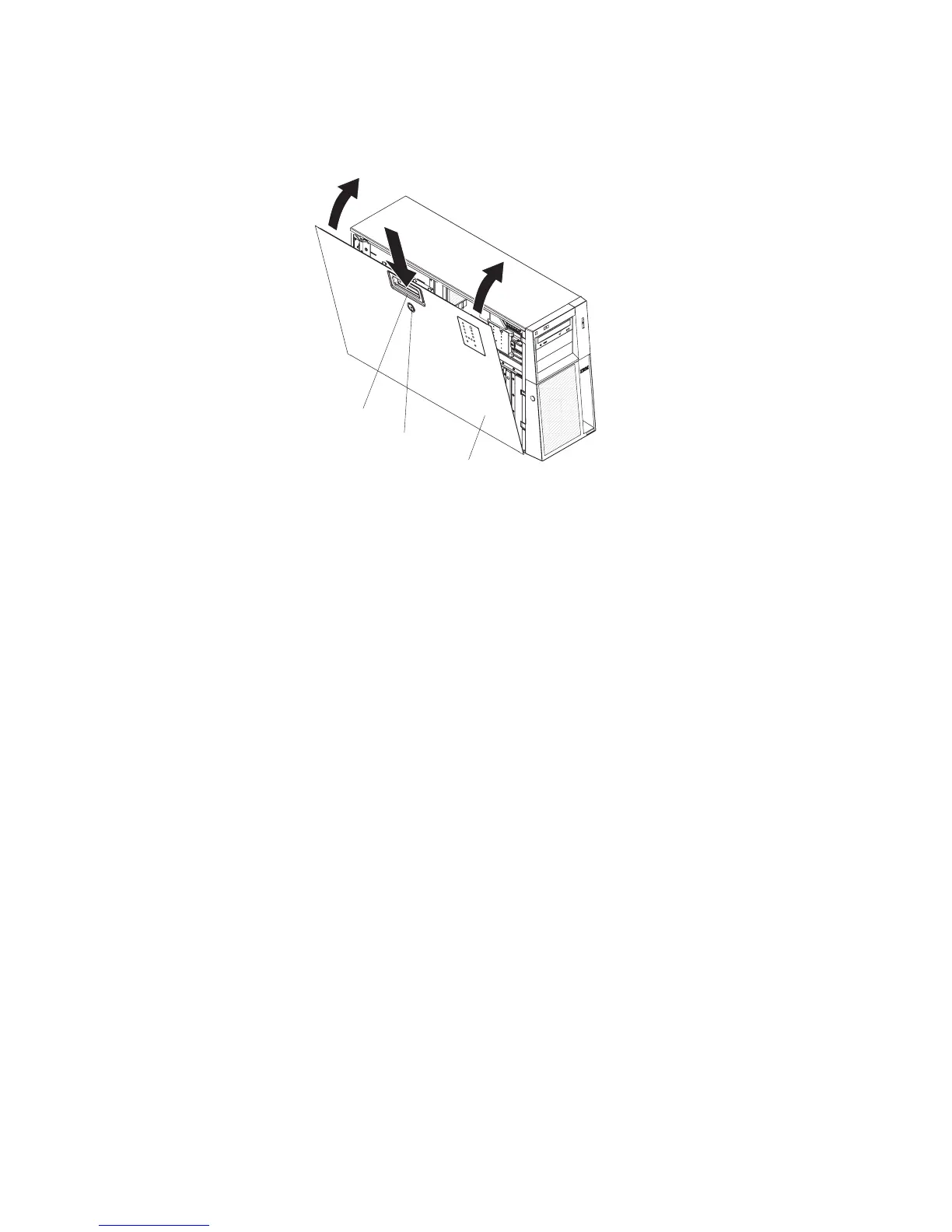
If you removed the side cover, reinstall it.
Left-side cover
Cover release latch
Lock
To reinstall the side cover, complete the following steps:
1. Make sure that all cables, adapters, and other components are installed and
seated correctly and that you have not left loose tools or parts inside the server.
Also, make sure that all internal cables are correctly routed.
2. Insert the bottom edges of the cover into the inside of the chassis and rotate the
cover toward the server.
3. Press down on the cover-release latch and close the cover to secure it in place.
4. Lock the side cover.
70 System x3400 Types 7973, 7974, 7975, and 7976: User’s Guide


 To Next Page
 Loading...