1. How do these instructions for use support you? ...25
2. How your SKEEN Patch works .............................26
3. Your safety is important to us ...............................26
3.1 For which use is your SKEEN Patch suited,
and for which is it not? ..........................................27
3.2 For which applications is your SKEEN Patch
suited, and for which is it not? ..............................27
3.3 When may you not use your SKEEN Patch? ........ 28
3.4 Other factors you need to consider ....................... 29
4. How to protect your SKEEN Patch .......................29
5. How to prepare your SKEEN Patch for use ..........30
5.1 Unpacking and checking the SKEEN Patch ........30
5.2 Insert battery .........................................................32
6. How to conduct a session .....................................34
6.1 How to use your SKEEN Patch ............................34
6.2 Stimulation points, duration and
frequency of application ........................................36
7. How to clean and care for your SKEEN Patch ..... 39
7.1 Cleaning ................................................................ 39
7.2 Changing the patch ............................................... 39
7.3 Changing the battery ............................................40
8. In case problems occur ......................................... 41
9. Technical Data ......................................................42
10. Service and Warranty ...........................................43
10.1 Service Address ....................................................43
10.2 Warranty and Compensation for Damages .......... 43
11. Disposal and Environmental Protection ................44
12. What does the designation
on your product mean? .........................................45
1. How do these instructions
for use support you?
Warning!
This symbol warns you of possible
health risks.
Caution!
This symbol alerts you of possible
damage to your device.
Note
This symbol indicates particularly useful in-
formation regarding the use of the device.
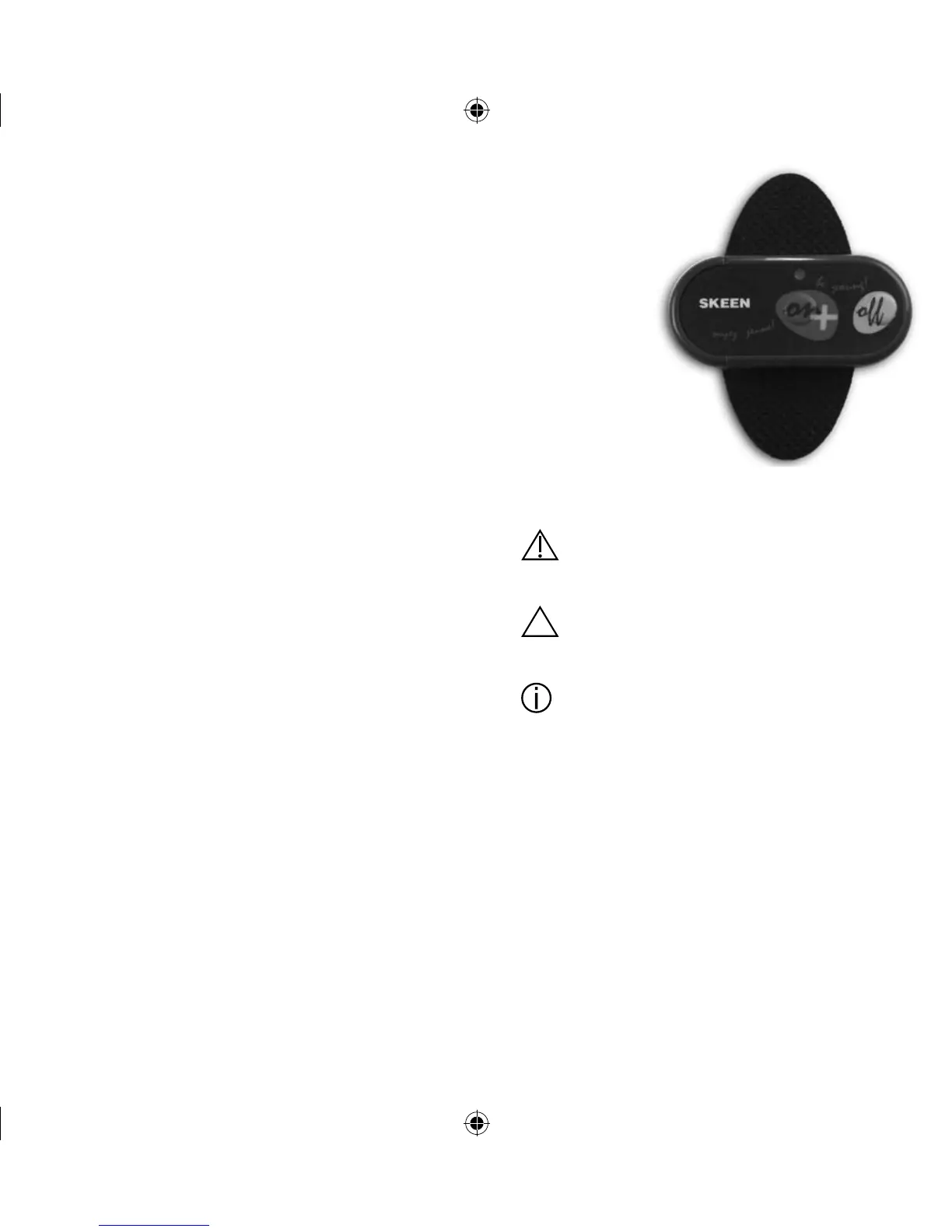
Important components of your device have
been marked with item numbers.
Using these item numbers you can safely iden-
tify displays and controls, the importance and
use of which will be explained in these instruc-
tions.
Therefore you will find the item numbers placed
in brackets in all corresponding paragraphs of
these instructions for use.



 To Next Page