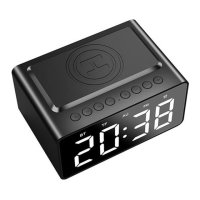
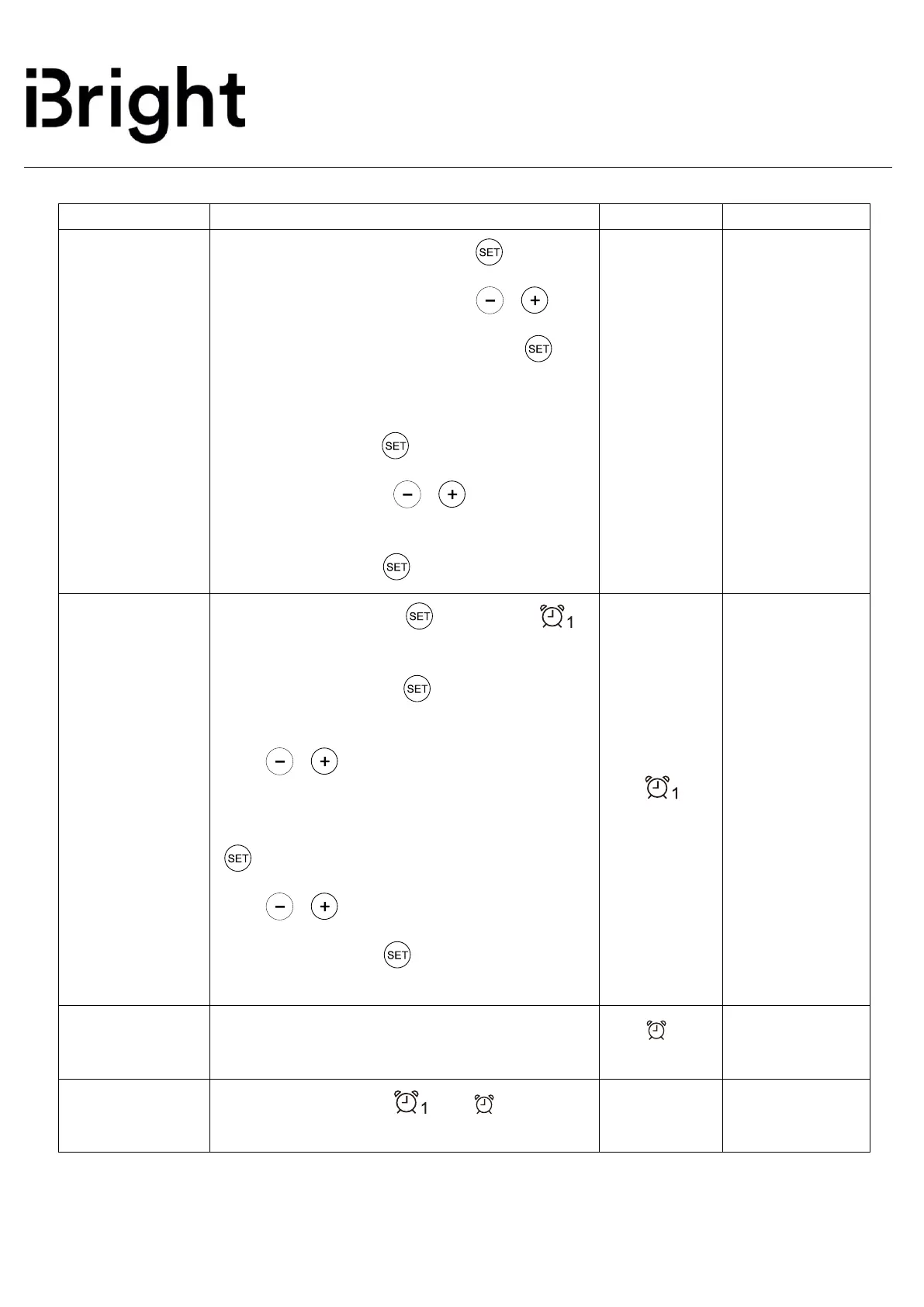
1. Hour setting: Long press the “ ” button
the Hour number flashes. Press “ ”/“ ” to
decrease/increase number. Long press “ ” to
finalize the correct hour clock setting.
2. To set Minutes: After the Hour number is
set, short press the “ ” button. The minute
number flashes. Press“ ”/“ ” to decrease /
increase number. When correct minute setting is
reached, long press “ ” to finalise the time.
1. Short press the “ ” button and
light turns on.
2. Long press the “ ” button and the
hour number flashes,
Press“ ”/“ ” to decrease/increase
number.
3. After Hour number is set, short press the
“ ” button and the minute number flashes.
Press“ ”/“ ” to decrease/increase
number. Long press “ ” to finalize the alarm
clock settings.


 To Next Page
 Loading...