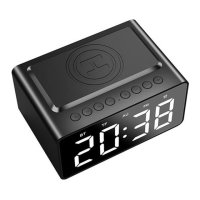
2.3 Pairing with Mobile phone or computer
2.3.1 Turn alarm clock on by long pressing the power button for 2 seconds. Pairing mode, “BT” light flashes fast.
2.3.2 On your mobile device, turn Bluetooth on in your settings menu.
2.3.3 Keep your alarm clock and mobile device within range. Begin searching for Bluetooth device on your mobile device,
and select “BT508” . If a password is required , enter “0000”. BT Light on screen will stop flashing once connected.
Tips: If your computer doesn’t have Bluetooth function or Bluetooth adapter version lower than 4.0, you can establish
connection via a Bluetooth USB adapter. (ie. Need to purchase your own adapter)
2.4 MP3 player via Micro SD card
MP3 music will automatically play once the Micro SD card is inserted and “TF” light on.
2.5 AUX audio line-in
Plug-in 3.5mm cable on side of clock. “AU “ light turns on. Open music app on mobile/computer to play music.
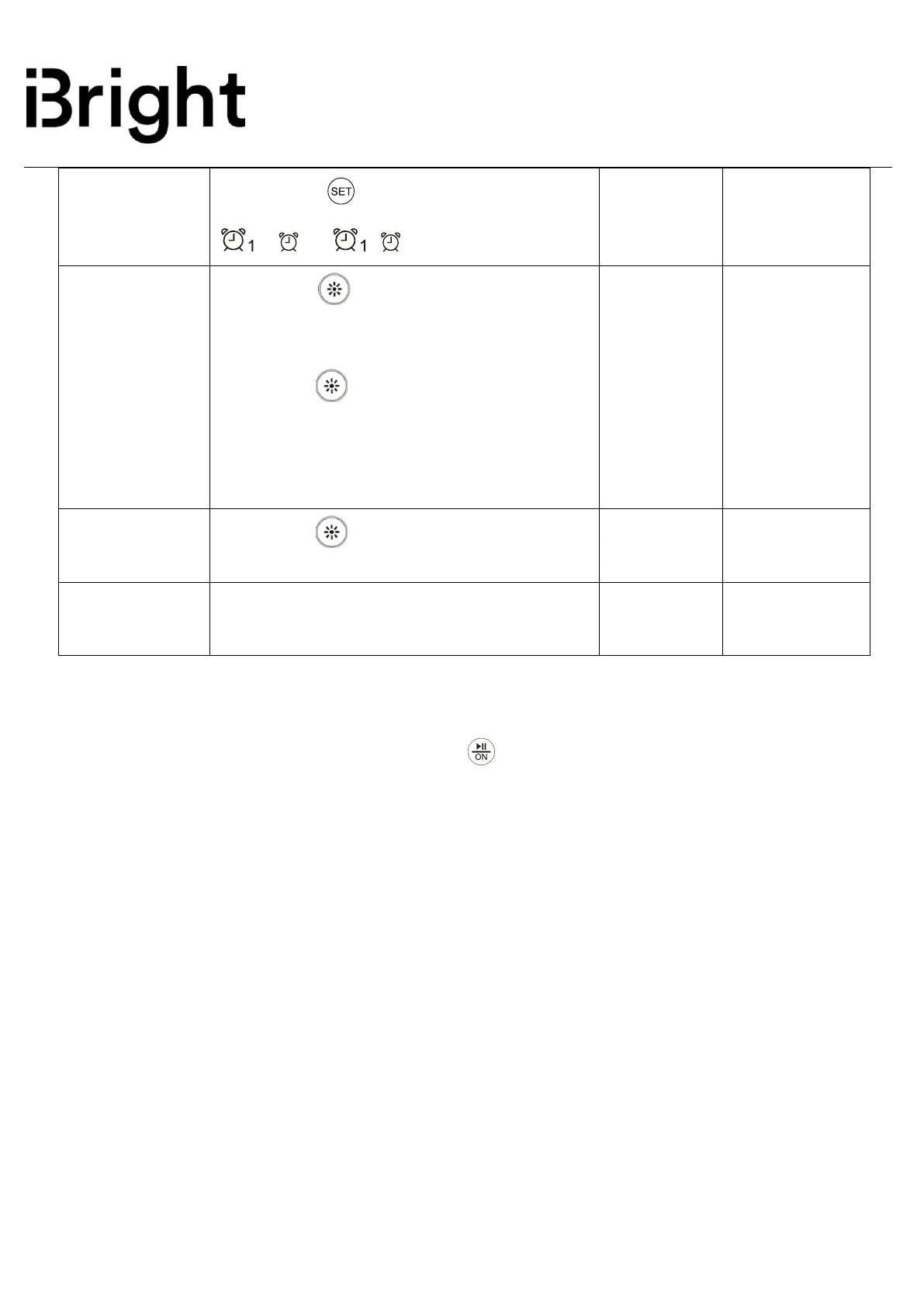
Short press “ ”to cycle clock brightness:
strong brightness(default)/normal brightness/
low brightness.
Long press “ ”to turn OFF/ON the LED
clock display.
Tips: To save power when using rechargeable
battery, the strongest brightness will auto-change
to low brightness after 5 minutes.


 To Next Page
 Loading...