EasyManua.ls Logo

ICAN SEH400RB - User Manual

ICAN SEH400RB
17 pages
Print Icon
To Next Page IconTo Next Page
Loading...
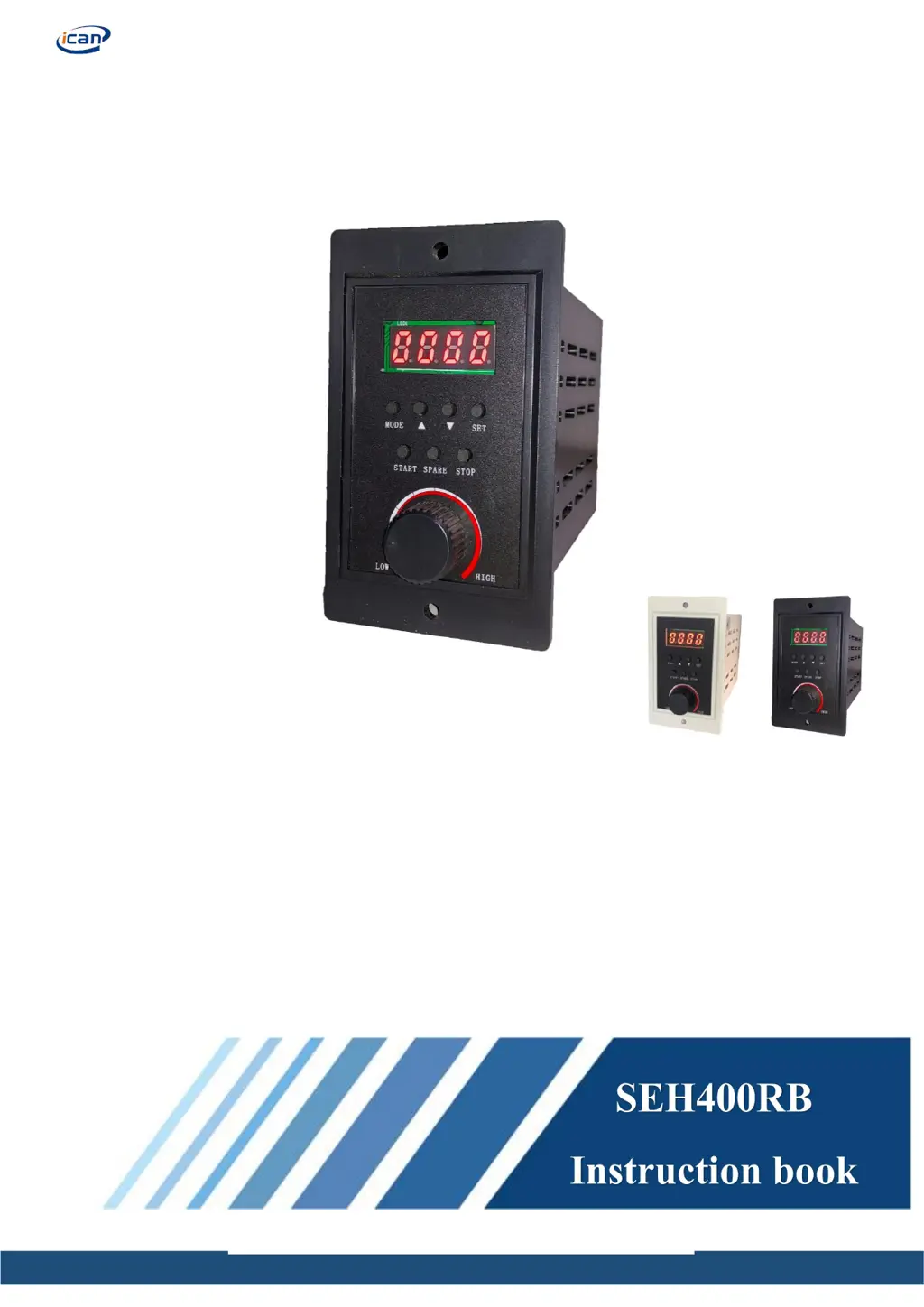
Brushless Motor Driver SEH400RB
_________________________________________________________________

Questions and Answers

Summary

Brief Instruction

Features

Lists key features of the BLDC driver including display, speed adjustment, and communication.

Electrical Performance and Environmental Indicators

Electrical Performance

Details voltage, current, power output, and motor speed specifications.

Environmental Indicators

Specifies cooling mode, usage conditions, and operating temperature range.

Driver Port and Function Description

Driver Port Overview

Illustrates and labels all external connection ports for motor, power, and sensors.

Terminal Connections

Provides a detailed list of signals, terminals, and their functions for wiring.

External Control Signal Circuits

Explains wiring diagrams for external control signals like start/stop and direction.

Output Circuit Descriptions

Details the output circuits for alarm and speed feedback signals.

Introduction to Panel Functions

Panel Function List

Lists functions available via the panel interface and their respective operation modes.

Panel Layout and Operation

Identifies the components of the driver's control panel and their primary functions.

Drive Panel Control Settings

Outlines the procedure for configuring drive parameters and settings via the panel.

Function Setting of External Control Port

Motor Start and Stop Control

Describes methods for starting and stopping the motor using panel or external signals.

Motor Direction Control

Explains how to control the motor's rotation direction via panel or external signals.

Speed Regulation Modes

Details various methods for controlling motor speed: knob, keys, and external voltage.

RS485 Communication

Explains the RS485 Modbus protocol, wiring, and communication parameters.

Alarm Description and Fault Handling

Alarm Code Details

Lists alarm codes, their causes, and corresponding troubleshooting procedures.

Alarm Reset Procedure

Provides instructions on how to reset alarms after addressing the fault conditions.

Troubleshooting

Troubleshooting Guide

Offers solutions for common operational issues and error phenomena with possible reasons.

After Sales Service

Warranty and Repair Information

Details warranty period, repair process, and limitations of product coverage.

Technical Support and Data Resources

Provides contact information for technical assistance and data download links.

ICAN SEH400RB Specifications

General IconGeneral
Rated Output Power400W
Rated Input Voltage220VAC
Output Power400W
Communication InterfaceRS485
Protection FeaturesOvercurrent, Overvoltage, Undervoltage, Overtemperature