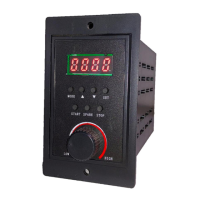
Brushless Motor Driver SEH400RB
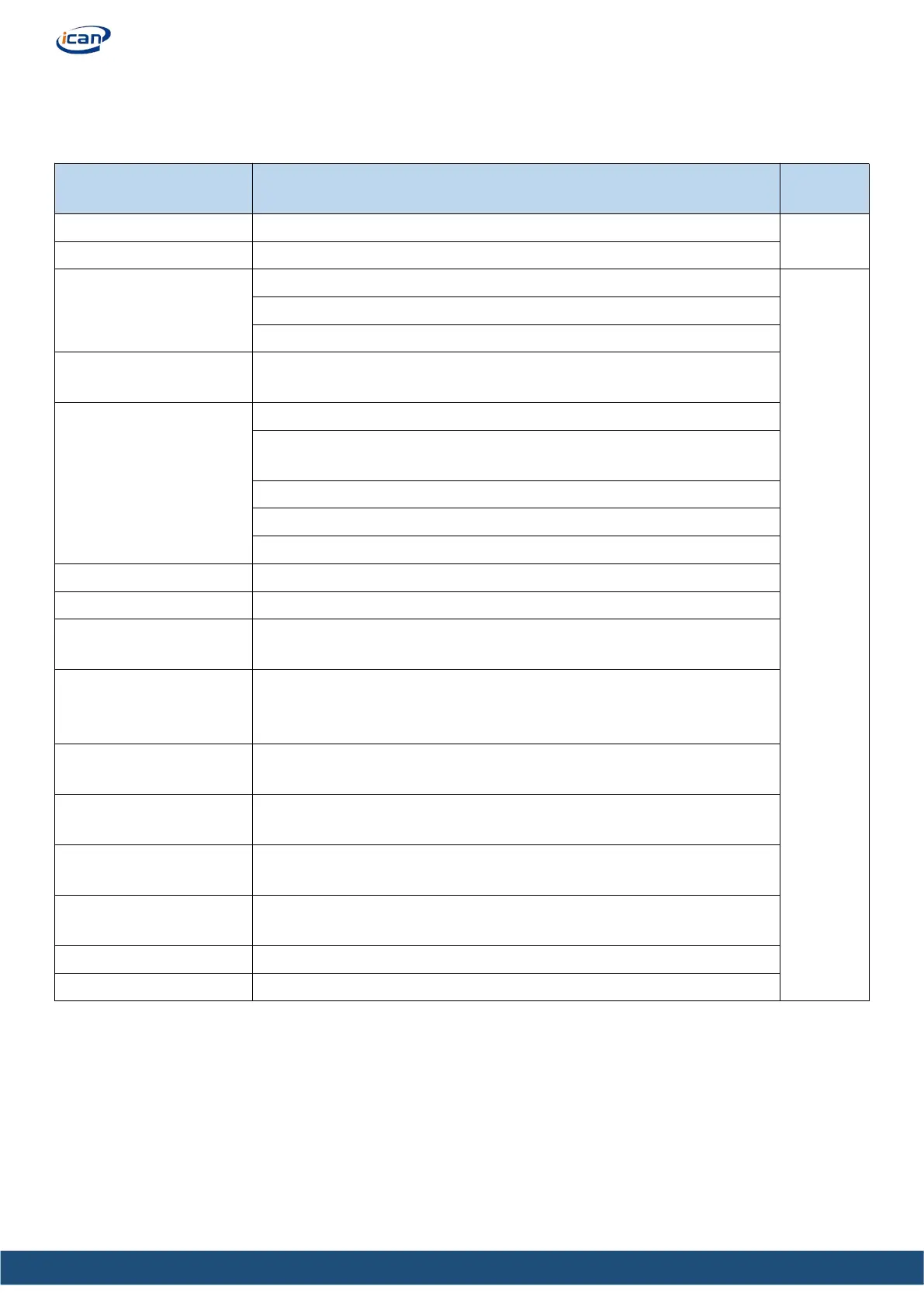
5 Introduction to panel functions
5.1Panel functions
Drive cooling temperature display
Speed regulation mode
selection
0. Internal knob speed regulation
1. External analog speed regulation
2. Key speed regulation or 485 speed regulation
Step size is 100RPM; The set speed is lower than (400rpm/ pole
pairs) and the motor does not rotate;
1.Enter the relevant menu through the panel key to set the forward
rotation;
2.Enter the relevant menu through the panel keys, and set the reversal
4.Direction port control.(F/R, EN)
Set the speed ratio of the reducer;
Display the alarm code and press SET to reset the alarm
Set the pole pairs of the adaptive motor (It is not recommended to
change the pole pairs during motor operation);
Set the under speed time. (E.g, set it as 5s, when the speed of the
motor is less than 50% of the set speed for over 5s, the motor will
stall.)
Set the upper limit of the speed (it is recommended to set it to the
maximum speed of the motor);
Acceleration and
deceleration time setting
Set the ACC and DEC time through the panel keys
;
485 communication
address control
Select and control 485 communication address in steps of 1;
485 communication rate
setting
Set the 485 communication rate in steps of 1;
Indicates the status of each IO port, read-only;
Restore the operation data to the factory setting
;


 To Next Page