More information about Icare LINK software
http://www.icaretonometer.com/products/icare-link/
LINK
Connected
WARNING!
For cybersecurity do not connect to the USB port except when uploading patient
measurement data using the Icare LINK software or when upgrading the HOME TA022
software using the Icare LINK software. Also the tonometer does not allow you to take any
measurements when the USB is connected. All other traditional cybersecurity controls (anti-
virus software, malware software, separate network for the device, etc.) do not apply since the
device is stand alone, is not networked, and does not contain operating system software.
The tonometer stores information on every complete measurement sequence of six
measurements. The stored information includes the calculated nal eye pressure
reading in mmHg, time and date of the measurement, identication of the eye (right
or left) and the quality level of the measurement.
Uploading is easy:
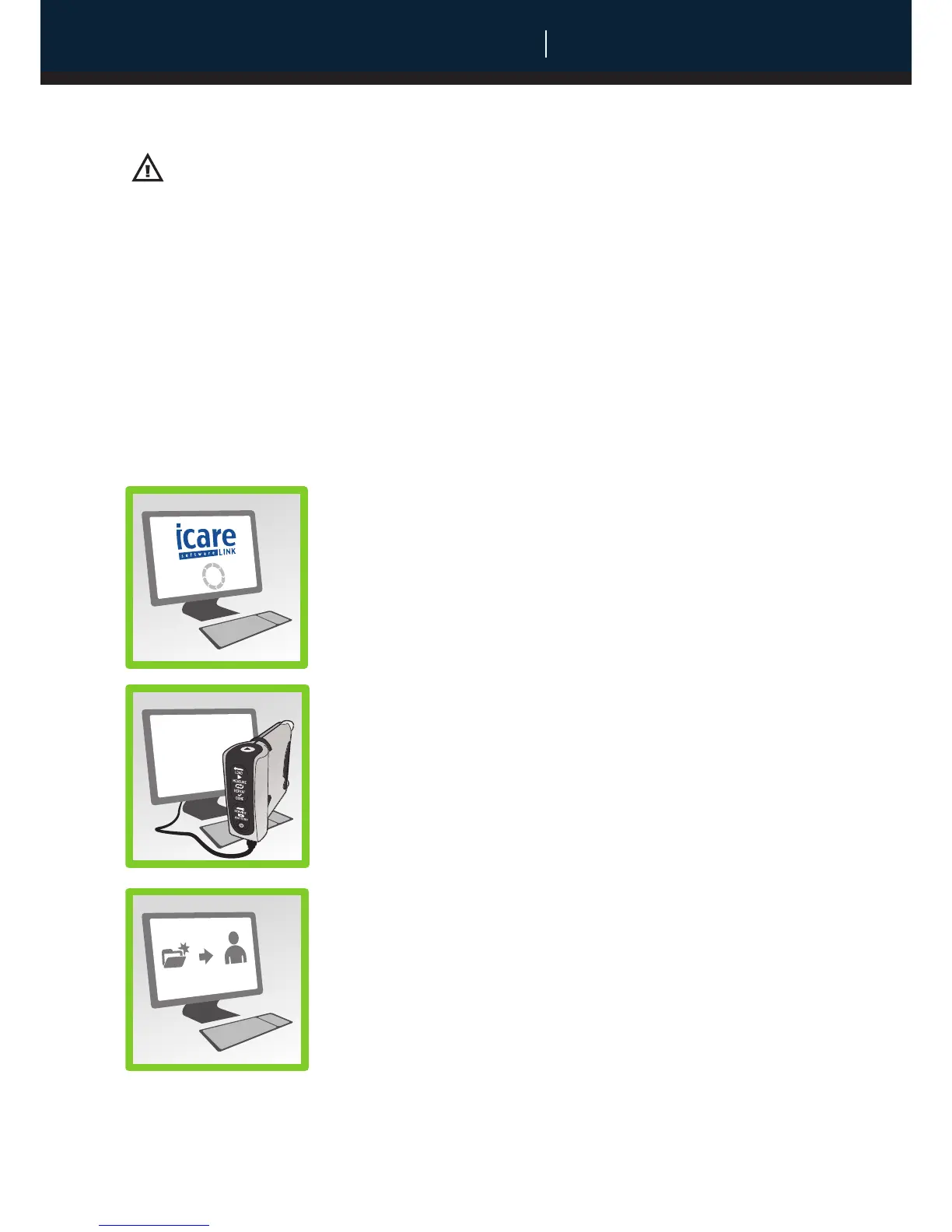
1. Start Icare LINK software in your PC.
2. Connect the tonometer to the PC using the USB cable. The
Load and Measure lights will flash. If no lights flash or the
Service and Battery lights flash, reconnect the USB cable.
3. The internal clock of the tonometer is automatically
updated to the PC’s time by the Icare LINK software at this
point.
4. Copy the data to a selected patient in the Icare LINK
software.


 To Next Page