iCarsoft English User’s Manual
10
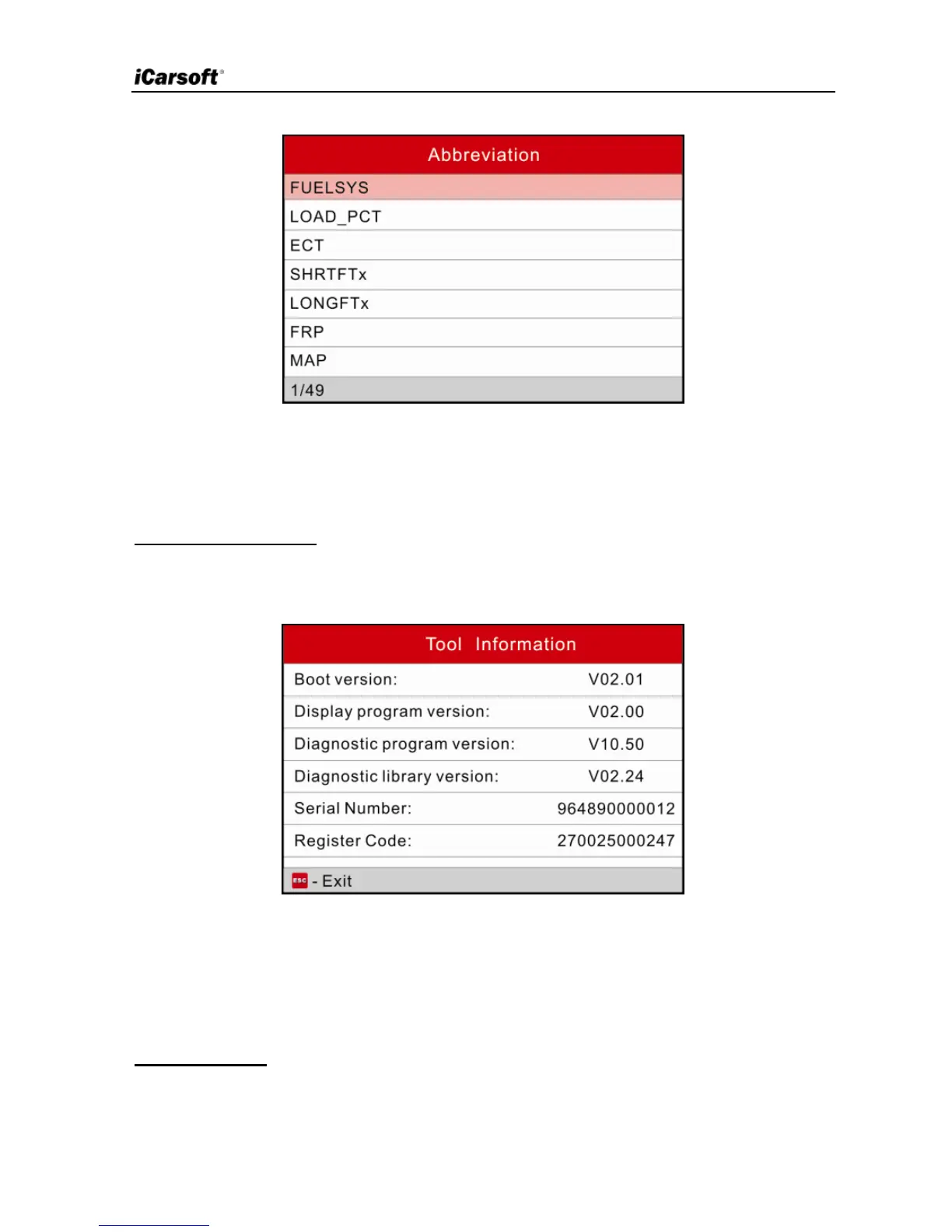
Figure 3-5
Press [►]/[◄] to turn to next or previous page; press [▲]/[▼] to select different
items, and then press [OK] to view its full name and explanations.
4) Tool Information
In Figure 3-3, select [Tool Information] and press [OK] to view the related
information of iCarsoft Serial products / CR Plus.
Figure 3-6
Note:
You are strongly recommended to note down the Serial Number and
Register Code in Figure 3-6 since these 2 pieces of information are required
while registering your iCarsoft Serial products / CR Plus.
5) About OBD
This option allows you to have a general knowledge of OBD.


 To Next Page