iCharger Synchronous Balance Charger/Discharger 3010B
Data save/load program
The iCharger has a storage and load program for your convenience. This feature can store up to 10 battery
datasets by number. Each dataset represent your settings for a particular set of batteries. Datasets can be
reloaded for charging or discharging to save having to re-enter all the parameter values again by hand.
Data save program
Data load program
Note: As for the ―LOAD SETTING‖ program. You can load in any of the numbers you have saved in the
―SAVE SETTING‖ from ―00-09‖, for example, when you finish the last setting of
NiMH FORMING CHG
1.0Ah 7.2V (6S)
then you save it as 01 in the saving settings, and in the load setting, when you set ―memory 01‖ and
press ‖Start‖ button to load, and then the interface will display the
NiMH FORMING CHG
1.0Ah 7.2V (6S)
And use the current information directly.
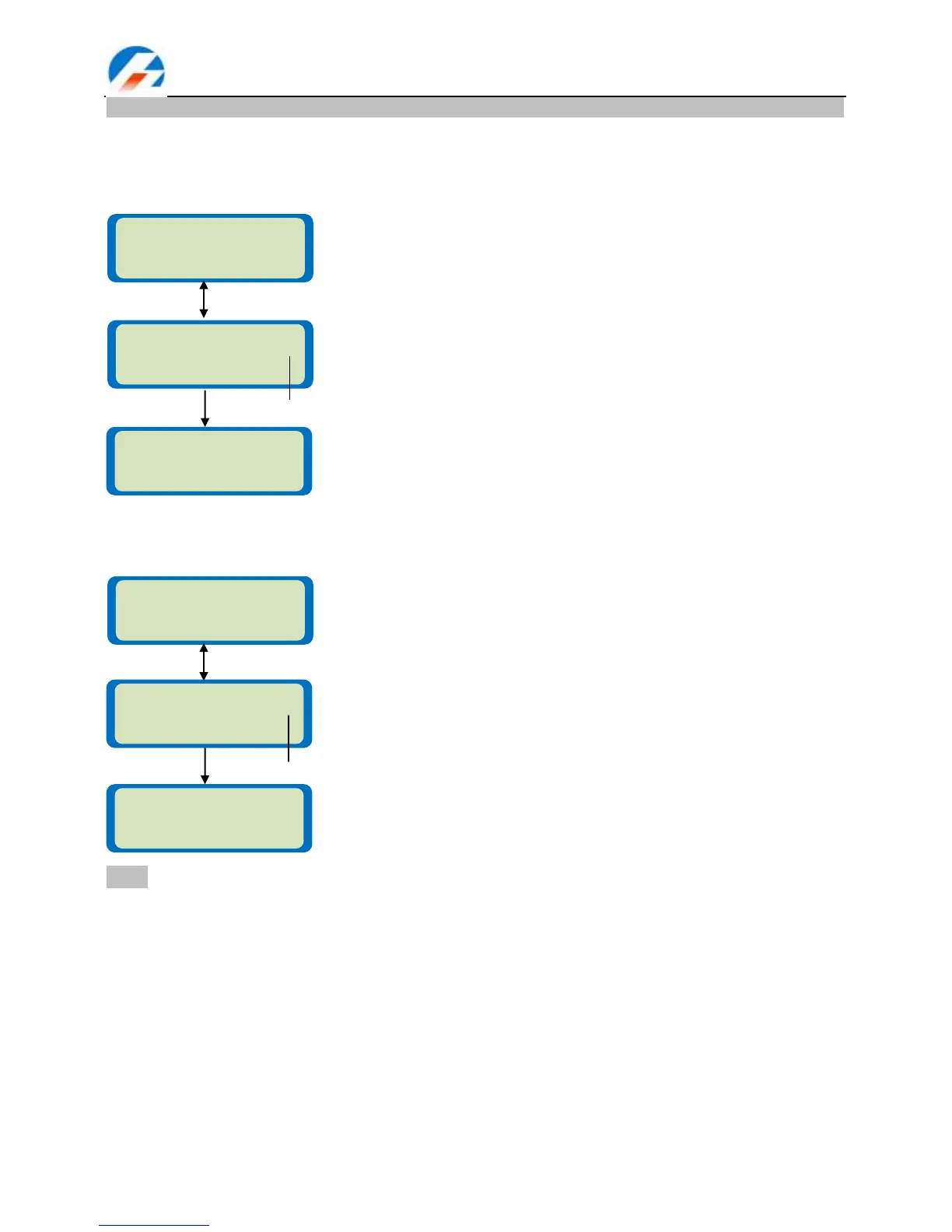
SAVE SETTINGS 00
memory0_
This screen displays the data save program. You can press Dec &
Start/Enter button for 3 seconds to enter this interface directly.
In the first line, number ―00‖ refers to the target memory number the user
wants to choose. In the second line, the ―memory0_‖ refers to the character
the user wants to input. Press Inc / Dec button to walk letters, and then
press Start/Enter button to confirm the chosen letter and moves to the nest
letter position, when you finish the character, press Start/Enter button twice
to confirm the character. You can delete a wrong chosen letter by pressing
Batt type/Stop button. Hold Start/Enter button for more than 3 seconds to
save the currently displayed name. Hold Batt type/Stop button to exit
without saving changes done.
Storage number: 00 – 09
Storing all of the current data into the specified memory location.
This screen displays the data load program. You can press Inc &
Start/Enter button for 3 seconds to enter this interface directly.
In the second line, ―memory0‖ refers to the source memory number the user
wants to choose. Press Start/Enter for more than 3 seconds to start the
process.
Memory location number: 00 – 09
Load all parameters values from the selected location.
PROGRAM SELECT
Save settings
PROGRAM SELECT
Load settings



 To Next Page