DX12
Dual Balance Charger/Discharger/DC Power
USB & SD Card Use
DX12 is the HID device of USB, supported by windows system directly, dispense with installing additional drivers. The
USB icon will light up on the lower right corner of the screen when the DX12 connects with computer normally.
The SD icon will light up on the lower right corner of the screen when the SD card is inserted. If DX12 connects with the
USB without running a program, the new added U disk can be found on the "My Computer” of the PC, and can operate the
file. Log files are stored in the X: \ Junsi \ DX12 \Log folder and config. files are stored in the X:\Junsi\DX12\System folder.
1. The file system of SD card must be FAT, FAT32 or exFAT.
2. Data in SD card needs to be backed up in case it is lost.
Setup of Different Batteries
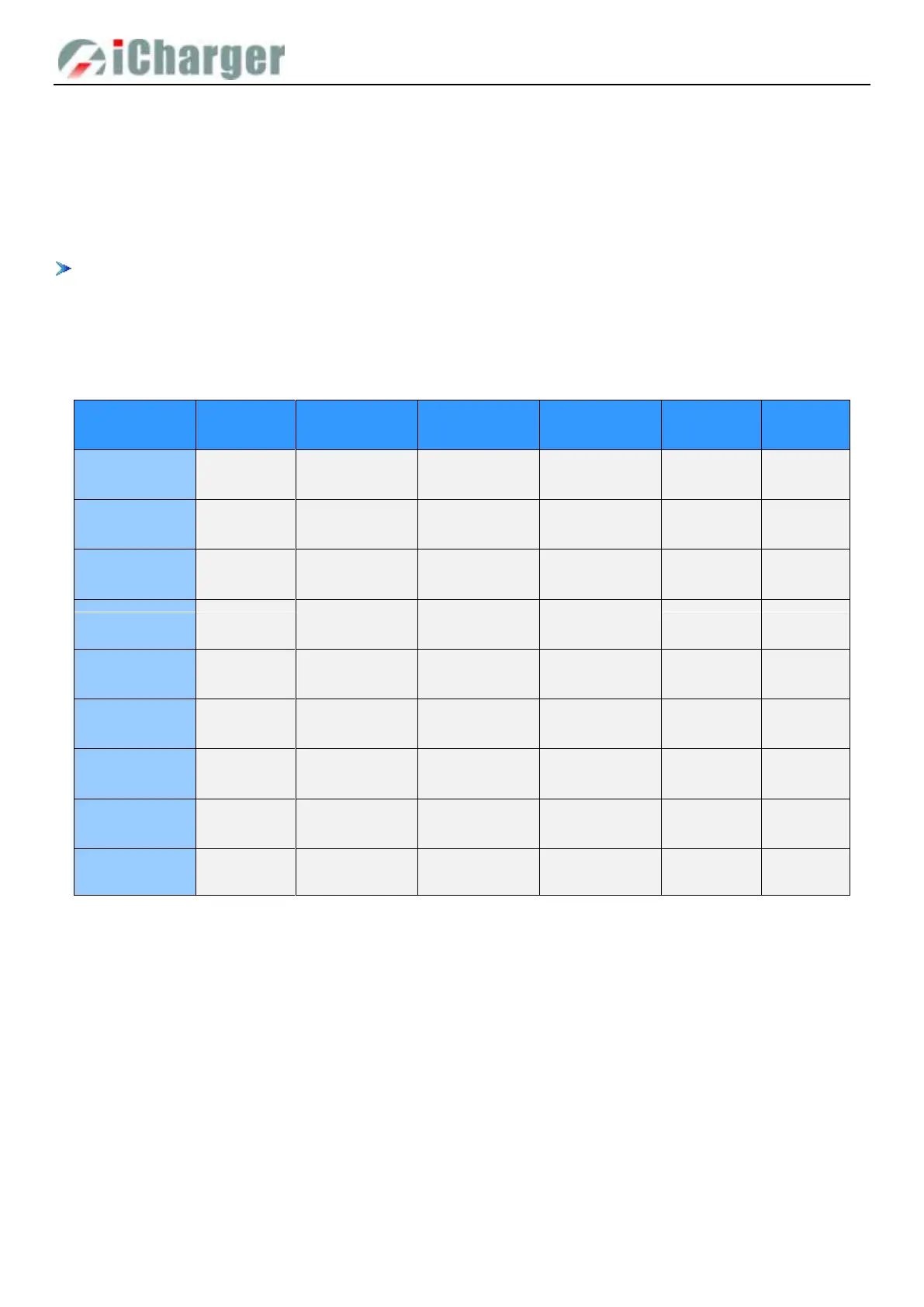
The following form shows specific range of different batteries:
3.85V--4.35V
Default: 4.20V
3.00V—4.10V
Default: 3.50V
3.70V—3.90V
Default: 3.85V
3.75V—4.35V
Default: 4.10V
2.50V—4.00V
Default: 3.50V
3.60V—3.80V
Default: 3.75V
3.30V—3.80V
Default: 3.60V
2.00V—3.50V
Default: 2.50V
3.10V—3.40V
Default: 3.30V
3.90V—4.45V
Default: 4.35V
3.00V—4.25V
Default: 3.60V
3.75V—4.10V
Default: 3.90V
2.50V—3.10V
Default: 2.85V
1.50V—2.90V
Default: 1.80V
2.40V—2.60V
Default: 2.50V
1.20V—2.00V
Default: 1.90V
0.90V—1.60V
Default: 1.10V
1.00V—4.60V
Default: 1.00V
0.50V—4.50V
Default: 1.00V
1.00V—4.50V
Default: 1.00V
2.00V—2.60V
Default: 2.40V
1.50V—2.40V
Default: 1.80V



 To Next Page