4
EN
Volume Limit Gear Switching
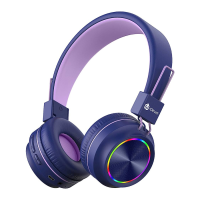
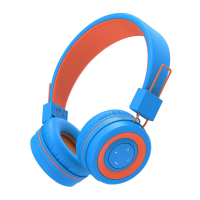
1. Press the MFB and light mode button simultaneously once and the
volume limit switch to 74dB with the voice prompt “74dB”.
2. Press the MFB and light mode button simultaneously twice and the
volume limit switch to 85dB with the voice prompt “85dB”.
3. Press the MFB and light mode button simultaneously 3 times and the
volume limit switch to 94dB with the voice prompt “94dB”.
Note:
The default volume limit is 85dB. Once the volume limit is set, it will
keep until manually changed.
Audio Sharing
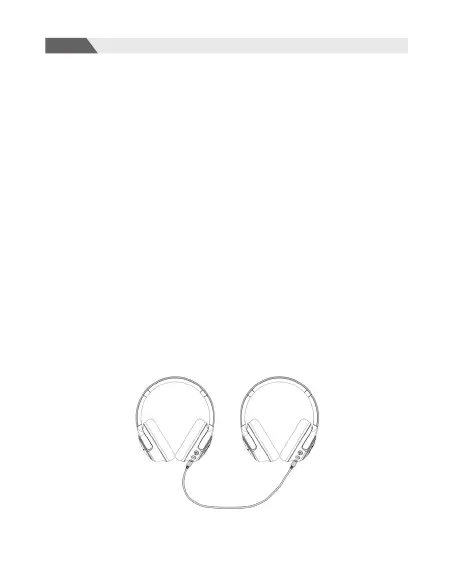
This headphone boasts an audio-sharing function. While the BTH18 is
connecting a device through Bluetooth, use the included 3.5mm audio
cable to connect another device and share the audio.


 To Next Page