5
EN
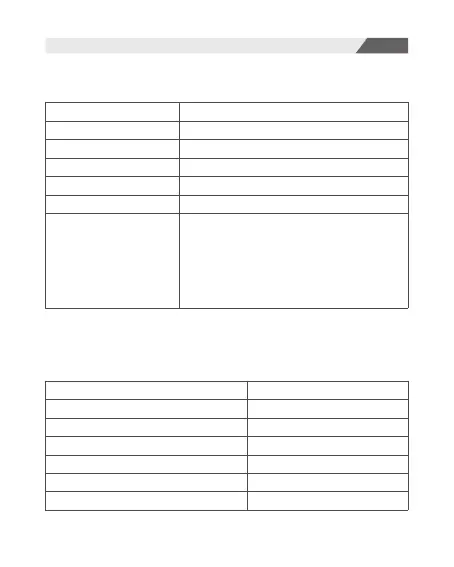
Operation of Buttons
Voice Prompt
Power ON
Power OFF
Entering Paring Mode
Pairing
Successful Bluetooth Connection
Bluetooth Disconnection
Low Battery Alarm
Power on
Power off
Ready to Pair
Pairing
Connected
Disconnected
Battery Low
Next Track:
Previous Track:
Play/Pause:
Answer / End Calls:
Reject Calls:
Activate / Deactivate SIRI:
Clear the Paring List:
Press the MFB twice.
Press the MFB 3 times.
Press the MFB.
Press the MFB.
Press and hold the MFB for 2s.
Press and hold the MFB for 2s.
Press and hold the MFB and light mode button
simultaneously for 4 seconds in the power-on
state to clear the pairing list; then the headphone
will clear the pairing list and enter pairing mode
automatically with the indicator light flashing in
red and blue alternatively.


 To Next Page