6
EN
Specications
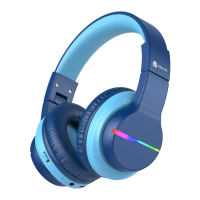
How to Charge the Headphone
Connect the Type-C cable to the Type-C port on the headphone, and a
5V power outlet (a power adapter is not included). when charging, the
headphone will turn off automatically and the RGB light goes off. The
indicator light will glow red to indicate charging. When the headphones
are fully charged, the indicator light will always glow in blue.
Frequency Range
Max. Transmission Power
Type of Battery
Battery Capacity
Battery Voltage
2.4GHz-2.482GHz
4dBm
Li-Polymer Battery
3.7V 500mAh
DC 5V 1A


 To Next Page