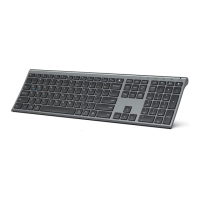
Connect your device
Pairing with devices
Pairing with 1
st
device
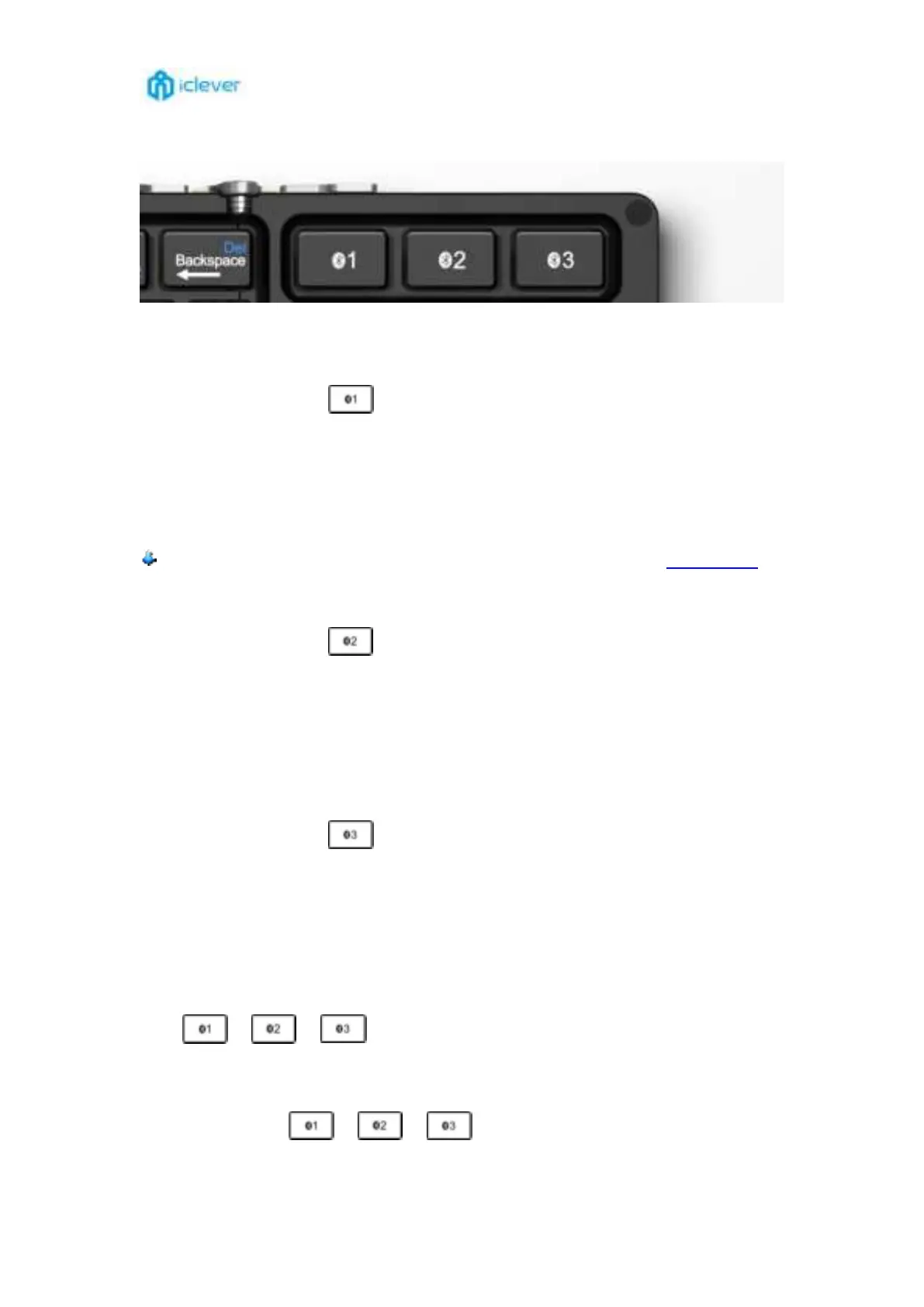
1. Unfold the keyboard to power it on, ①②③ indicator will turn to be blue for 3 seconds.
2. Hold and press key of
for 5 seconds to enter pairing mode in channel 1 until the
indicator ① flash blue quickly.
3. On your device, under Bluetooth, find the Bluetooth name “iClever IC-BK08 Keyboard” and
click to connect.
4. The indicator ① will turn off once paired successfully.
You can also make the connection to your new keyboard by watching our video tutorial.
Pairing with 2
nd
device
1. Hold and press key of
for 5 seconds to enter pairing mode in channel 2 until the
indicator ② flash blue quickly.
2. On your device, under Bluetooth, find the Bluetooth name “iClever IC-BK08 Keyboard” and
click to connect.
3. The indicator ② will turn off once paired successfully.
Pairing with 3
rd
device
1. Hold and press key of for 5 seconds to enter pairing mode in channel 3 until the
indicator ③ flash blue quickly.
2. On your device, under Bluetooth, find the Bluetooth name “iClever IC-BK08 Keyboard” and
click to connect.
3. The indicator ③ will turn off once paired successfully.
Switch among connected channel
Press
/ / to switch among the connected devices.
Re-pairing connected channels
Holy and press key of / / for 5 seconds, it will enter pairing mode again.
On your device find the Bluetooth name “iClever IC-BK08 Keyboard” and click to connect.


 To Next Page