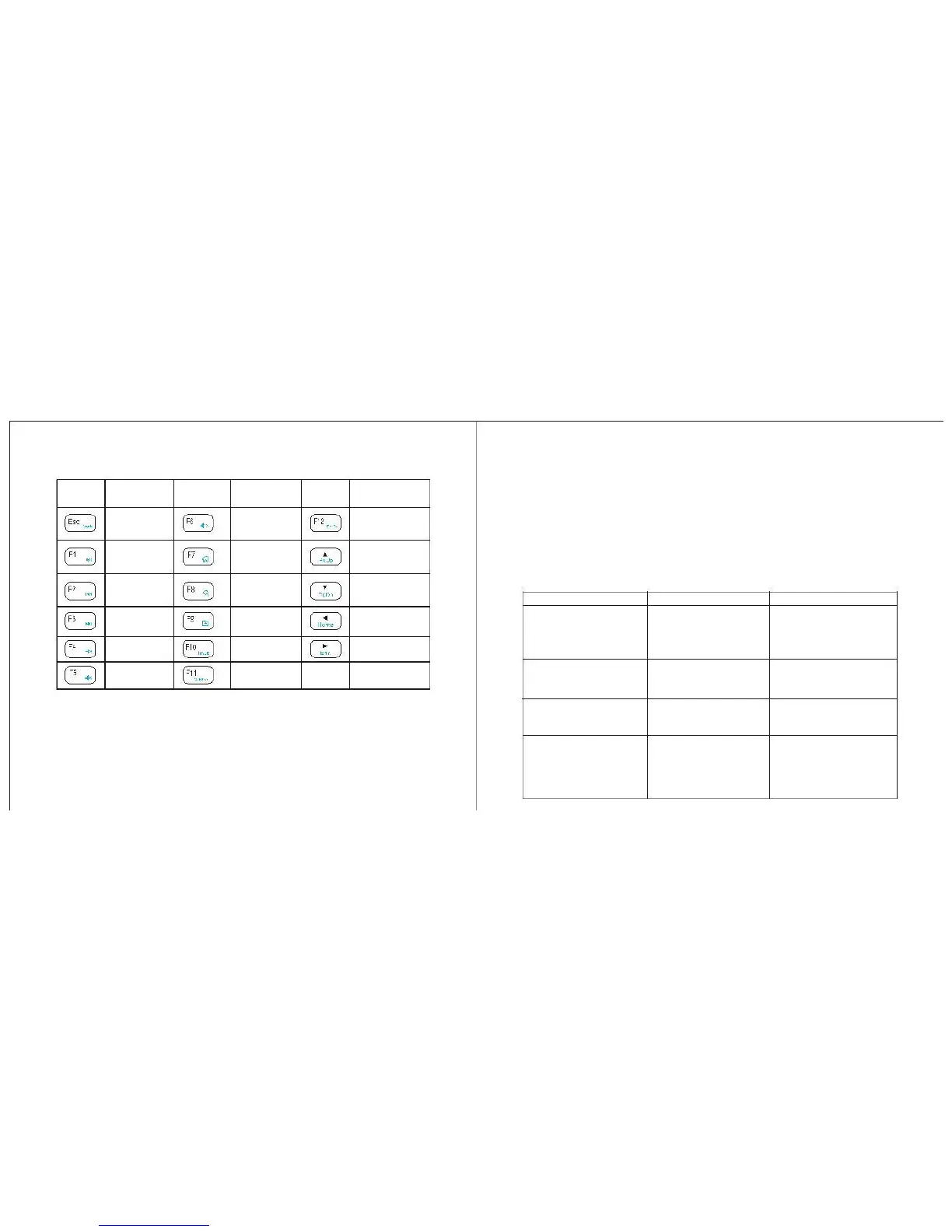
VIII. Function Keys Analysis
This keyboard will automatically enter sleep mode if left idle for around 10
minutes. To activate it, press any key (not the touchpad area).
Play/Pause
Last track
Next track
The following troubleshooting table is intended to provide you with self-help
assistance.
Keyboard does
not respond.
●The battery may run out
of power.
●Replace with 2pcs new
AAA batteries.
●Check the power switch.
●The keyboard may have
been turned off.
Keyboard cannot establish The receiver may not be
a connection to the receiver. inserted correctly.
●Disconnect and reconnect
the receiver to the USB port.
●Try another USB port.
Note: Keys (with blue letters) only function when they are pressed together with
the Fn key.
Some letters do not appear The keyboard may not be
within the optimal range of to the receiver.
the receiver.
The mouse pointer is
unresponsive, or moves
erratically.
●The keyboard may not be ●Move the keyboard closer
within the optimal range of to the receiver.
the receiver.
●Clean the touchpad with a
damp cloth.
●There may be dust or oil


 To Next Page