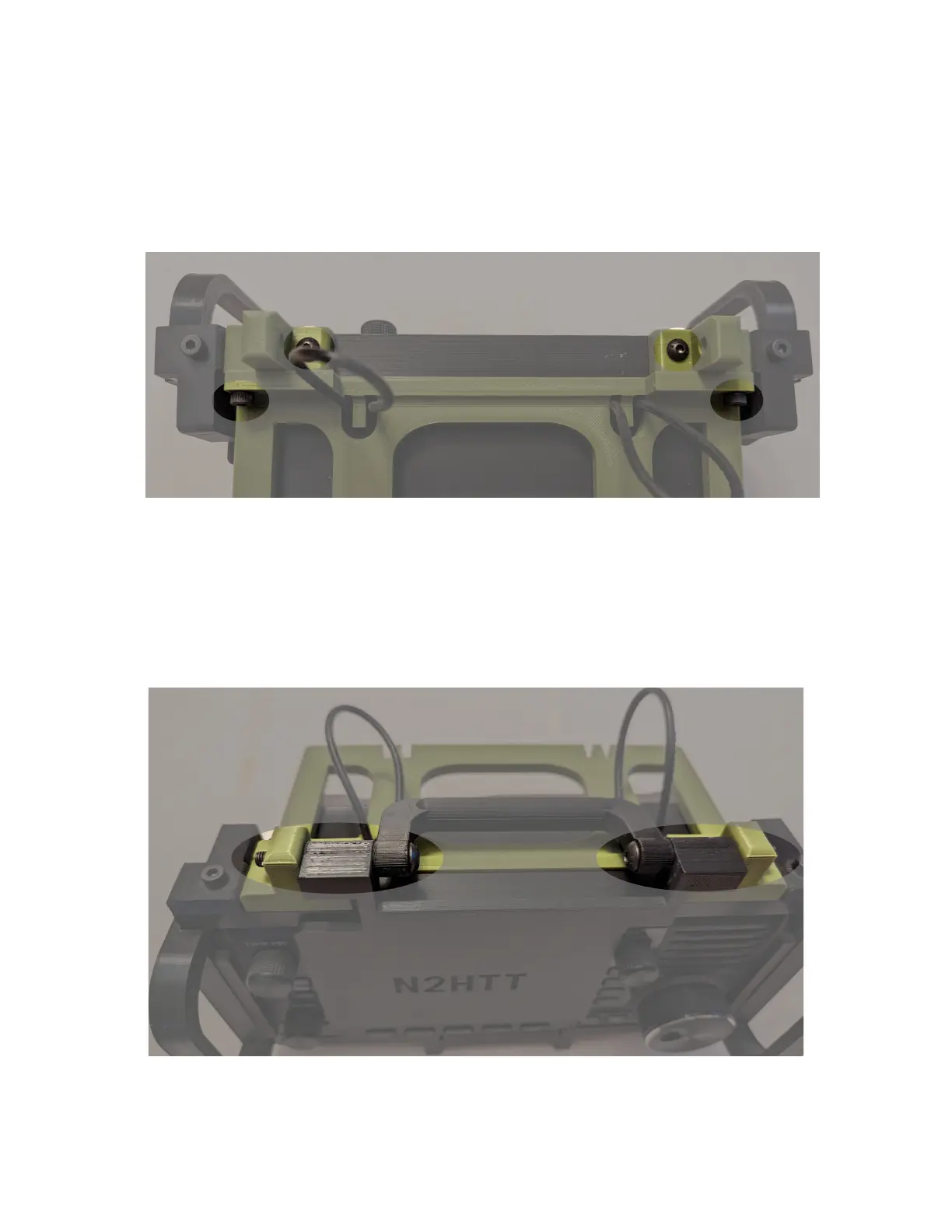
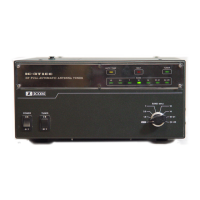
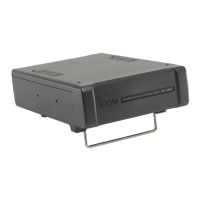
6. Attach the brackets holding the tray to the frame, using the screws you put aside in step 3. Line
the brackets up flush with the front of the frame, and tighten securely. Then you can fully
tighten the socket head screws holding the tray to the brackets.
7. Now you can replace the handle and frame assembly, threading the bolts through the holes in
the new brackets. This can be a bit easier if you sight through the bracket holes from the sides,
to get the bolts started. Once the bolts are through, replace the nylon nuts you put aside in step
1, and adjust the tension of the handle and screen cover to your preference.



 To Next Page