12
4
PROGRAMMABLE FUNCTIONS
‘‘
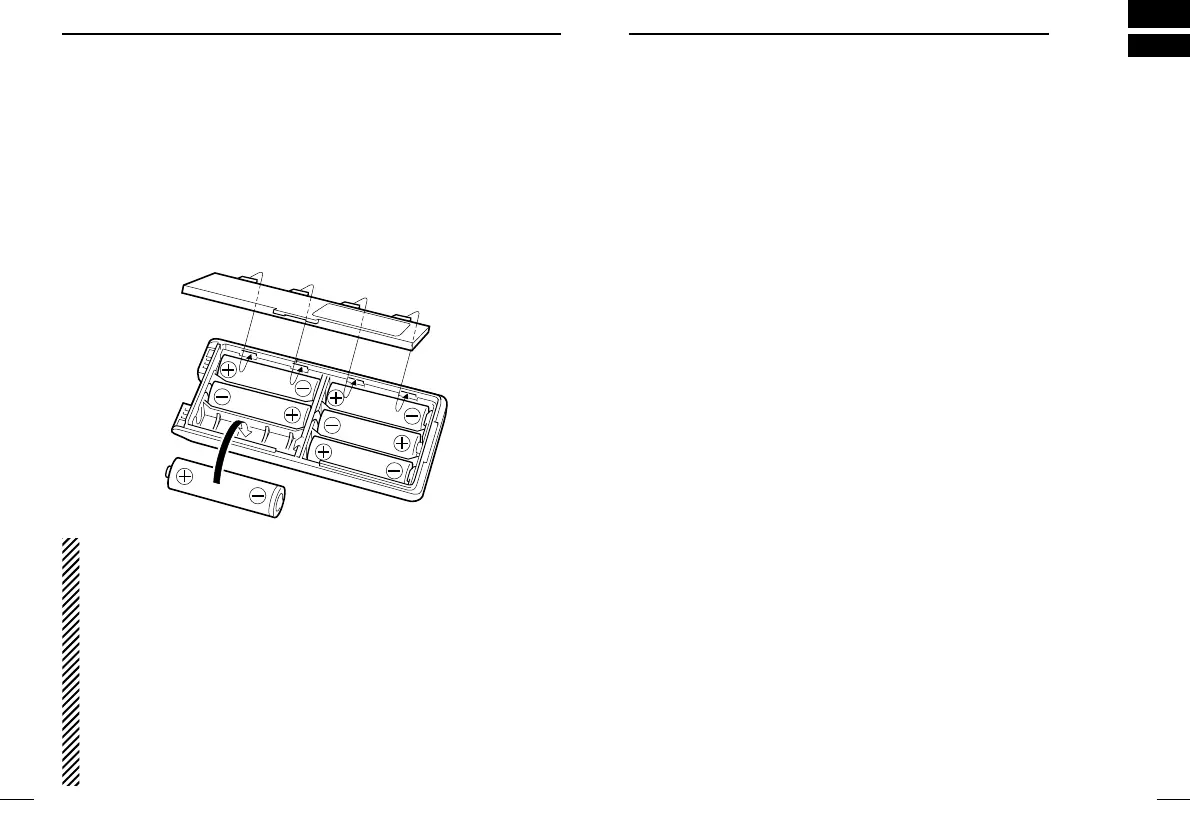
Battery case (Option)
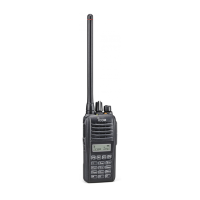
When using a BP-208 OPTIONAL BATTERY CASE attached to the
transceiver, install 6 AA (R6) size alkaline batteries as illustrated
below.
NOTE: Output power is automatically reduced to 1 W to retain suffi-
cient power in case of an emergency, etc.
DD
CAUTIONS
• Use ALKALINE batteries only.
• Make sure all battery cells are the same brand, type and ca-
pacity.
• Never mix old and new batteries.
Either of the above may cause a fire hazard or damage the
transceiver, if ignored.
• Never incinerate used battery cells since internal battery gas
may cause them to rupture.
• Never expose a detached battery case to water.
If the battery case gets wet, be sure to wipe it dry before using
it.
11
3
BATTERY PACKS
‘‘
General
In the following explanations, programmable function names are
bracketed, the specific switch used to activate the function depends
on programming.
DD
KEY LOCK FUNCTION1/2
This function locks access to all programmable switches (except
the switch assigned for the lock function):
Lock1: All Key Lock (except Lock key).
Lock2: Channel select switch Lock.
Push and hold the [Lock1] or [Lock2] switch for 1 sec. to toggle the
lock function ON and OFF.
• This function may be inhibited on some channels.
DD
PRIORITY CHANNEL
This function is used to select a pre-programmed channel at the
push of a switch.
Push the [PrioA], [PrioA(Rewrite)] or [PrioB] switch to select the pri-
ority channel.
• Priority channel is automatically selected.



 To Next Page
 Loading...