Back button
Select to return to the main menu.
Presets
The Audio4c is capable of saving your custom configuration in a single on-board memory slot.
Save
To save the current configuration of your Audio4c, navigate to the [Presets] page and click the blue
[Save] button at the top left. Your configuration is now saved to the single on board memory slot.
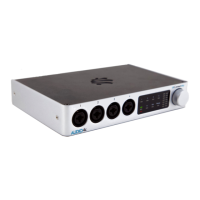
You may also save the current settings to the AUDIO4c by single-clicking the rotary encoder on the
right side of the Interactive on the AUDIO4c front panel. After clicking the rotary encoder once to
save, the bottom 4 LEDs marked [48v] through [Phones] will flash an amber color twice to signal
success.
Load
To recall a saved configuration in the future,navigate to the [Presets] page again and click [Load].
Your working configuration will be lost and updated with your last saved configuration.
Note: Some global settings like port names are not overridden by loading.
AUDIO4c User Guide v2021-0002 Page 23


 To Next Page