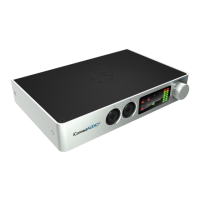
Install Auracle X and upgrade your PlayAUDIO1U Firmware
Before you begin using your PlayAUDIO1U, we recommend that you upgrade your unit's firmware to the latest version using iConnectivity's Auracle
for X application. Follow these steps to install the Auracle X software and perform the firmware upgrade:
1. Download the latest version (2.0.0) of the Auracle X software installer.
a. Navigate to https://www.iconnectivity.com/playaudio1u and follow the instructions for downloading the Auracle X software installer
specific to your computer.
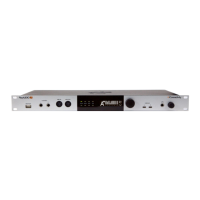
b. Connect your to the USB DAW port A on the front panel of your PlayAUDIO1U unit.
2. Launch the iConnectivity Auracle X installer file. Connect your computer to the internet. Then, with your computer connected to the
PlayAUDIO1U, double-click the iConnectivity Auracle X installer.
3. Accept the firmware upgrade if your unit detects that newer firmware is available. The Auracle X software will prompt you to upgrade if a
newer firmware version is available. Verify that your device is connected to USB DAW port A and click Yes to continue with the upgrade. An
Upgrade Complete prompt will appear when the process completes, at which point Auracle X's Device Info page will refresh with your
PlayAUDIO1U's device statistics.


 To Next Page