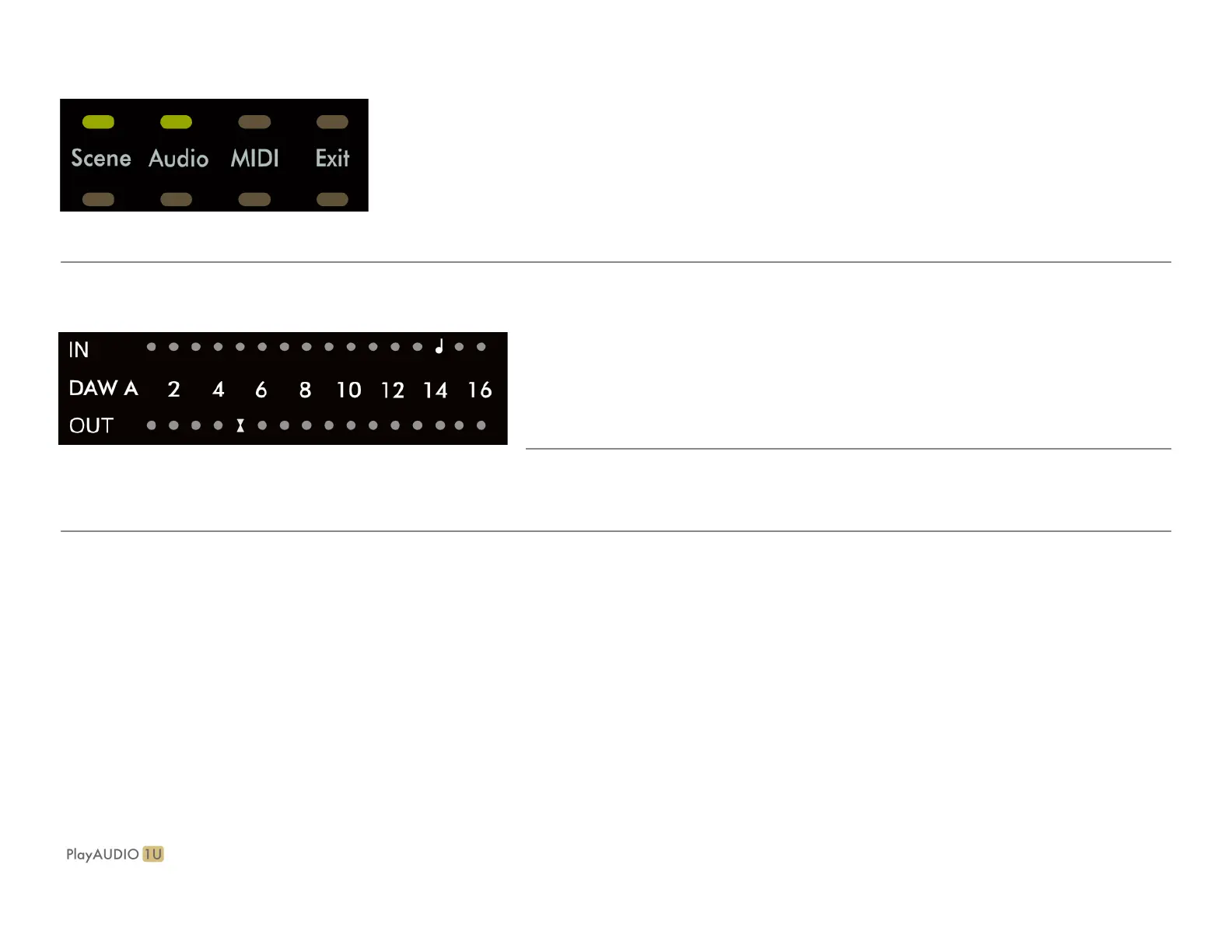
Audio: Touch to access the Audio menu page. Once the Audio page is active, use the rotary encoder to:
1. Turn to scroll through audio outputs between all, and 1-12 singularly.
2. Short press to select the highlighted audio output or all-output group.
When a single output or the all-output group is selected, turn to raise or lower the output level.
3. Short press again to exit to the main Audio page.
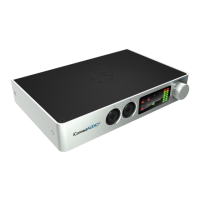
MIDI: Touch to access the MIDI menu page. Once the MIDI page is active, use the rotary encoder to:
1. Turn to cycle between MIDI port monitor pages: DAW A, DAW B, RTP, USB, DIN.
2. Tap has no function.
Exit: Touch to exit back to the main page.


 To Next Page