© 2014 ICS, Blount International Inc. Specications are subject to change without notice. REV021414 F/N 566100
890 SERIES OPERATOR’S MANUAL
8
SET-UP
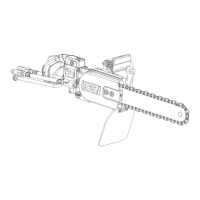
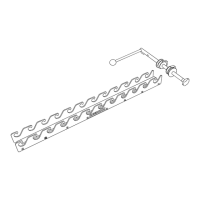
GUIDE BAR AND DIAMOND CHAIN INSTALLATION
STEP 1
Loosen the side cover nuts and
remove the side cover and bar
clamp plate.
STEP 2
Place the bar onto the studs and the
chain adjustment pin.
STEP 4
Mount the chain on the bar starting
at the drive sprocket & continue
over the bar nose.
STEP 3
Turn the chain-tensioning screw
CCW until the bar comes into
contact with the drive sprocket.


 To Next Page
 Loading...