87
SureTest Measurements
Use the down arrow (
↓
) and side arrow (→ ) buttons to navigate through
the measurement menu as outlined in the menu buttons section of this man-
ual. There are four measurement menu options; line voltage, voltage drop,
ground-neutral voltage and line impedance.
Line Voltage Measurements
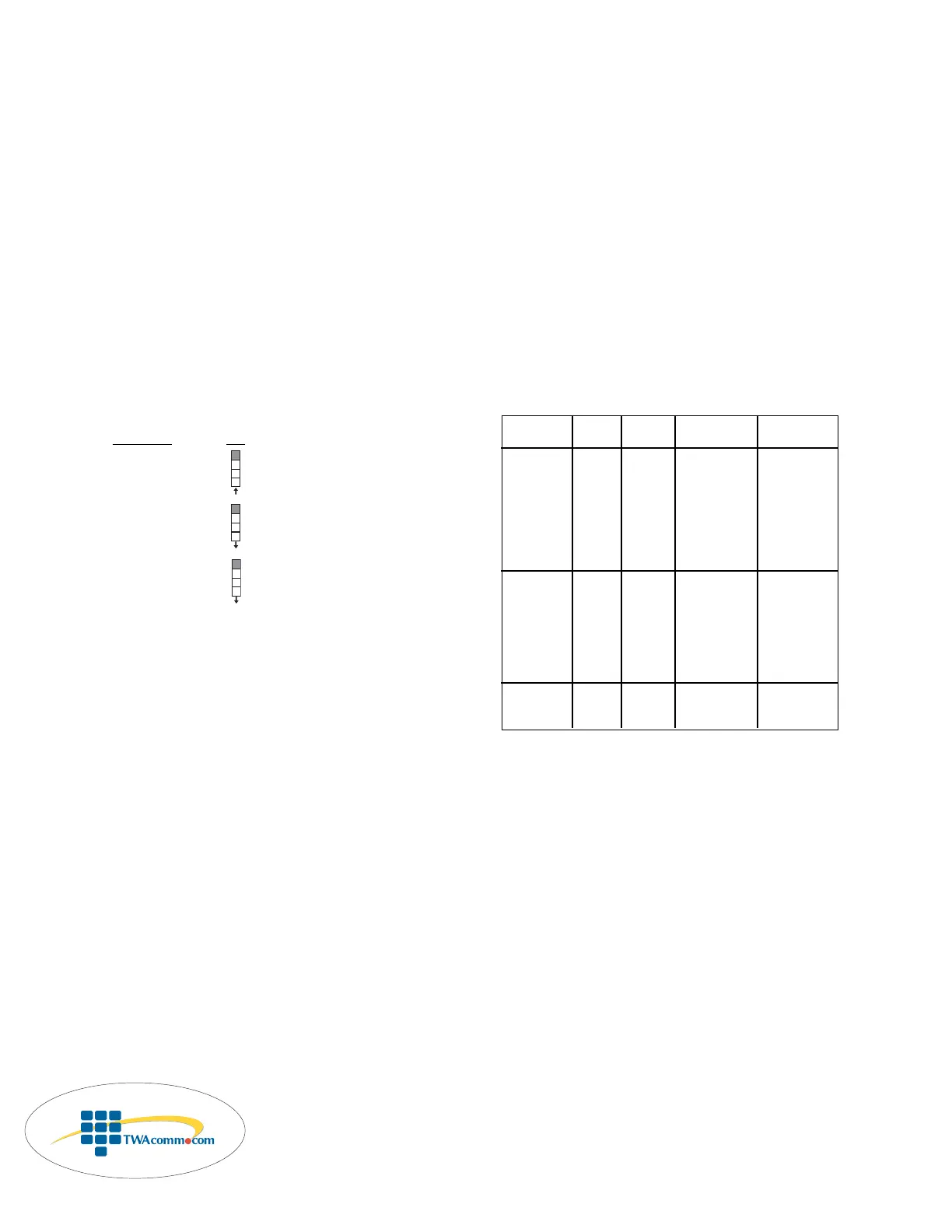
There are three tests within the line voltage menu.
Measur
ement Icon
Line Voltage
Peak Voltage
Frequency
The line voltage measurement is the first measurement within this menu
selection. Pressing the side arrow button (→ ) moves the unit from mea-
surement to measurement within the line voltage menu. Pressing the down
arrow button (
↓
) moves the unit to the next menu selection – Voltage Drop.
Troubleshooting Tips
The line voltage tests are conducted without a load. If these results are not
met, it could be a problem with the circuit, or a load on the circuit. To
determine what may be causing the problem, turn off the loads on the circuit
and re-check. If the test results do not change, than the problem may be
within the circuit. If the test results return to normal, than the problem is
being caused by one or more of the loads on the circuit.
Measurement Expected Problem Possible Possible
Result Causes Solutions
Line Voltage 108-132V High/low - Too much load - Redistribute the
line on branch circuit load on the circuit
voltage - High resistance - Locate high
connection within resistance
the circuit or at connection/device
the panel and repair/replace
- Supply voltage - Consult power
too high/low company
Peak Voltage 153-185V High/low - Supply voltage - Consult power
peak too high/low company
voltage - Distorted wave - Evaluate #
form caused by electronic devices
electronic on circuit and
equipment on redistribute if
the line necessary
Frequency 60Hz High/low - Supply frequency - Consult power
frequency too high/low company


 To Next Page