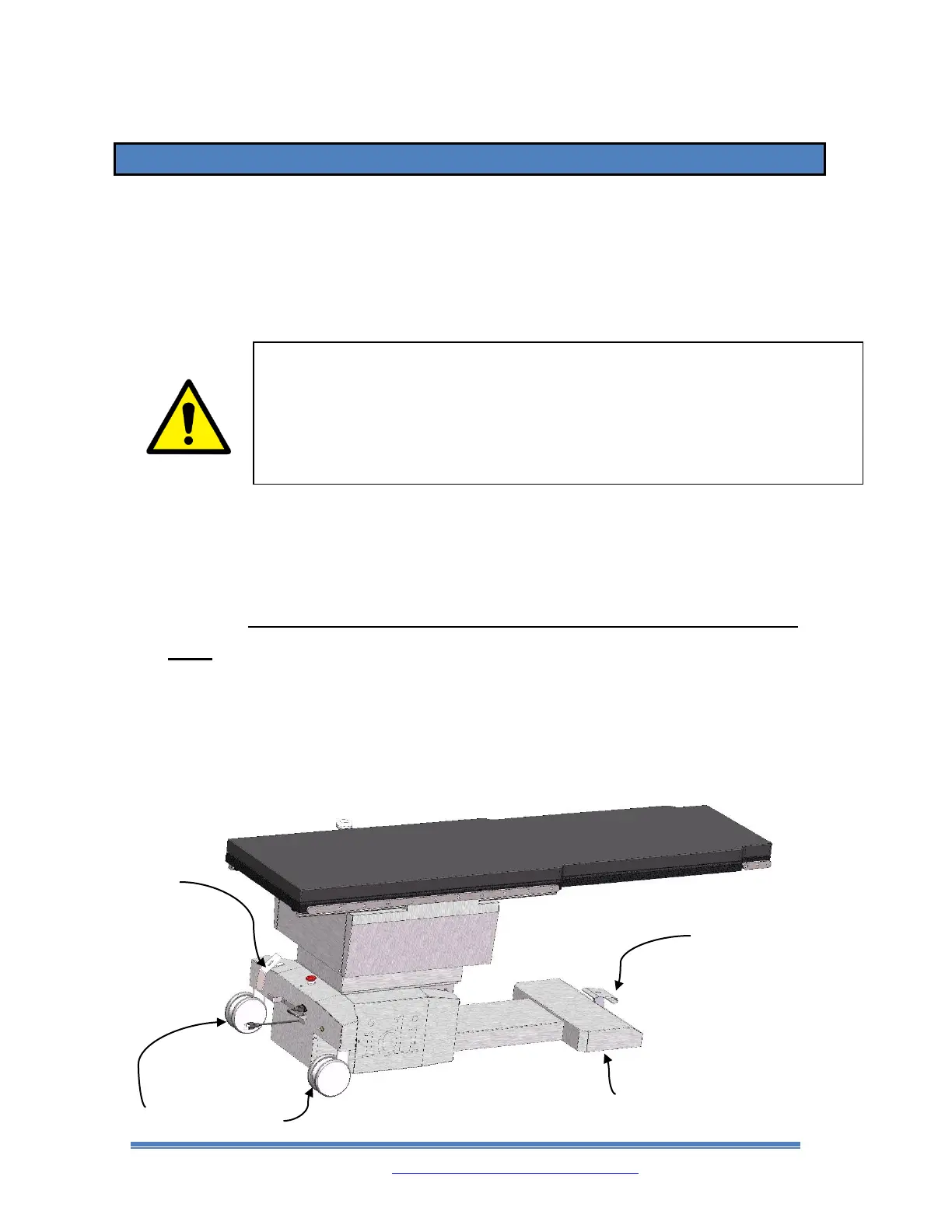
8.1. CASTER LOCKING AND UNLOCKING SETTINGS
The rear casters can be configured in a locking setting which totally locks all motion of
the rear casters and an unlocked setting which allows the rear casters to swivel freely.
The front wheels can be set to roll unidirectionally forwards and backwards or swivel
freely.
• The Table is in the “LOCK” setting when the Rear Caster Lock Pedal is pushed
forward on the TOP half until it is fully engaged and when the Front Steer Lock Pedal
is pushed DOWN. The Rear Casters will be totally locked and will not roll in any
direction. Always lock all casters in this way before loading the patient onto the
table.
• The table is in the “UNLOCK” setting when the Rear Caster Lock Pedal is pushed
down on the BOTTOM half until it is fully engaged and when the Front Steer Lock
Pedal is pulled UP to disengage the unidirectional wheels and engage the free swiveling
casters. The Rear and Front Casters will be allowed to roll and swivel in any direction.
WARNING!
Before loading a patient onto the table, always set the
base caster pedals in BOTH the front AND the rear to
their “LOCK” positions. Failure to do so could result in
death or serious injury.



 To Next Page