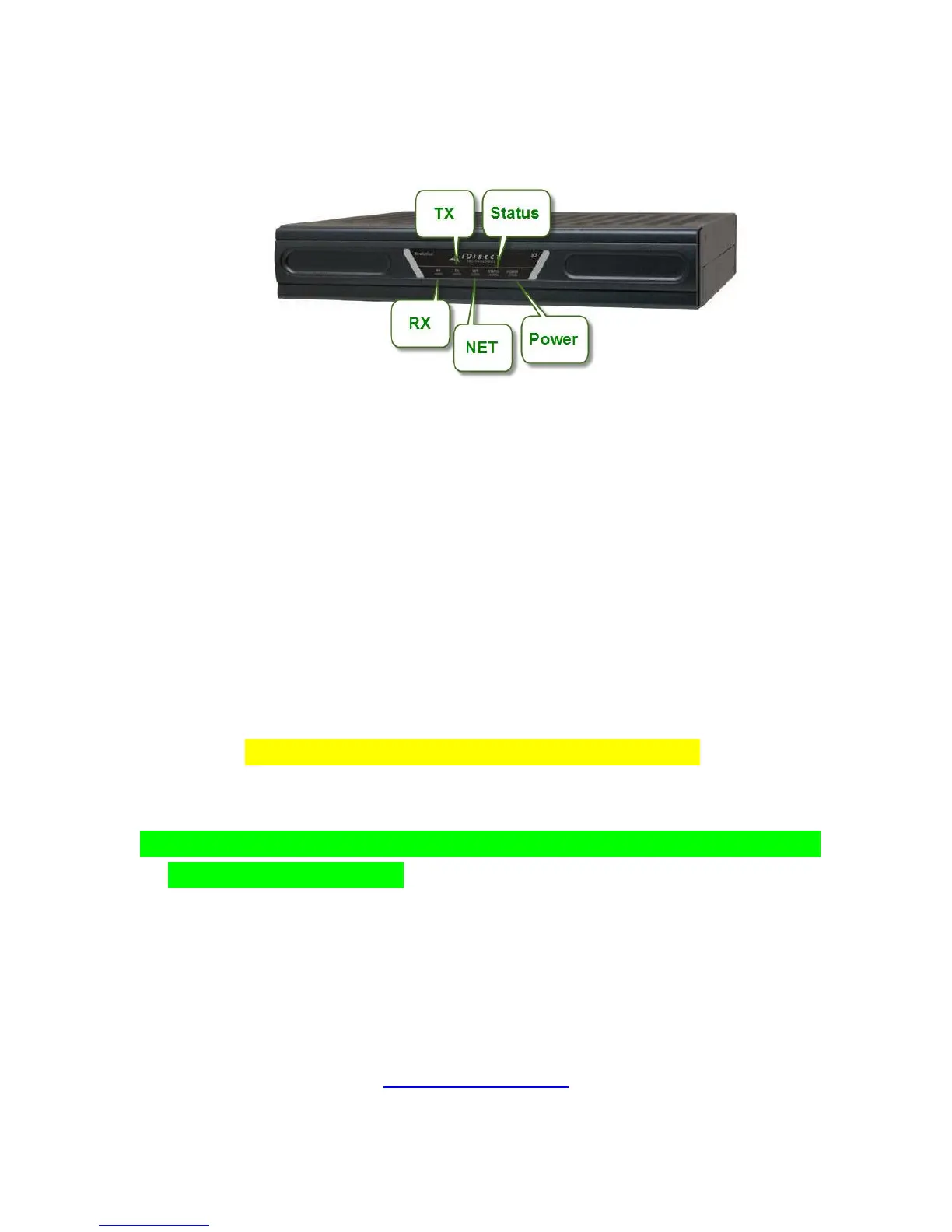
6. Activating the modem
a) You will need to check if transmit is enabled.
Open a command prompt and type “telnet” space, then the modems IP
address
The username will be admin and password will be either bentleys2
(W3A/W6 S2), eutelsat2008 (AM22), eutelsat (SeSat2/W6 S1) or
london12 (W3A S1)
Once logged in, type the command: tx iflDC (note that “DC” must be
uppercase)
If this is set to off, retype the command: tx iflDC on
b) If everything is setup correctly, the RX and Power light on the front of the
modem will be solid green
c) You will then need to contact Technical Support to request activation
Should you encounter any difficulties setting up your modem, please
contact WAFA technical support:
support@wafa.ae
+971-2-6334216
or raise a support ticket if you have the facility to do so.



 To Previous Page