4. Acquiring the satellite signal
If you are aligning the dish yourself, you will need to do the following:
a) Calculate your estimated dish pointing angles:
Visit http://www.satsig.net/ssazelm.htm
Input the satellite orbit: W6=21; W3A=7; AM22=53; W2A=10
Input your latitude and longitude and click calculate
This will return azimuth (magnetic) which is the left and right movement
of the dish; elevation, the up and down movement of the dish; and the
polarisation, which is the rotation angle of the feed assembly.
Use these value to point the dish is the right direction
b) We recommend using a Satellite Meter such as a MaxPeak or Horizon to
then find the satellite signal
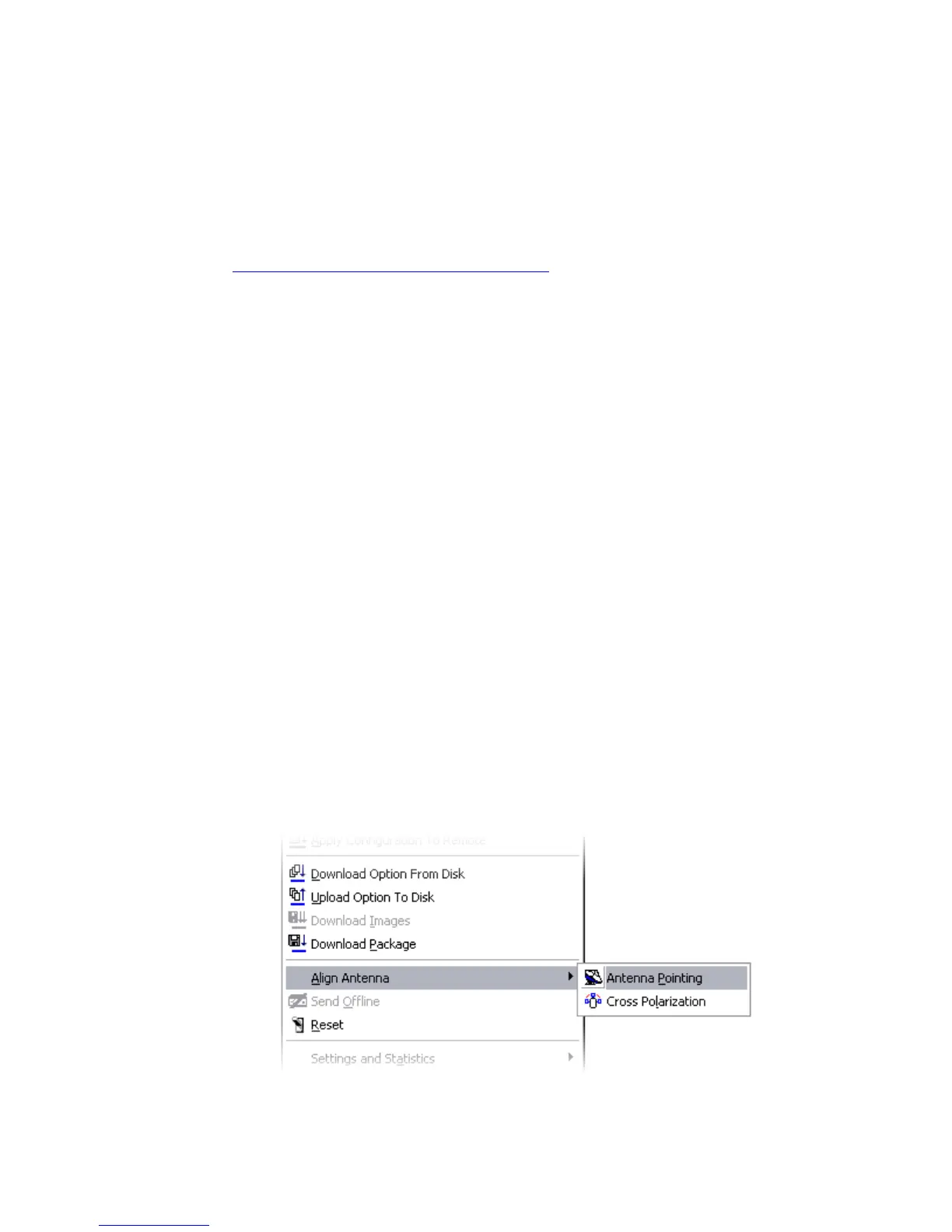
c) Once you have a lock on the signal, open up the “antenna pointing tool”
in iSite by right clicking on the remote and selecting “Align Antenna” >
“Antenna Pointing”
Click on the “Antenna Pointing” tab at the top then click “Start”



 To Next Page