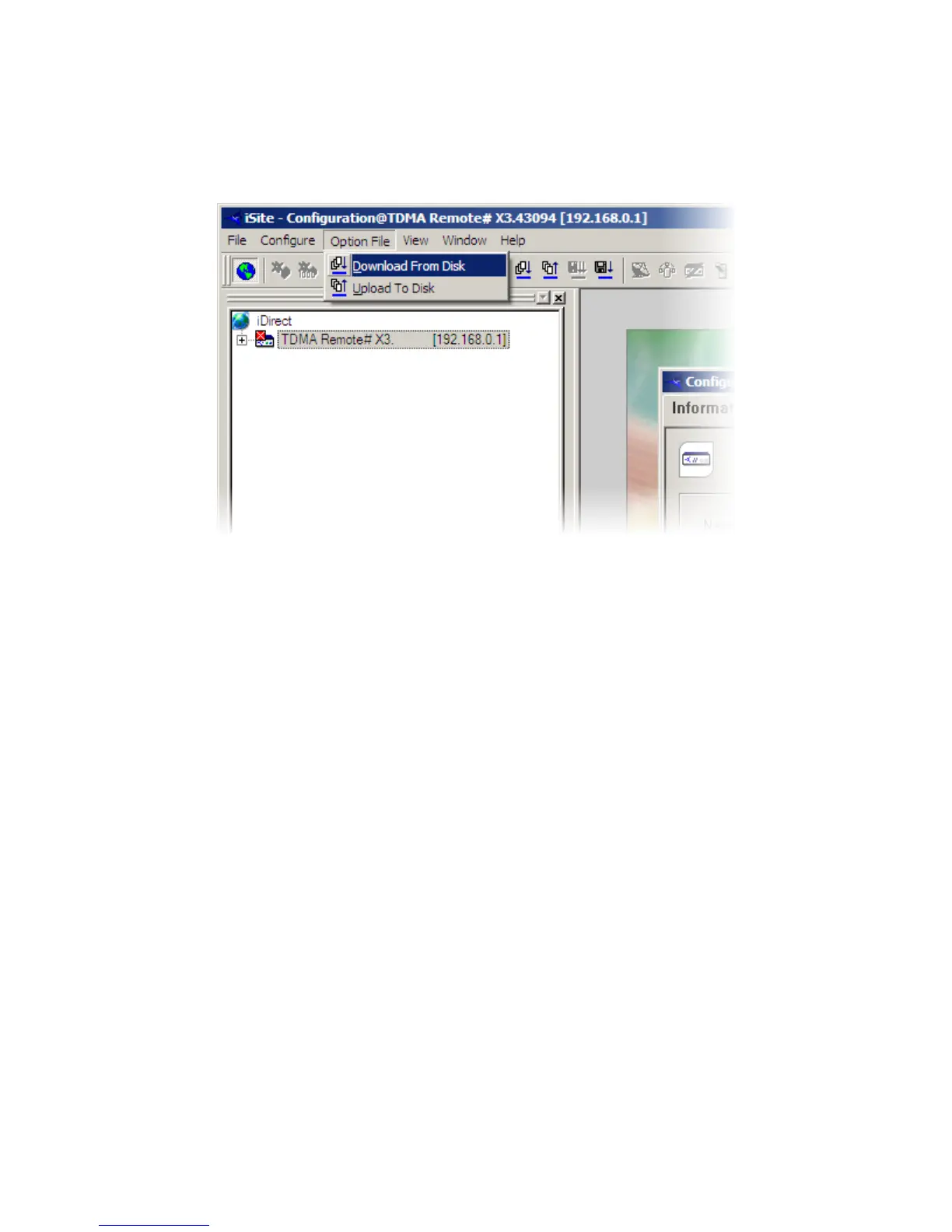
b) Once logged in, click on “Option file” in the top menu, then “Download
from disk”
c) Browse to where the option file is saved and open. It should only take a few
seconds to load and then to modem will reboot
d) You will now need to change your computers IP settings to reflect the
update. Follow Step 2 again using the IP addresses that were supplied
with the option file
e) Also, the password for iSite and telnet access will now have changed from
the default “iDirect”; depending on what satellite the modem is configured
for, it will be:
o W2A-C Band / W3A/W6/T-11 S2: bentleys2
o AM22: eutelsat2008
o SeSat2/W6 S1: eutelsat
o W3A S1: london12



 To Next Page