7
Setup Wizard
• To use Wizard, go to System menu > General and
select Wizard.
• For more details on Setup Wizard, refer to the manual.
1
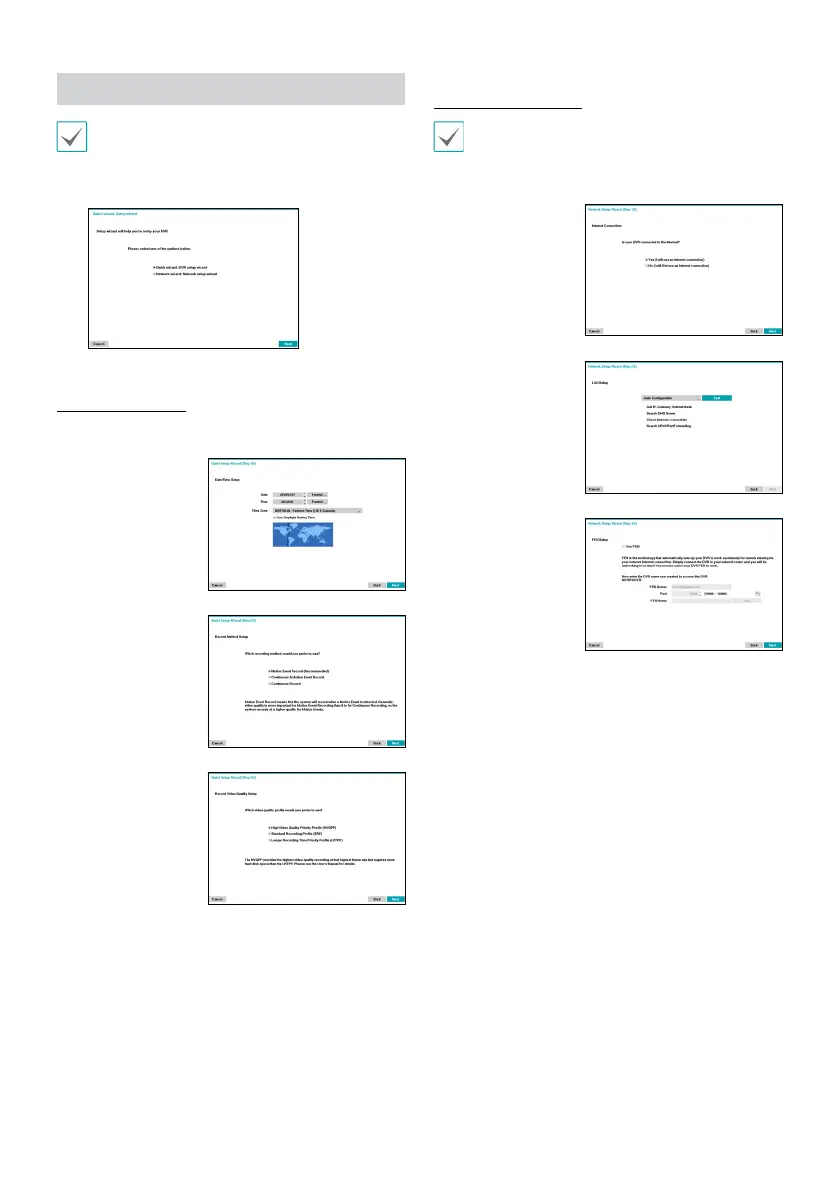
Select the desired Setup Wizard option and click Next.
Quick Setup Wizard
● Start the Quick Setup Wizard
● Date/Time Setup
The new date and time
settings will only be
applied after clicking
Next.
● Record Method
Setup
● Record Video
Quality Setup
Higher recording quality
uses up more disk space.
● Finish the Quick Setup Wizard
Network Setup Wizard
After exiting from Quick Wizard, you can click Go to
Network Setup and set up the network with Network
Wizard.
● Start the Network Setup Wizard
● Internet
Connection
● LAN Setup
This test must be
performed before
proceeding to the next
step.
● FEN Setup
Enter the DVR name
registered on the
FEN server in the FEN
Name eld, and click
the Check to check its
availability.
● Finish the Network Setup Wizard



 To Next Page