SP410 User Manual
20
CHAPTER 5 WINDOWS DRIVER INSTRUCTION
5.1 Installation Preparation
Download Windows Driver application in www.idprt.com.
5.2 Installation
Warning: There are some differences under different operating system. Please operate
it according to the tips. Recommend to close security software before installation in case of
preventing installation.
1.Select one interface to connect your printer to computer.
2.Turn on the printer and check if it is connected to computer successfully.
3.Double click Windows Driver.
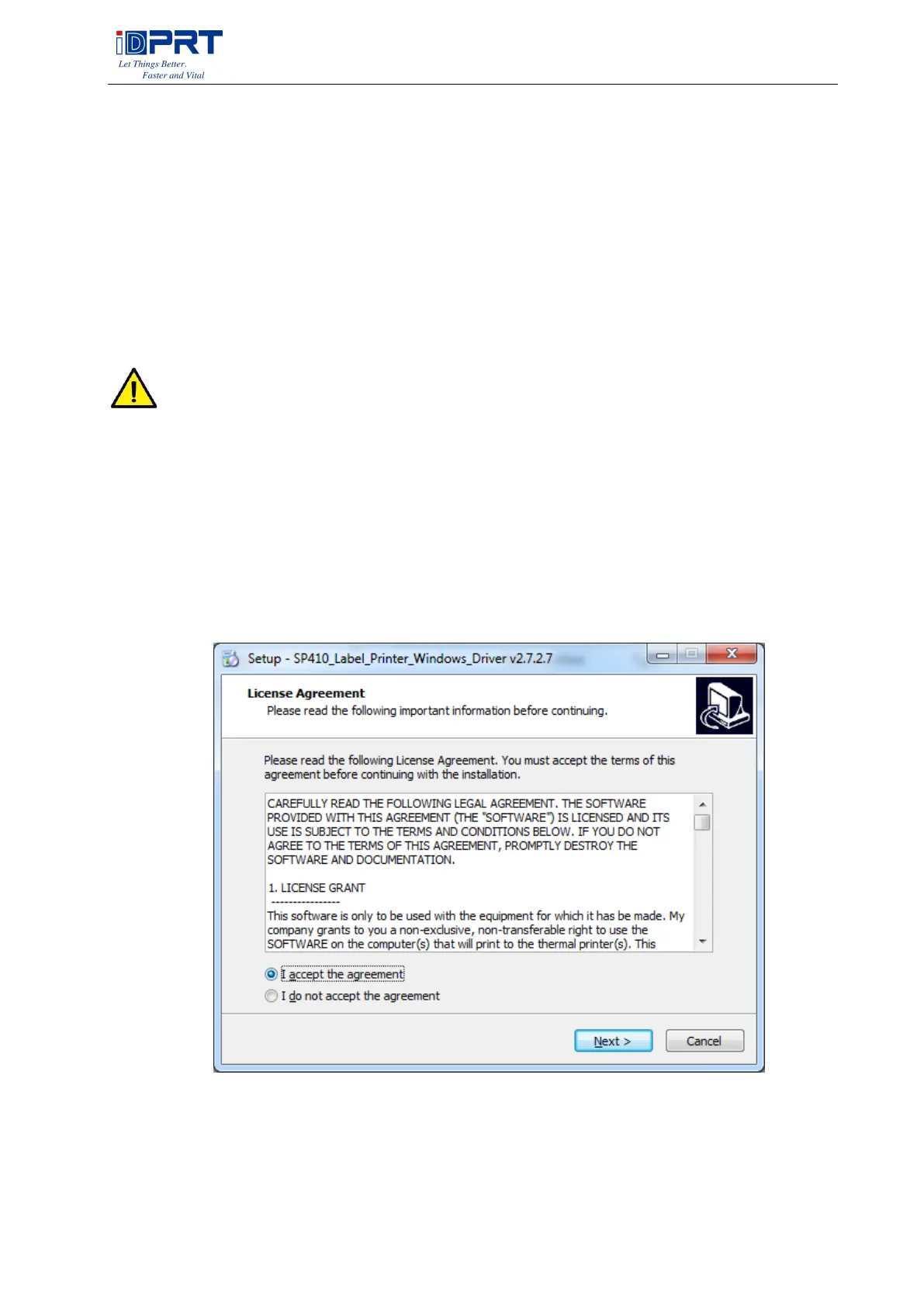
4.Read and agree the license agreement. Then click “Next”.



 To Next Page