9
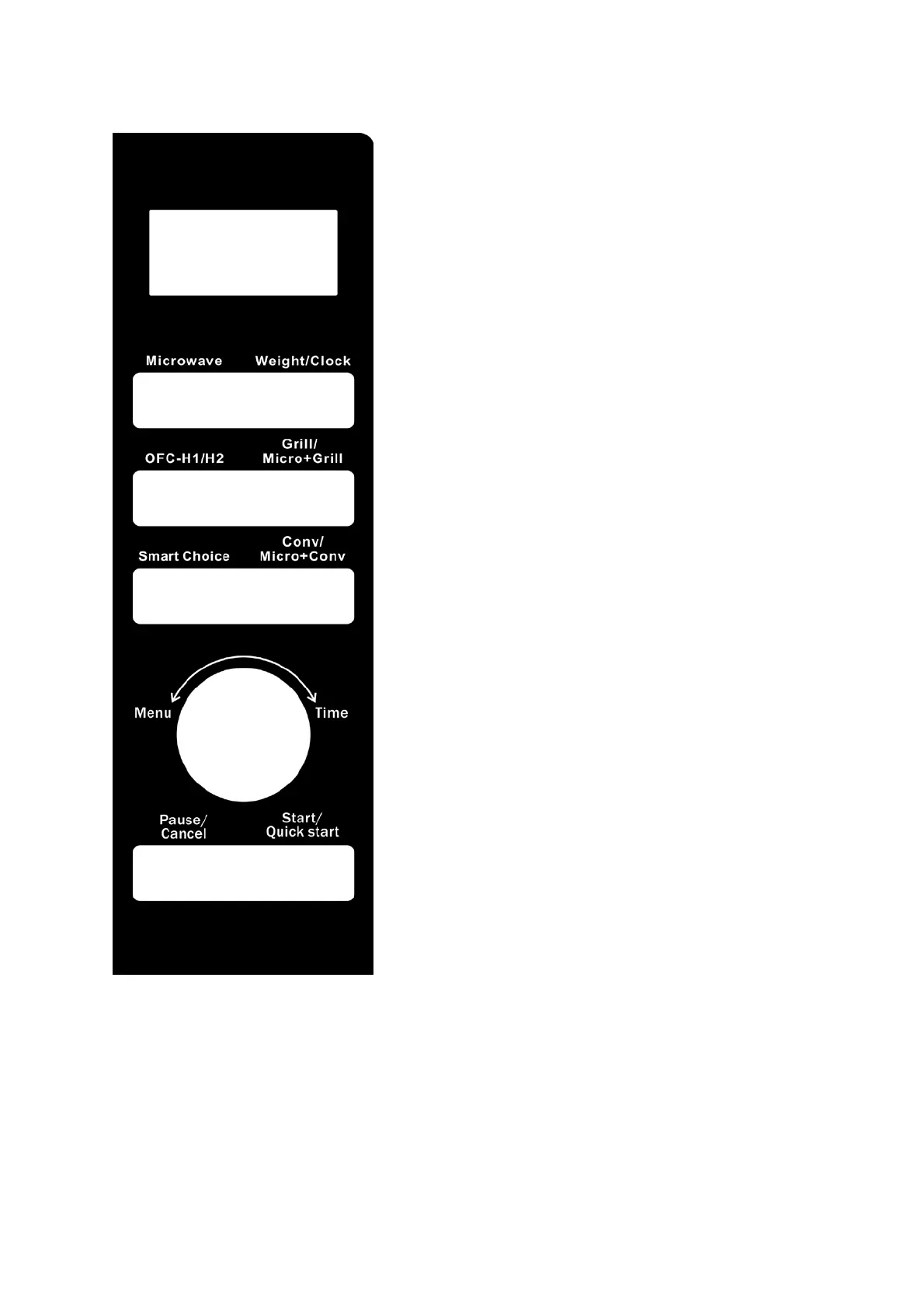
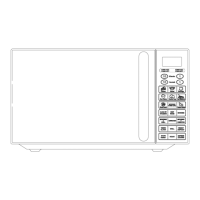
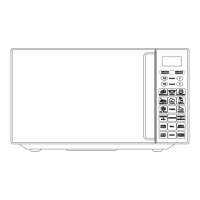
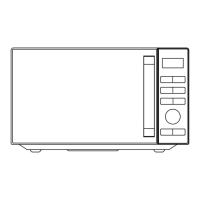
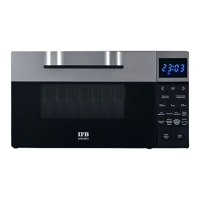
CONTROLPANEL
MENU ACTIONSCREEN
Cooking time, power, action indicators, and clock
time are displayed.
MICROWAVE
Press this button a number of times to set microwave
cooking power level.
WEIGHT/CLOCK
Press to set clock time.
Press to specify food weights or number of servings.
GRILL/MICRO+GRILL
Press to set grill program.
Press to select one of four combination cooking
settings.
CONV/MICRO+CONV
Press to program convection cooking.
Press to select one of four combination cooking
settings.
PAUSE/CANCEL
Press to cancel setting or reset the oven before
setting a cooking program.
Press once to temporarily stop cooking, or twice to
cancel cooking altogether.
It is also used for setting child lock.
SMART CHOICE
Use to set keep warm, deodorize, cleaning, ferment,
power save and weight defrost program.
OFC-H1/H2
Use to set ofc-h1/h2function.
MENU/TIME (KNOB)
Turn the knob to enter time.
Turn the knob to select an auto-cooking menu.
START/QUICK START
Press once to start a cooking program.
Simply press it a number of times to set cooking time
and cook immediately at full power level


 To Next Page