10
HOW TO SET THE OVEN CONTROLS
When the oven first plugged in, beep will sound and the display will show “1:01” and.
During cooking, if press PAUSE/CANCEL pad once or if the door is opened, the program will be
paused, then press START/QUICK START pad to resume, but if press PAUSE/CANCEL pad twice,
the program will be canceled.
After cooking ends, the screen will display End with sound every two minutes until user presses
PAUSE/CANCEL pad or opens the door.
During the cooking setting process, the system will return to waiting mode if there is not any
operation within 25seconds.
The electronically control system of the microwave oven has the feature of cooling .As for any
cooking mode with cooking time above 2 minutes, the oven fan will work about 3 minutes automatically
to cool the oven for prolonging the life of the oven.
SETTING CLOCK TIME
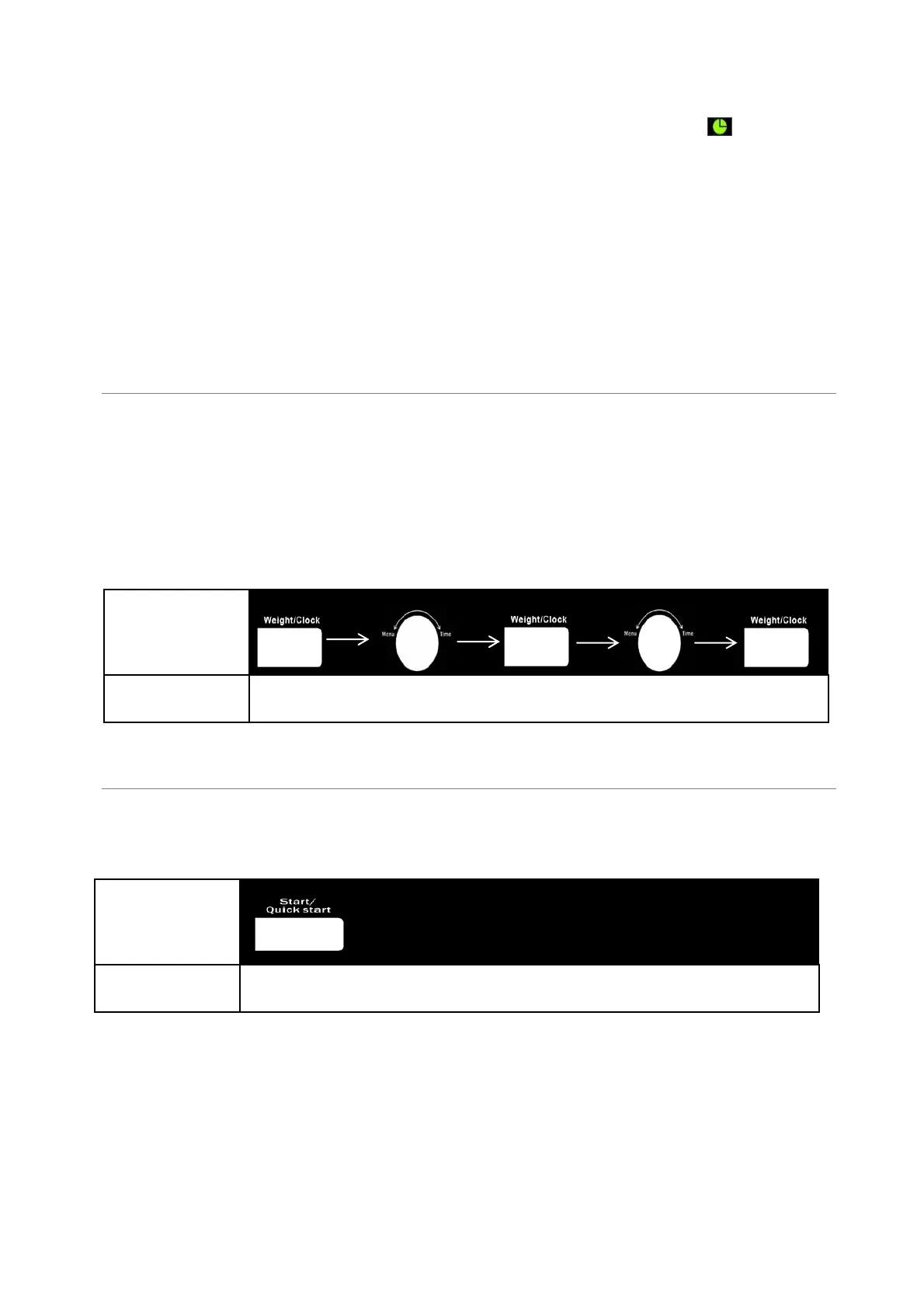
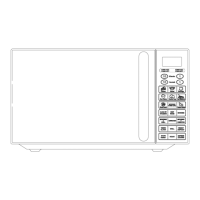
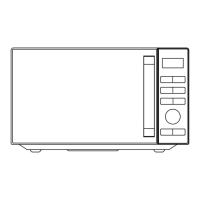
This is a 12 or 24 hour clock. To check the time while the oven is operating, press the WEIGHT/CLOCK
button, then the time will be displayed for a while on the display screen.
FOR EXAMPLE: Suppose you want to set the oven clock time to 8:30.
1.
Press WEIGHT/CLOCK button once or twice to select 12 or 24 hour clock cycle
2.
Turn MENU/TIME knob to set hour digit8.
3.
Press WEIGHT/CLOCK button once to confirm the hour setting.
4.
Turn MENU/TIME to set minute digit30.
5.
Press WEIGHT/CLOCK button once to confirm the setting.
QUICK START
The oven will cook food quickly at HIGH power (100% power output) for quick start cooking program.
Just press the START/QUICK START a number of times to set cooking time, the oven starts working
automatically at full power. The maximum cooking time you can enter is 10 minutes. To check the power
level, just press MICROWAVE pad once.
Setting Time
/Clock
Press once
Rotate to set the
desired hour
Press once
Press once
Rotate to set the
desired minutes
1
2
3
4
5
Quick Start
Keep pressing in quick succession to set the
cooking time (Max 10 minutes)
1


 To Next Page