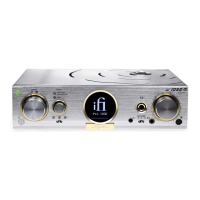
Volume Control
Volume can be adjusted by using the front touch bar on the Aurora, the included remote control or the
MUZO Player App*.
Input selection
Analogue Inputs
RCA/Co-axial – connect left & right cables from an analogue source such as a CD player.
3.5mm – connect via 3.5mm cable for analogue signal input or to use Alexa to control the Aurora.
Digital Inputs
All les from 192kHz/32-Bit from MP3 to FLAC can be played directly through the Aurora via the MUZO
Player App* or DLNA compatible server software.
WiFi – use the MUZO Player App* to connect the Aurora to the local WiFi system to stream Spotify,
TIDAL, Napster, QQ Music and many more.
Bluetooth – press Bluetooth pairing button and look for ‘iFi Aurora’.
Airplay – connect via Airplay to enjoy audio playback from iPhone, iPad, and Mac computers.
Source Host USB type ‘A’ – connect an external hard disk drive (HDD), USB memory stick or similar to
play music. These must be formatted as FAT32**.
Drive must not draw large amounts of power. (A mechanical HDD should be self-powered).
8



 To Next Page