AUX
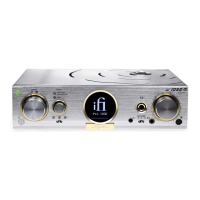
Auro r a
Bluetooth
Connect power cable
1. Power ON (via AC power cable or 12V/20A source such as marine mains power)
2. Select Bluetooth input on the Aurora
3. Pair via ‘iFi Hi-Res audio’ on your Smart device Bluetooth menu
4. Once paired, select the music app such as Spotify or Apple Music.
Enjoy!
Power
For technical questions or support you can reach one of our Tech Team here: https://support.i-audio.com/
Quick Start Guide



 To Next Page