1
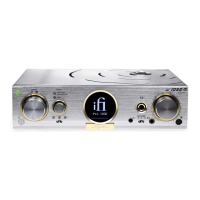
Thank you for purchasing the AURORA ‘Wireless Music System.’ It was designed for the modern
home with future-proofed connectivity. There are multiple ways to enjoy it so please refer to the Quick
Start card and/or User Manual to begin.
Setup:
1. Ensure that the Aurora is placed on a level, non-slip surface.
2. Never obstruct the unit or place it near any objects or liquids that may damage the unit.
iFi audio suggests downloading and installing the MUZO Player App* on your iOS/Android device rst to
enable you to operate the playback options on the Aurora.
Automatic Room Tailoring (ART) / Audiophile modes
By holding down the ART button on the front panel for 2 secs, it is possible to alternate between ART or
Audiophile modes.
ART mode – Automatic Room Tailoring in operation. Just input/volume need to be selected.
Audiophile mode – ART is switched off. Manual selection of TrueBass and SoundSpace.



 To Next Page