21
Pair the Tracker Pod
To pair the tracker pod to your device, follow the steps below:
1. Place the tracker pod near your device.
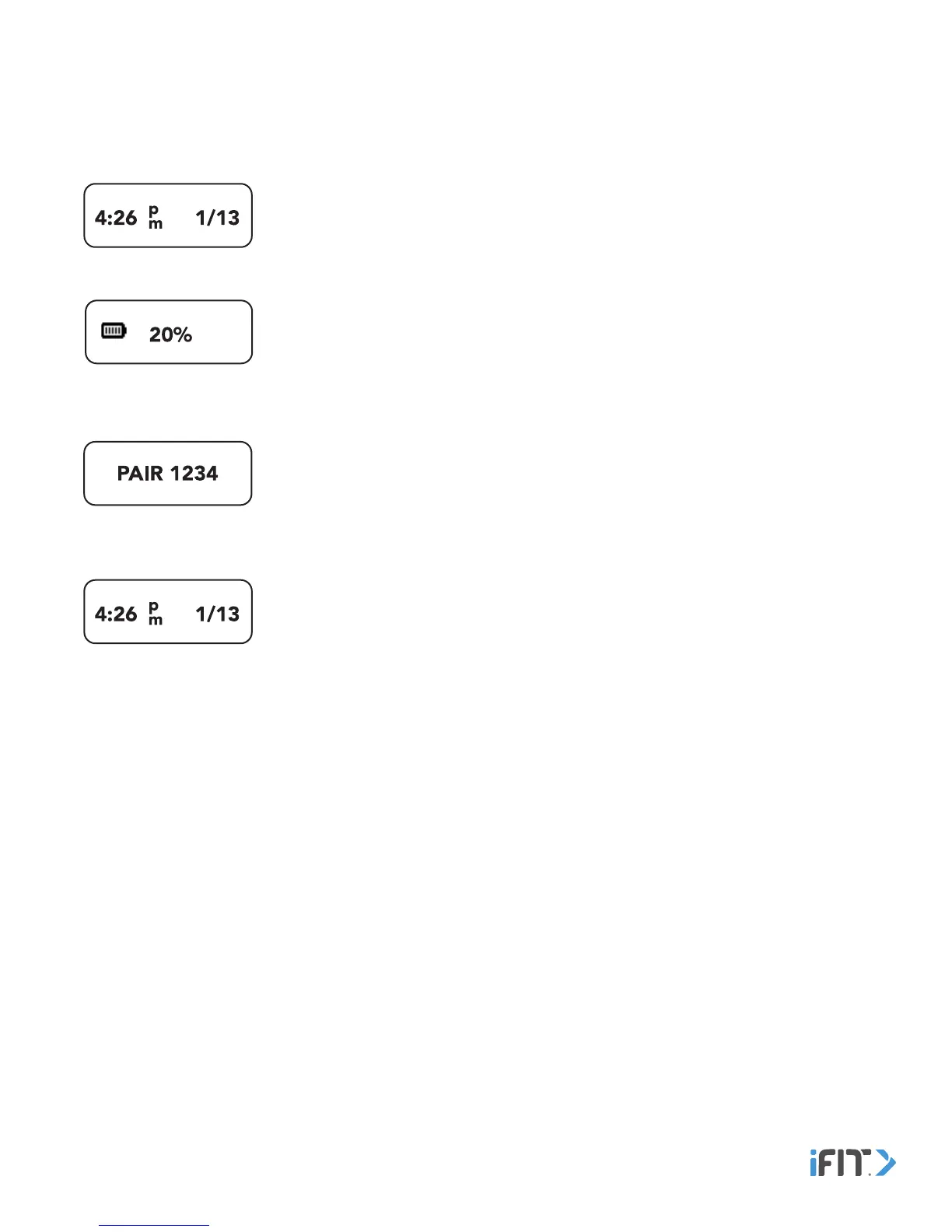
2. Navigate to the Time and Date screen.
3. Double tap the button. The Battery Level screen will appear.
4. Double tap the button. The version number of the tracker pod will appear.
5. Tap the button. The Pairing screen will appear.
6. In the iFit Coach app, select the tracker pod from the list of discoverable devices. The pairing process will then begin.
7. If the pairing is successful, the Time and Date screen will appear.


 To Next Page