CHECK FAULTS
When abnormal situation such as failure of welding, unstable arc, poor welding result, do not
consider that it must be some faults.
The machine may be well but just some reasons cause abnormality such as that some connectors
are loosened, forget to turn on the switch, wrong setting, broken cable and gas pipe, etc. So before
maintenance, Please check it up first, some problem may be solved.
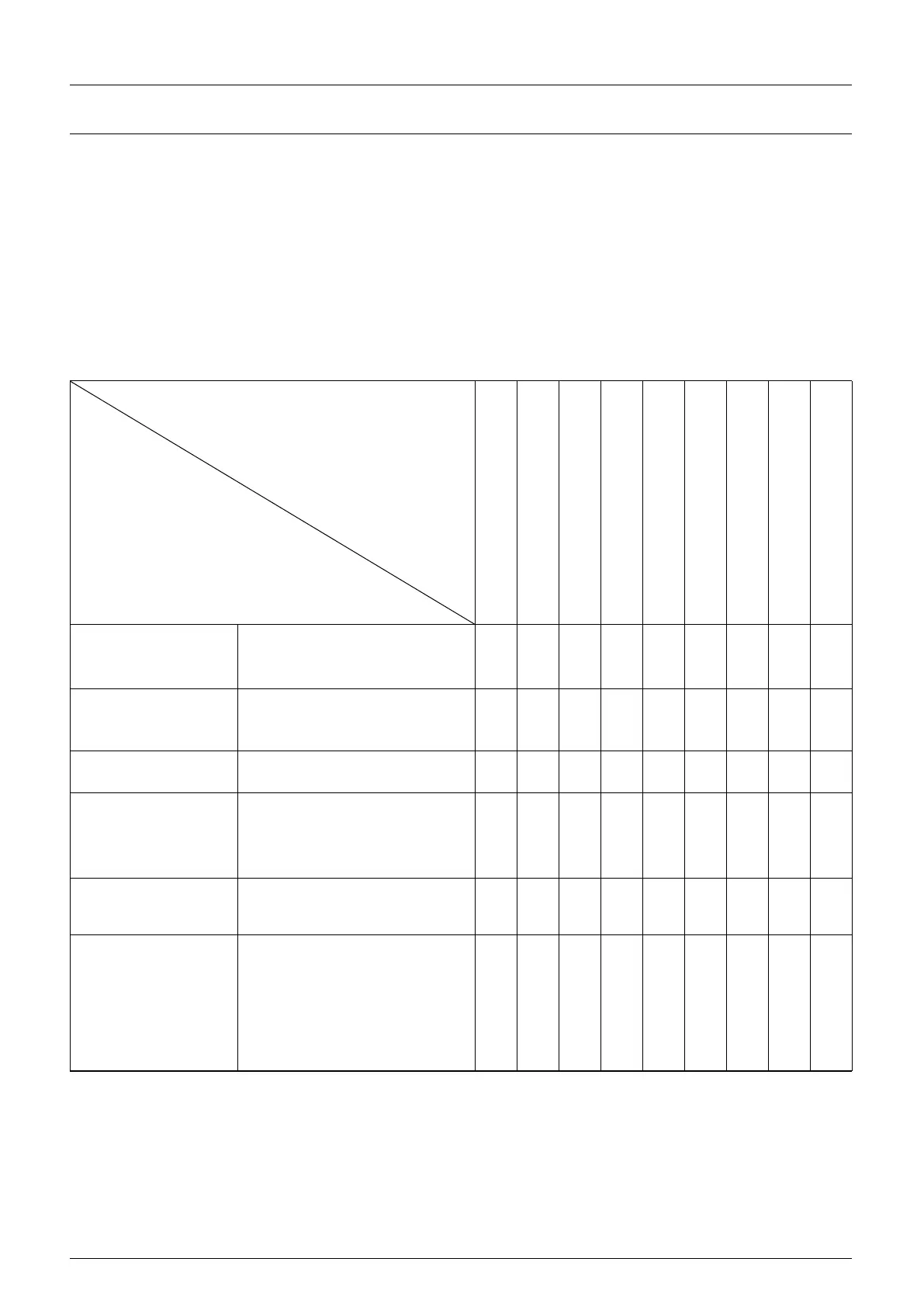
The following is earlier checking diagram by this way. In the top right corner item you can find the
problem, please check according to the diagram for the one with “O” mark.
EARLIER CHECKING DIAGRAM FOR THE ABNORMAL
The abnormal
Place and item to be checked
Wire and Material conglutinated
Wire links Electric leading hole
fcon conglutinated
Power supply box
(input protective
set )
1、connected or not
2、fuse broken
3、connector loosen
1、 Broken or not
2、 Connector loosen
3、overheat
1、 Switched or not
2、lack phase
1、open cover
2、remains of gas
3、flow setting volume
4、Connecting point loosen
Gas pipe (access from
the high-pressure
cylinder to torch)
1、 Connecting point loosen
2、 Pipe broken
1、 Wheel and leading tube not
match
2、 Wheel broken, slot blocked
or lack
3、 Over pressing or loosen,
powder store up in entrance
of SUS tube



 To Next Page