EasyManua.ls Logo

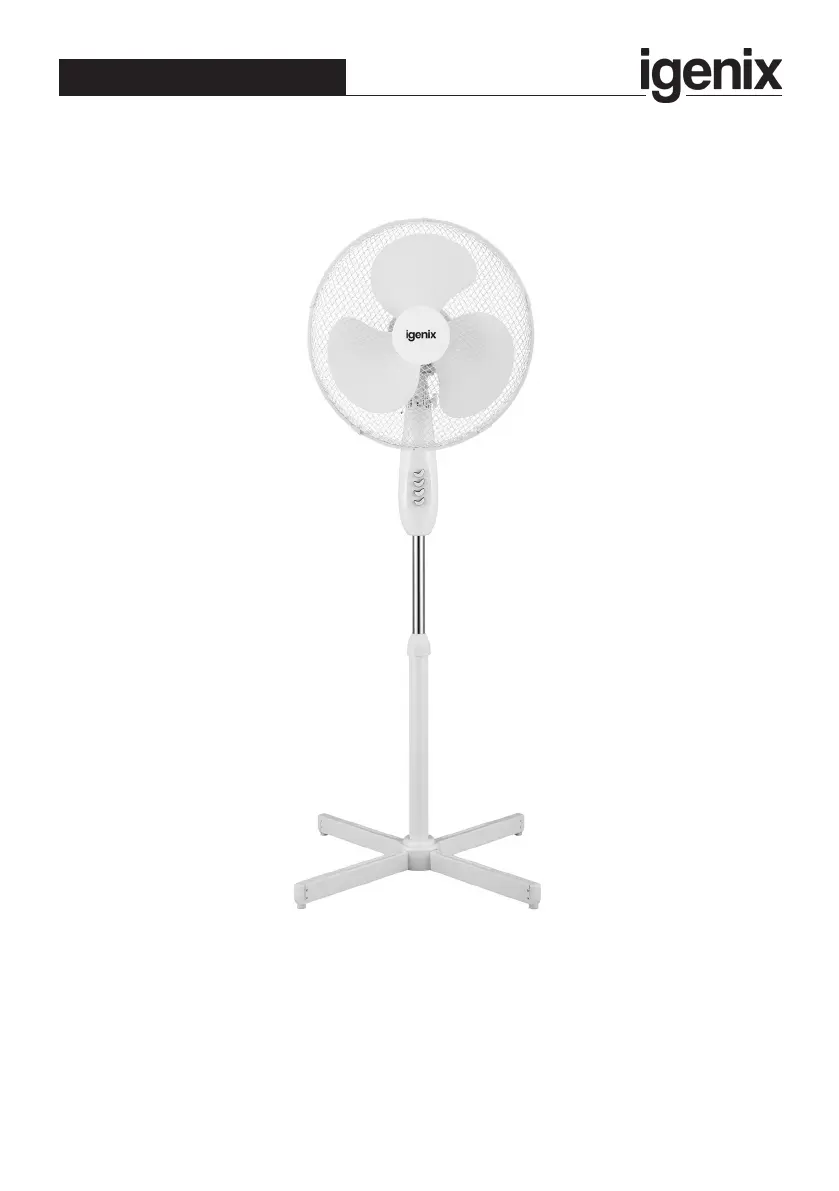
iGenix DF1655 - User Manual

iGenix DF1655
16 pages
Print Icon
To Next Page IconTo Next Page
Loading...
Please read these instructions carefully before use and retain for future reference
Before switching on your appliance,
always check for any damage which may have been caused in transit
DF1655
Batch code:
16 Inch White Pedestal Fan
USER MANUAL

Questions and Answers

  • D
    David YoungJul 30, 2025
    What to do if my iGenix DF1655 Fan does not work?
    • C
      Cynthia OneillJul 31, 2025
      If your iGenix Fan isn't working, there are a few potential reasons. First, ensure the fan is properly plugged into the wall socket. If it is loosely plugged in, firmly plug the appliance in. Second, confirm that the fan is switched on. Finally, check the fuse or breaker to make sure that there is electricity running through the mains wall socket.

Summary

Important Safety Instructions

Specification

Appliance Overview

Assembly Instructions

Before Assembling

Prepare all components and workspace before starting fan assembly.

Operating Instructions

On;Off and Speed Control

Describes how to control the fan's power and speed settings using the button switch.

Height Setting

Instructions on adjusting the fan's vertical height using the collar and pipe.

Angle Adjustment

Details on how to tilt the fan head to the desired angle.

Oscillation Adjustment

How to enable or disable the fan's oscillation feature.

Cleaning and Maintenance

Mains Plug Fuse Replacement

Guide to replacing the fuse in the appliance's power plug.

Trouble Shooting Guide

Disposal Information

Igenix Warranty Terms & Conditions

iGenix DF1655 Specifications

General IconGeneral
Model No:DF1655
BrandIgenix
ColourWhite
ClassII
Wattage (W)50 W
Frequency (Hz)50 Hz
Voltage (V)220-240 V
Oscillation FunctionYes
SpeedsLow, Medium, High
Weight and Dimensions IconWeight and Dimensions
Product Dimensions (mm)H 1240 x W 620 x D 620 mm
Net Weight (kg)2.5 kg

Related product manuals