9
CLEANING AND MAINTENANCE
• Turn off the fan and remove the plug from the power supply before cleaning.
• Use a dry, soft cloth to remove any dust from the fan.
• If the fan is particularly dirty, use a soft damp cloth and wipe dry.
• Do not use any chemicals or detergents as they will damage the fan.
• It is recommended to cover the fan with a plastic bag before storage to
prevent dust collecting on fan blades.
• Store the fan in a ventilated and dry area.
• Do not allow water to get inside the body of the fan.
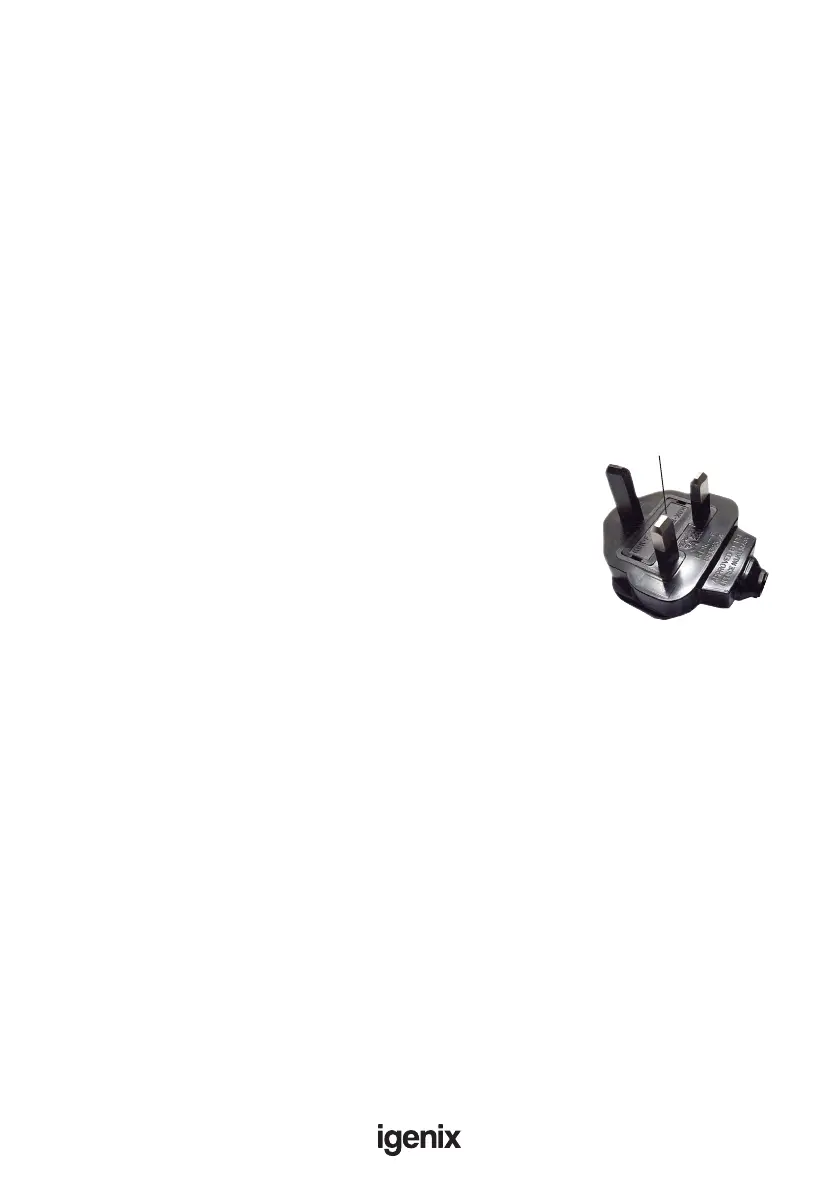
MAINS PLUG FUSE REPLACEMENT
Fuse Replacement (Class II)
Remove the fuse cover with a small at head screw
driver. Take out the fuse and replace with a new fuse of
the same Amp. Replace the fuse cover and push back into
place.
Fuse Cover


 To Next Page