EasyManua.ls Logo

iGenix IG9812 - User Manual

iGenix IG9812
5 pages
Print Icon
To Next Page IconTo Next Page
Loading...
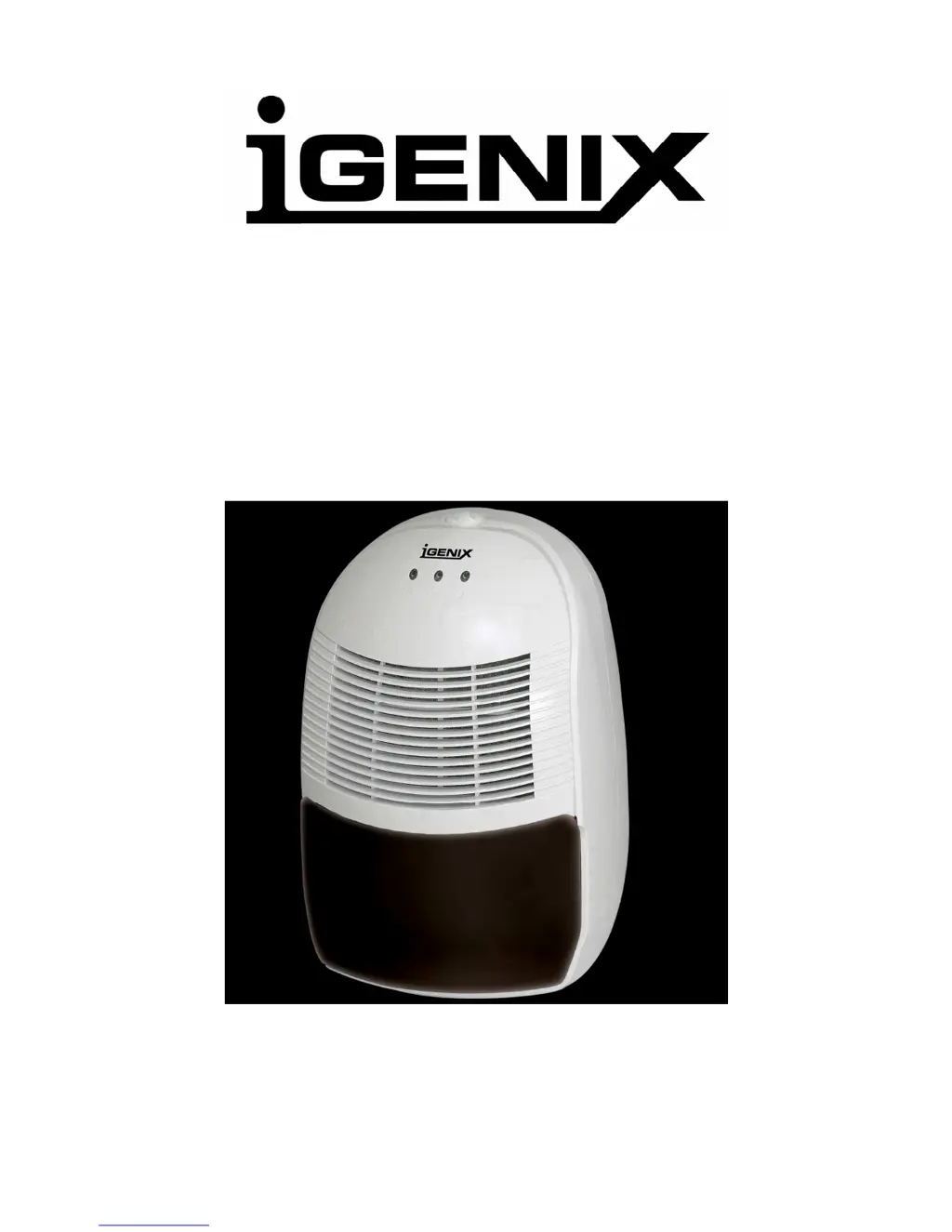
12L/D DEHUMIDIFIER
Model Number: IG9812
INSTRUCTIONS FOR USE
Thank you for purchasing this product.
Please read these instructions carefully before use.

Questions and Answers

  • C
    Christopher BlanchardAug 1, 2025
    What to do if my iGenix IG9812 Dehumidifier is leaking?
    • D
      diazdanielleAug 1, 2025
      If your iGenix Dehumidifier is leaking, the water tank may not be installed correctly; remove the tank and re-fit correctly. Alternatively, the unit may have frozen; unplug it and allow the temperature to rise.
  • M
    Michael AyalaAug 9, 2025
    Why is my iGenix IG9812 not collecting water?
    • M
      Mary ChenAug 9, 2025
      Your iGenix Dehumidifier might not be collecting water because the room temperature and humidity may be too low; the dehumidifier will not operate if the room humidity is already below the level set. Another possible reason is that the air intake filter may be blocked; clean the filter of any obstructions.
  • X
    xsandersAug 16, 2025
    Why is my iGenix Dehumidifier making a loud noise?
    • R
      ronald20Aug 16, 2025
      If your iGenix Dehumidifier is making a loud noise, the floor may be uneven. Re-position the unit on an even stable surface.
  • L
    laurawellsAug 25, 2025
    How to fix iGenix IG9812 when fan and compressor are not working?
    • W
      William ThompsonAug 25, 2025
      If both the fan and compressor on your iGenix Dehumidifier are not working, check the mains power supply and ensure the control dial is not set to 'OFF', as the unit may not be getting power.

Summary

Safety Instructions

Understanding Humidity

Dehumidifier Components Overview

Control Panel Functions

Indicator Lights Explained

Details the function of the operating, defrost, and water tank full indicator lights on the control panel.

Control Dial Settings

Explains the humidity control dial settings including NORMAL, CONTINUE, and OFF modes for operation.

Operating the Dehumidifier

Water Tank Management

Instructions for handling a full water tank, including removal, emptying, and correct replacement for operation.

Defrost Mode Operation

Describes the automatic defrost process, its indicators, and user actions for potential freeze-ups.

Continuous Drainage Setup

Guidance on connecting a hose for continuous water drainage and proper hose positioning.

Cleaning and Filter Maintenance

Procedures for cleaning the dehumidifier exterior and air filters using recommended methods.

Troubleshooting Common Issues

Product Specifications

Disposal and Guarantee Information

iGenix IG9812 Specifications

General IconGeneral
BrandiGenix
ModelIG9812
CategoryDehumidifier
LanguageEnglish

Related product manuals