EasyManua.ls Logo

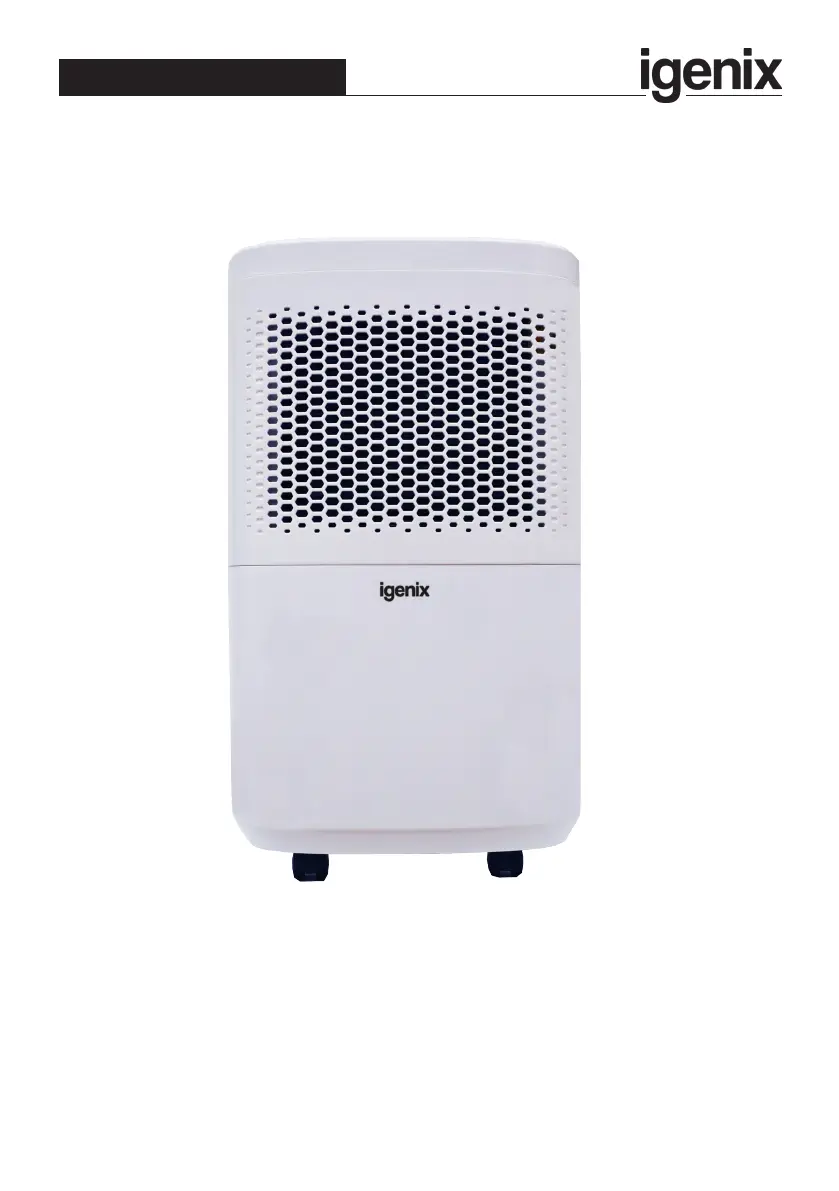
iGenix IG9813 - User Manual

iGenix IG9813
16 pages
Print Icon
To Next Page IconTo Next Page
Loading...
Please read these instructions carefully before use and retain for future reference
Before switching on your appliance,
always check for any damage which may have been caused in transit
IG9813
Batch code:
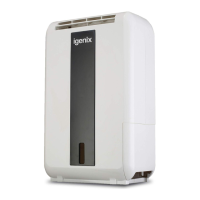
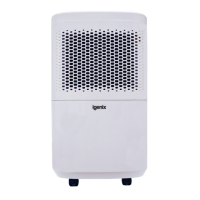
12 Litre Dehumidier White
USER MANUAL

Questions and Answers

  • F
    flucasAug 6, 2025
    Why is my iGenix IG9813 not collecting water?
    • P
      patellisaAug 6, 2025
      If your iGenix Dehumidifier isn't collecting water, there could be a couple of reasons. First, the room's temperature and humidity might be too low; the unit won't operate if the humidity is below the set level. Second, the air intake filter might be blocked. Try cleaning the filter to remove any obstructions.
  • J
    Jennifer Cardenas MDAug 14, 2025
    What to do if iGenix Dehumidifier is leaking?
    • R
      Robert CoxAug 14, 2025
      If your iGenix Dehumidifier is leaking, it could be due to a couple of issues. The water tank might not be installed correctly; try removing it and refitting it properly. Alternatively, the unit may have frozen; in this case, unplug it and allow the temperature to rise.
  • G
    Gregory WilsonAug 21, 2025
    Why is my iGenix Dehumidifier making a loud noise?
    • K
      Kristin GreenAug 21, 2025
      If your iGenix Dehumidifier is making a loud noise, the floor might be uneven. Try re-positioning the unit on an even, stable surface.
  • M
    milesdouglasAug 28, 2025
    How to fix iGenix IG9813 Dehumidifier when fan and compressor are not working?
    • M
      millerderekAug 28, 2025
      If both the fan and compressor on your iGenix Dehumidifier aren't working, the unit may not be getting power. Check the mains power supply and ensure the control panel is switched to the “ON” position.

Summary

Important Safety Instructions

General Safety Precautions

Essential safety guidelines for operating the dehumidifier safely and preventing hazards.

Intended Use

Purpose of a Dehumidifier

Explanation of how dehumidifiers work to control moisture and condensation in domestic environments.

Appliance Overview

Control Panel Functions

Control Panel Layout

Identification and explanation of all buttons and indicators on the control panel.

Operating Modes

Details various operational modes like Manual, Auto, High, and Dry Clothes.

Timer Operation

Instructions for setting the 24-hour programmable timer to switch the unit on or off.

Special Modes

Explanation of features like Child Lock, Sleep Mode, Frost Protection, and Auto-Restart.

Operating Instructions

Appliance Location

Guidance on positioning the dehumidifier for optimal performance and airflow.

Water Tank and Drainage

Procedures for managing the water tank and utilizing the continuous drainage feature.

Cleaning and Maintenance

Regular Cleaning

Instructions for cleaning the unit exterior and the air filter for optimal performance.

End of Season Maintenance

Steps for proper storage and maintenance of the dehumidifier at the end of its operating season.

Troubleshooting Guide

Disposal Information

Warranty Terms and Conditions

Product Registration

Information on how to register the product to qualify for the free 2-year warranty.

iGenix IG9813 Specifications

General IconGeneral
BrandiGenix
ModelIG9813
CategoryDehumidifier
LanguageEnglish

Related product manuals