EasyManua.ls Logo

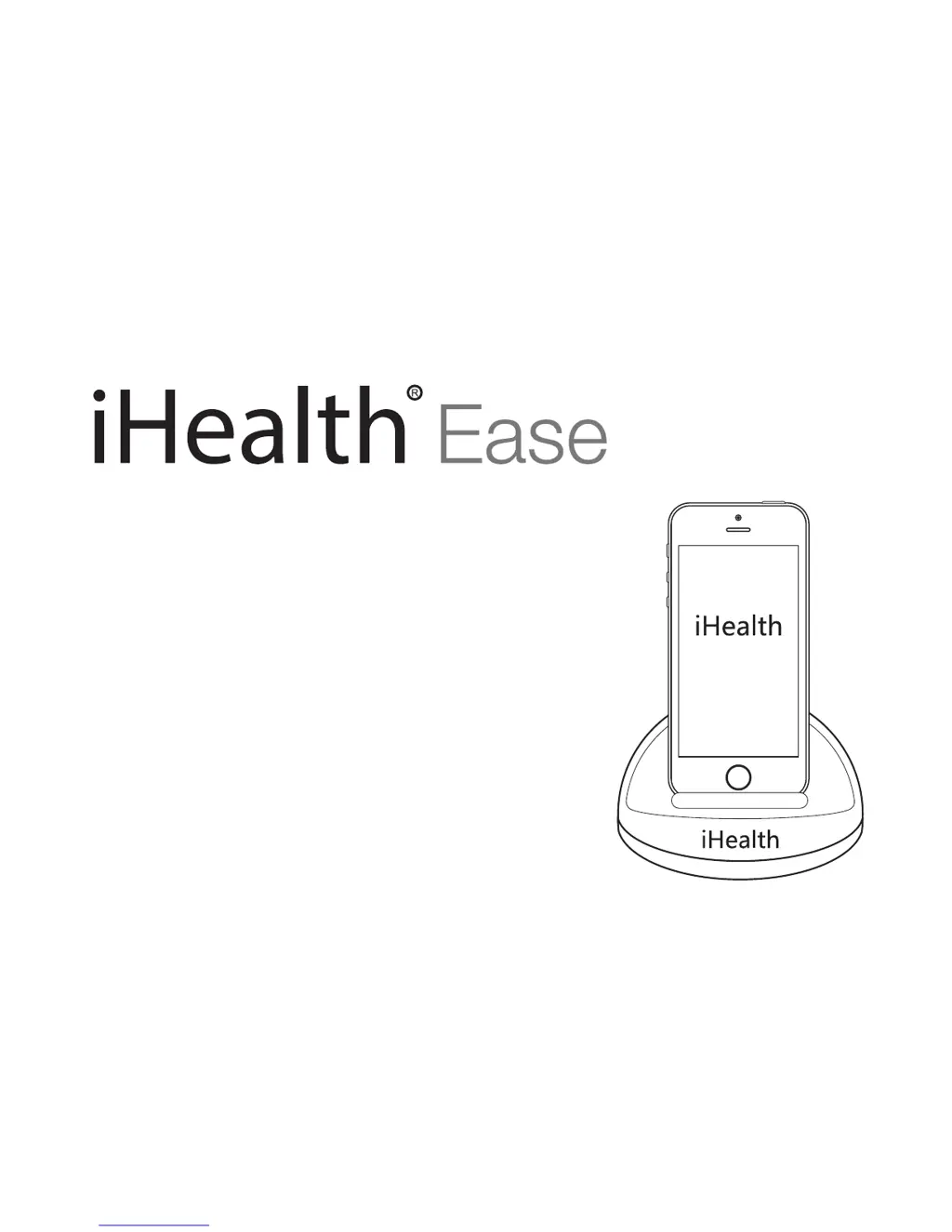
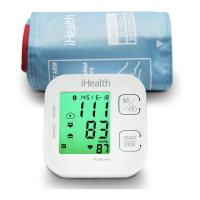
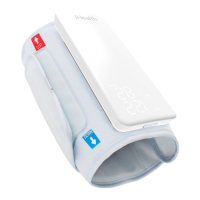
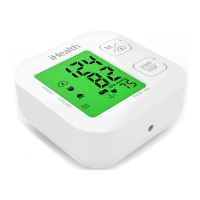
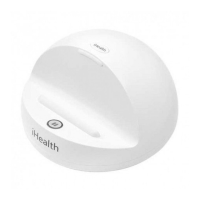
iHealth Ease BP3L - User Manual

iHealth Ease BP3L
19 pages
Print Icon
To Next Page IconTo Next Page
Loading...
Wireless Blood Pressure Monitor (BP3L)
User Guide

Questions and Answers

  • S
    steven49Aug 3, 2025
    What to do if iHealth Ease BP3L displays “ERROR”?
    • T
      Tiffany LiuAug 3, 2025
      If your iHealth Blood Pressure Monitor displays “ERROR”, it could be due to several reasons: * Your blood pressure may be outside the measurement range. If this persists after re-testing, contact your healthcare provider. * You or the monitor may have moved during the test. Ensure you remain still during the re-test. * The cuff may not be inflating correctly or the pressure may be dropping too quickly. Review the cuff application instructions and try again. * The cuff might not have been applied correctly. Review the instructions and re-test.
  • I
    icampbellAug 10, 2025
    How to fix unstable Bluetooth connection on iHealth Ease BP3L Blood Pressure Monitor?
    • Y
      ywilliamsAug 10, 2025
      If you are experiencing an unstable Bluetooth connection with your iHealth Blood Pressure Monitor, the issue might be due to an unsuccessful connection, an abnormal monitor state, or electromagnetic interference. Try the following: * Restart your iOS/Android device. * Reset the monitor by pressing the button. * Ensure that both the monitor and your iOS/Android device are away from other electrical equipment.
  • C
    Chad BartonAug 19, 2025
    What to do if iHealth Ease BP3L Blood Pressure Monitor has no response?
    • T
      teresa31Aug 19, 2025
      If your iHealth Blood Pressure Monitor is not responding, it could be due to incorrect operation or electromagnetic interference. Try resetting the device by pressing the button, then reconnect your iOS/Android device and re-launch the app.
  • E
    Erika WashingtonAug 27, 2025
    Why does my iHealth Ease BP3L Blood Pressure Monitor display an abnormal result?
    • D
      David HernandezAug 27, 2025
      An abnormal result on your iHealth Blood Pressure Monitor may occur if: * The cuff was incorrectly positioned or not properly tightened. Review the cuff application instructions and re-test. * Your body posture was incorrect during the test. Review the posture instructions and re-test. * You were speaking, moving, or experiencing strong emotions during the test. Re-test when calm, and avoid any movement or talking.

Summary

Introduction to iHealth Ease Monitor

Package Contents

Lists items included with the iHealth Wireless Blood Pressure Monitor.

Intended Use

Describes the device's purpose, measurement technique, and cuff circumference range.

Contraindication for Use

Parts and Display Indicators

Device Specifications

General Safety and Precautions

Battery Handling and Usage

Troubleshooting

Care and Maintenance

Warranty Information

Explanation of Symbols

Trademark and Compatibility Information

Contact and Customer Service

Important Information Required by the FCC

Industry Canada Compliance

Other Standards and Compliances

Electromagnetic Compatibility Information

Electromagnetic Immunity

Radiated RF Immunity

Recommended Separation Distances

iHealth Ease BP3L Specifications

General IconGeneral
Device TypeBlood Pressure Monitor
Measurement MethodOscillometric
Display TypeLCD
Pressure Range0 - 299 mmHg
ConnectivityBluetooth
Mobile App CompatibilityiHealth MyVitals
Memory99 readings
Bluetooth VersionBluetooth 4.0
Accuracy±3 mmHg
Cuff Size22-42 cm (8.7"-16.5")

Related product manuals