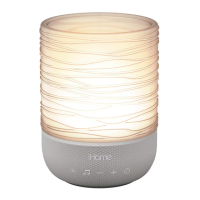
LIGHT THERAPY
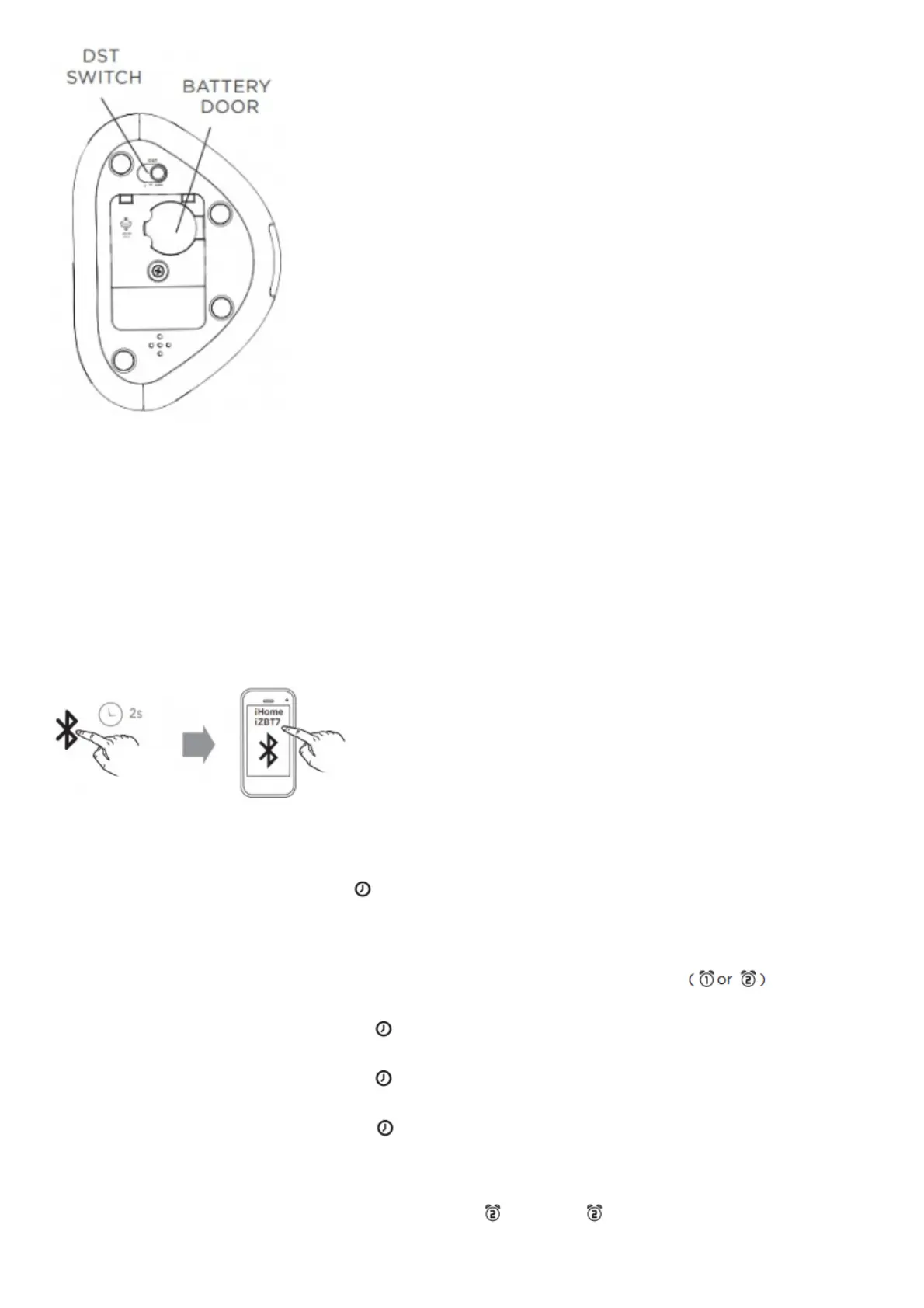
Backup Battery:
The built-in backup battery will maintain time and alarm settings in the event of a temporary power outage. To
replace, unscrew the door on the bottom of the unit and install a new CR2450 battery into the compartment.
DST Switch:
The clock will automatically adjust during Daylight Saving Time (DST) in March and November. To adjust manually,
slide the DST Switch to +1 to add an hour or -1 to subtract an hour.
CONNECTING TO BLUETOOTH
SETTING THE TIME
1. Press and hold the Time Set Button until the display flashes.
2. Press the + or – buttons to adjust the clock to the current time. (Hold for rapid
adjustment). Make sure you set the correct AM/PM time. The PM indicator will appear on the top left corner of
the display. (There is no AM indicator.)
3. To toggle the clock display between 12 and 24 hour time, press Alarm 1 or Alarm 2 ( or ) while the
display is flashing.
4. Press and release the Time Set Button to confirm the time. The year will flash on the display. Press the +
or – buttons to adjust the year.
5. Press and release the Time Set Button to confirm the year. The date/month will flash on the display. Press
the + or – buttons to adjust the date/month.
6. Press and release the Time Set Button to confirm all settings.
SETTING ALARMS
This unit has dual alarms that can be set for di erent times and di erent wake-to sources. Each is set in the same
way. Instructions are given as `Alarm Button’ – use Alarm. 1 or Alarm 2 Buttons to set respective alarms.



 To Next Page