EasyManua.ls Logo

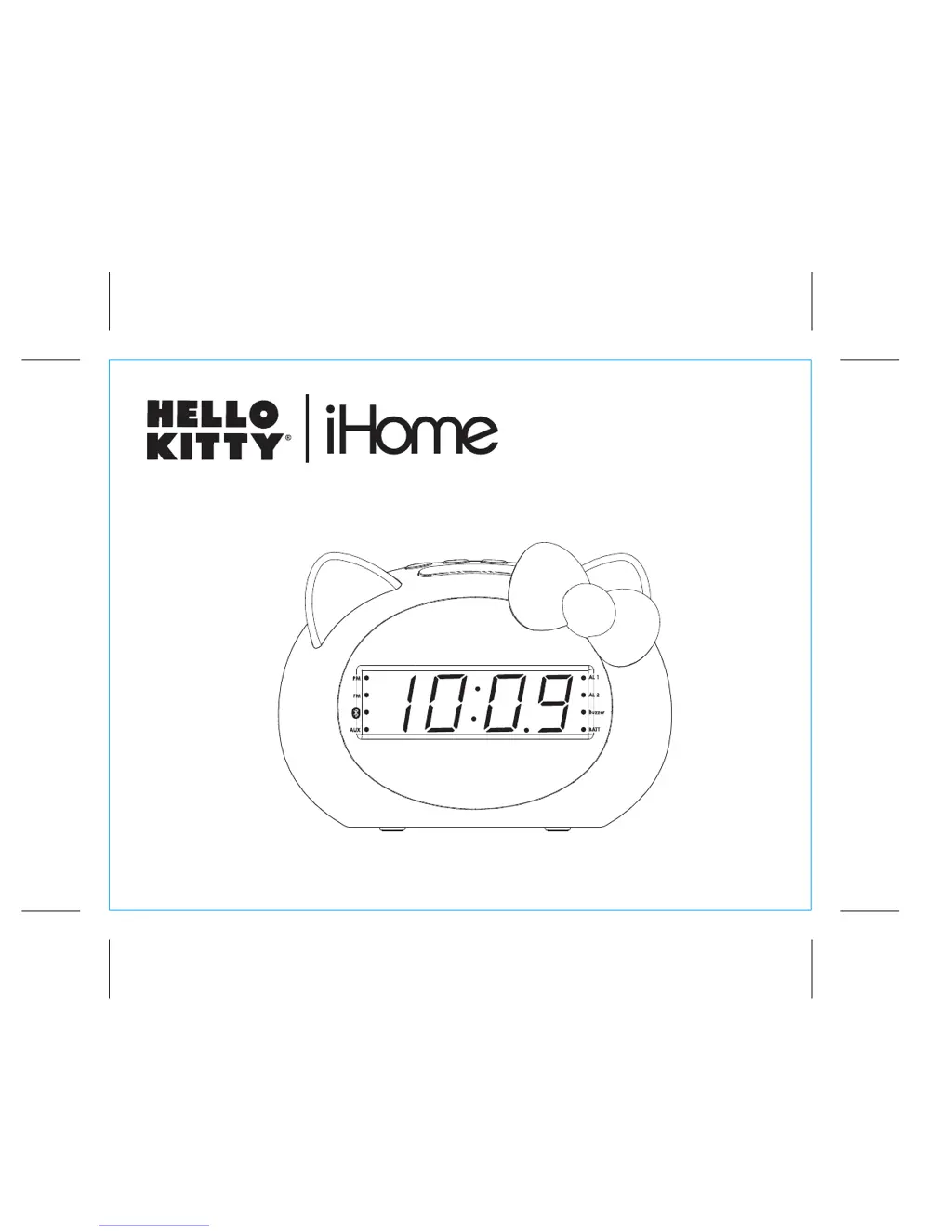
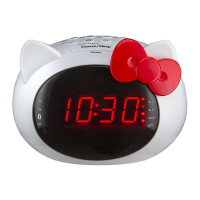
iHome Hello Kitty Si-B62 - User Manual

iHome Hello Kitty Si-B62
10 pages
Print Icon
To Next Page IconTo Next Page
Loading...
Si-B62
instruction manual
Si-B62 Eng IB
Size: 153mm x 120mm
Printing color: Black
June 6, 2014
P1
Bluetooth
FM Clock Radio
with USB Charging

Questions and Answers

  • D
    Dennis GomezAug 2, 2025
    What to do if my iHome Clock Radio doesn't respond?
    • A
      annacooperAug 2, 2025
      If your iHome Clock Radio isn't responding, ensure all connections are correctly and securely plugged in. Use only the AC adapter that came with the unit. Also, verify that your device is properly paired and that the power is turned ON.
  • C
    Curtis ConleyAug 17, 2025
    What to do if iHome Clock Radio is frozen?
    • T
      Tina FisherAug 17, 2025
      If your iHome Clock Radio freezes or locks up, it may need a reset. Unplug the unit from the power source and remove the backup batteries. Let it stand for 2 minutes, then re-install the batteries and reconnect the unit to power.

Summary

FCC Information

Using the Si-B62

Setting the Clock

FM Radio

Setting and Using FM Presets

Setting and Using the Alarms

Previewing Alarms and Turning Alarms On;Off

Using Bluetooth Pairing Your Device

Pairing with a Different Device

Playing Audio Via Bluetooth

Playing Audio via Aux-in

Charging Devices via USB Port

Troubleshooting

Consumer Product Safety Guide

iHome Hello Kitty Si-B62 Specifications

General IconGeneral
BrandiHome
ModelSi-B62
CategoryClock Radio
CharacterHello Kitty
BluetoothYes
USB ChargingYes
DisplayLED
AlarmYes
SnoozeYes
ColorPink
Radio BandAM/FM
Power SourceAC Adapter
Battery BackupYes
Headphone JackYes
Weight1.5 lbs
Alarm TypeRadio

Related product manuals