EasyManua.ls Logo

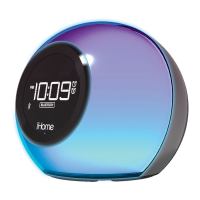
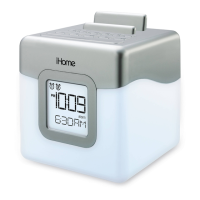
iHome iHM28 - User Manual

iHome iHM28
13 pages
Print Icon
To Next Page IconTo Next Page
Loading...
Page 1
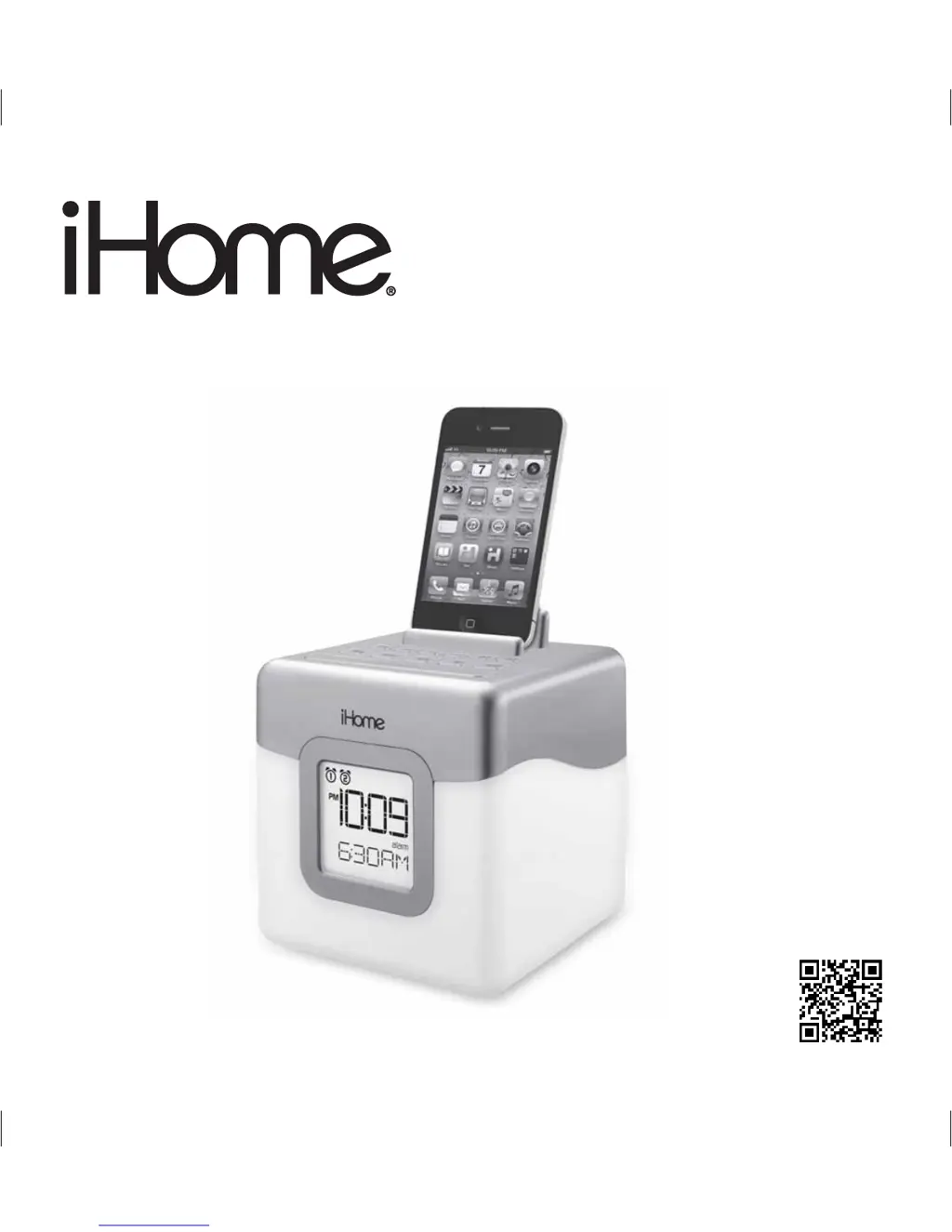
Model: iHM28
Instruction Manual (English)
Print color : Black text on white paper
Size of manual: 178mmW x 178mmH
Date: Mar 20, 2013
Model: iHM28
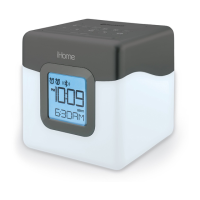
Color Changing
Dual Alarm Clock Speaker
System with USB Charging
and FM Radio
Questions? Visit www.ihomeaudio.com
download QR code
reader app and scan

Questions and Answers

  • A
    Amber HarringtonJul 26, 2025
    How to fix missing or not working LED color lighting effect on my iHome iHM28?
    • A
      Ashley StewartJul 26, 2025
      If the LED color lighting effect is missing or not working on your iHome Clock Radio, press the Color Button to cycle through the other color LED modes. Also, press the Snooze/Dimmer Button to cycle through other brightness modes. Ensure the AC adapter is properly connected to a working wall outlet and to the power supply jack on the unit.
  • J
    Jennifer HallAug 1, 2025
    What to do if my iHome iHM28 Clock Radio doesn't respond or have power?
    • L
      Leon MorenoAug 1, 2025
      If your iHome Clock Radio isn't responding, ensure the AC adapter is correctly plugged into a working wall outlet and into the power supply jack on the unit. Also, plug another device into the same outlet to confirm the outlet is working.
  • S
    Stacy WoodsAug 7, 2025
    Why is there no sound when playing a device on my iHome iHM28?
    • D
      Dennis SmithAug 7, 2025
      If there is no sound when playing a device on your iHome Clock Radio, first ensure your device is working correctly and properly connected to the unit. Then, press the play button on your device. Finally, adjust the volume settings on both your device and the iHome unit.
  • M
    Mackenzie SmithAug 13, 2025
    Why isn't my device charging on my iHome iHM28 Clock Radio?
    • D
      dixonsaraAug 13, 2025
      If your device isn't charging on your iHome Clock Radio, check that the AC adapter is properly connected to the unit and the wall outlet, and that the USB cable fits your device and is properly connected. If that doesn't work, charge the device using the charger that came with it.
  • T
    Tina PopeAug 20, 2025
    What to do if the sound from my iHome Clock Radio is distorted?
    • C
      Christine HuntAug 20, 2025
      If the sound from your iHome Clock Radio is distorted, decrease the unit volume. If the issue persists, try a file from a trusted audio source. You can also try reducing the output volume on the device itself.

Summary

Maintenance

Getting Started

FCC Information

Battery Information

Controls and Indicators

Top panel controls

Description of buttons and features located on the top surface of the device.

Back panel connections

Details of ports and compartments found on the rear of the unit.

iHM28 Quick Start

Power Setup

Instructions for connecting the power adapter and installing the backup battery.

Aux Audio Setup

Steps for connecting and playing audio from an external device via the aux-in port.

Radio Setup

Guide to tuning into FM radio stations and setting presets.

Time Setting

Procedure for manually setting the clock's time, date, and year.

Color Change Mode

How to select and cycle through the unit's LED color modes.

Display Overview

Installing;Replacing Backup Battery

Comprehensive instructions for replacing the clock's backup battery.

Setting the Time

Setting the Alarms

Operating the Alarm

Listening to FM Radio

Using Unit in Other Countries

Playing Aux Audio Device

Charging with USB Port

Color Change Mode

Dimmer Mode

Bedtime Sleep Mode

Consumer Safety Guide

Trouble Shooting

Limited 1 Year Warranty

iHome iHM28 Specifications

General IconGeneral
BrandiHome
ModeliHM28
CategoryClock Radio
LanguageEnglish

Related product manuals