1
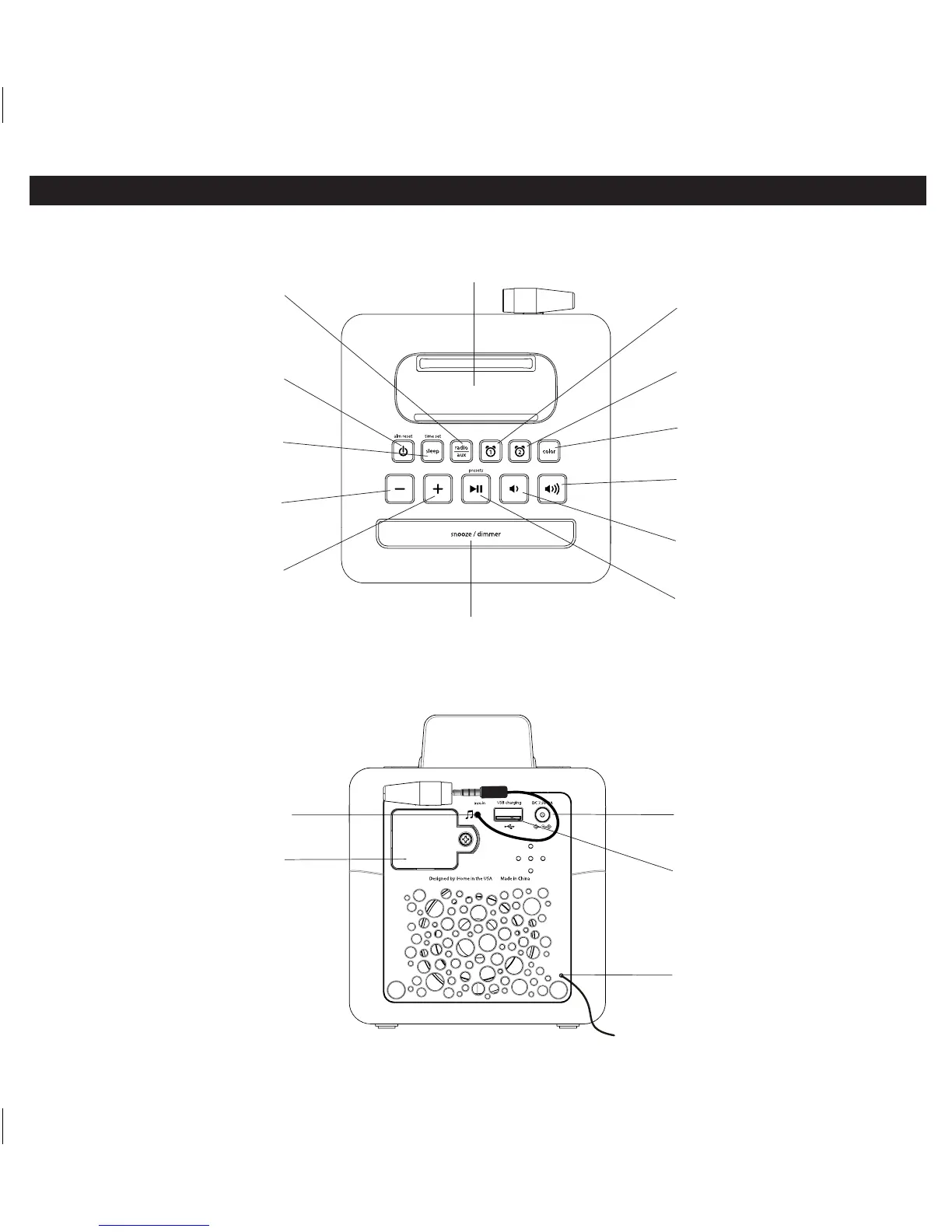
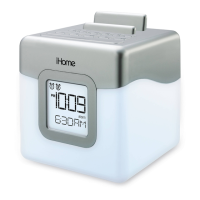
Top panel
Controls and Indicators
Lower Volume Button
Radio/Aux Button
Press to toggle between
FM radio and Aux-in modes
DC Adapter Jack
Plug in AC adaptor cable and
connect to outlet
USB charging port
Plug in USB cable to charge device
Aux-in audio cable
Connect to audio device
headphone/aux-out jack
Play/Pause and Presets Button
Press to play or pause connected aux
devices, set and select FM radio presets
>> Forward/ Plus
Settings Button
Press to raise selected setting
<< Reverse/Minus
Settings Button
Press to lower selected setting
Time Set/Sleep Button
Press for sleep timer
Press and hold for manual time setting
Snooze/Dimmer Button
Press to silence alarm for selected time
Press to adjust brightness during standard operation
(not during alarm mode)
Power/Alarm Reset Button
Press to turn unit ON or OFF,
reset alarm when sounding
Raise Volume Button
Raise volume
Lower volume
Set and arm/disarm Alarm 2
Alarm 2 Button
Set and arm/disarm Alarm 1
Alarm 1 Button
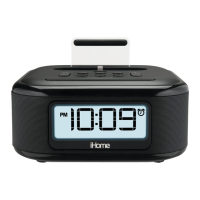
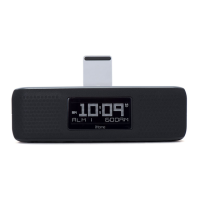
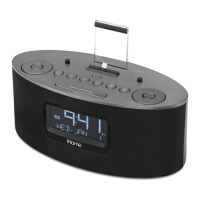
Rest for iPhone, iPod, other device
Device Backrest
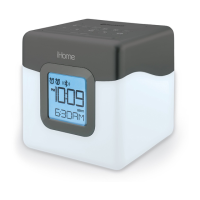
Press to cycle color settings
Color Button
Back panel
Access backup battery
Backup Battery Compartment
Page 4
FM radio antenna
Extend antenna for best reception
(do not strip, alter or attach to
other antennas)


 To Next Page