EasyManua.ls Logo

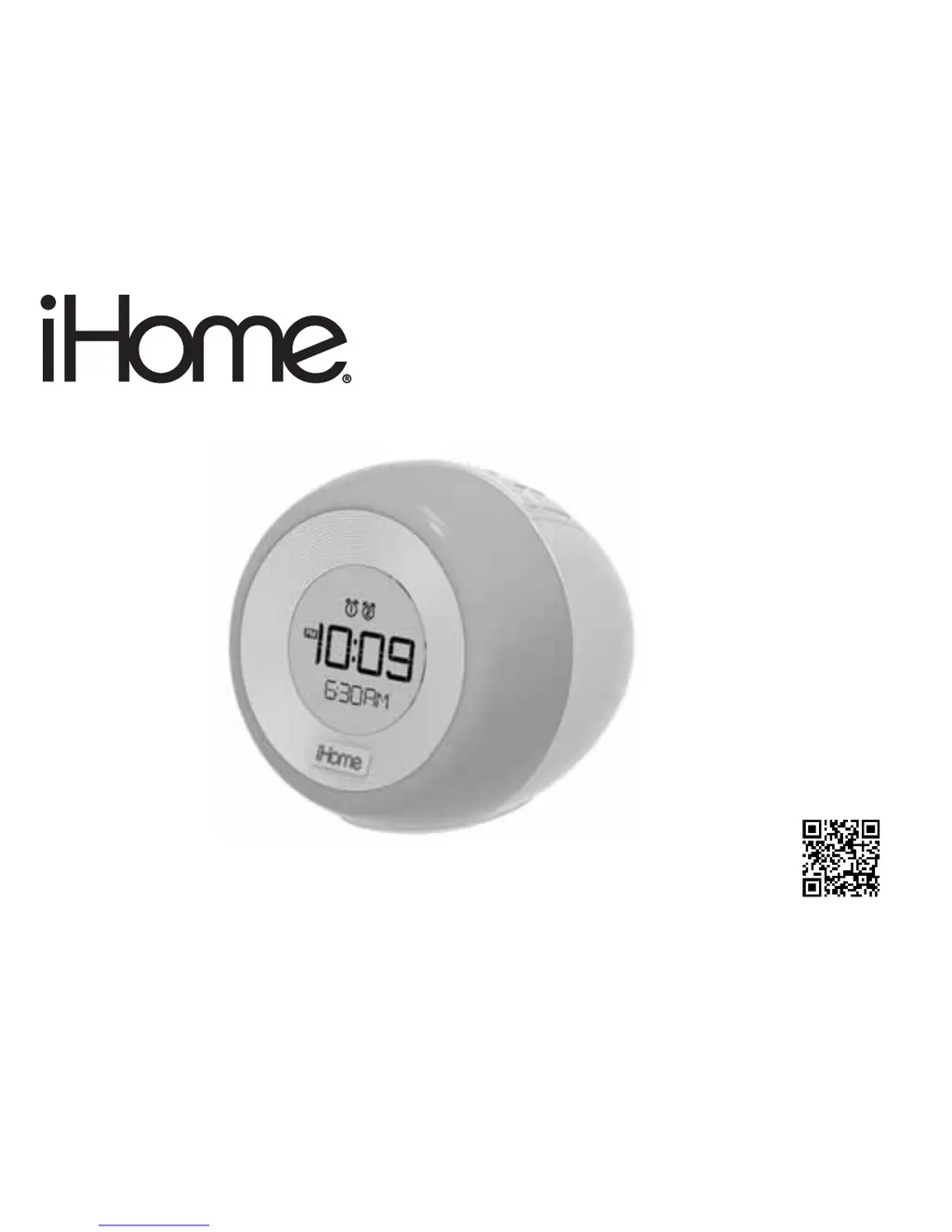
iHome IM29 - User Manual

iHome IM29
12 pages
Print Icon
To Next Page IconTo Next Page
Loading...
download QR code
reader app and scan
instruction manual
Questions? Contact Customer Service at 1-800-288-2792
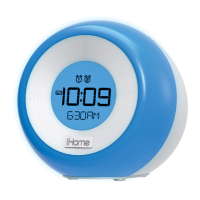
Model: iM29
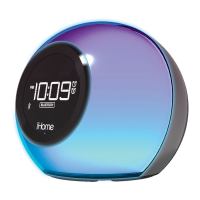
Color Changing
Dual Alarm FM Clock Radio
with USB Charging

Questions and Answers

  • M
    mperryJul 27, 2025
    Why is my iHome IM29 not turning on?
    • L
      lopezsandraJul 27, 2025
      If your iHome Clock Radio isn't responding, first ensure the AC adapter is properly connected to both a working wall outlet and the power supply jack on the unit. To verify the wall outlet is functional, plug another device into it. If that doesn't solve it, the wall outlet may not be functioning.
  • B
    Brandon ThomasAug 4, 2025
    How to fix distorted sound on iHome IM29 Clock Radio?
    • L
      Lori WestAug 4, 2025
      If the sound from your iHome Clock Radio is distorted, try decreasing the unit's volume. If the source file is of poor quality, distortion and noise are more noticeable with high-power speakers. Try a file from a trusted audio source. Also, try reducing the output volume on the device itself and turning bass boost OFF under settings.
  • S
    Susan SchultzAug 10, 2025
    What to do if my device isn't charging on iHome IM29 Clock Radio?
    • P
      Patricia RamseyAug 10, 2025
      If your device isn't charging with the iHome Clock Radio, verify all connections to ensure the AC adapter is properly connected to both the unit and the wall outlet. Also, check that the USB cable is the correct fit for your device and is properly connected. If the issue persists, ensure your device is working correctly by charging it using its original charger.
  • D
    Dennis ThompsonAug 19, 2025
    Why is the LED color lighting effect missing on my iHome IM29?
    • E
      Edward SmallAug 19, 2025
      If the LED color lighting effect is missing or not working on your iHome Clock Radio, first, press the Color Button to cycle through the different color LED modes. If that doesn't work, press the Snooze/Dimmer Button to cycle through other brightness modes. Also, ensure the AC adapter is properly connected to a working wall outlet and to the DC jack on the unit, as the unit may be running on backup battery.

Summary

Controls and Indicators

Top Panel Controls

Details the buttons located on the top surface of the clock radio for various functions.

Back Panel Ports

Describes the DC adapter jack, USB charging port, and Aux-in jack on the back.

Bottom Panel Features

Identifies the backup battery compartment on the bottom of the unit.

Display Indicators

Installing;Replacing the Clock Backup Battery

Step-by-step guide for replacing the CR2450 lithium battery.

Setting the Time

Setting the Alarms

Operating the Alarms

Listening to FM Radio

Setting up the Antenna

Instructions for extending the FM wire antenna for optimal reception.

Using the Unit in Other Countries

Playing your Aux Audio Device

Charging a Device with the USB Port

Color Change Mode

Dimmer Mode

Bedtime Sleep Mode

Important Safety Instructions

FCC Information

Battery Information

Trouble Shooting

Limited 1 Year Warranty Information

iHome IM29 Specifications

General IconGeneral
BrandiHome
ModelIM29
CategoryClock Radio
BluetoothYes
Display TypeLED
Alarm TypeDual Alarm
SnoozeYes
Radio BandFM
Weight1.5 lbs
Power SourceAC
Battery BackupYes
Presets6
Audio InputYes (3.5mm)
USB Charging PortYes (1A)

Related product manuals