EasyManua.ls Logo

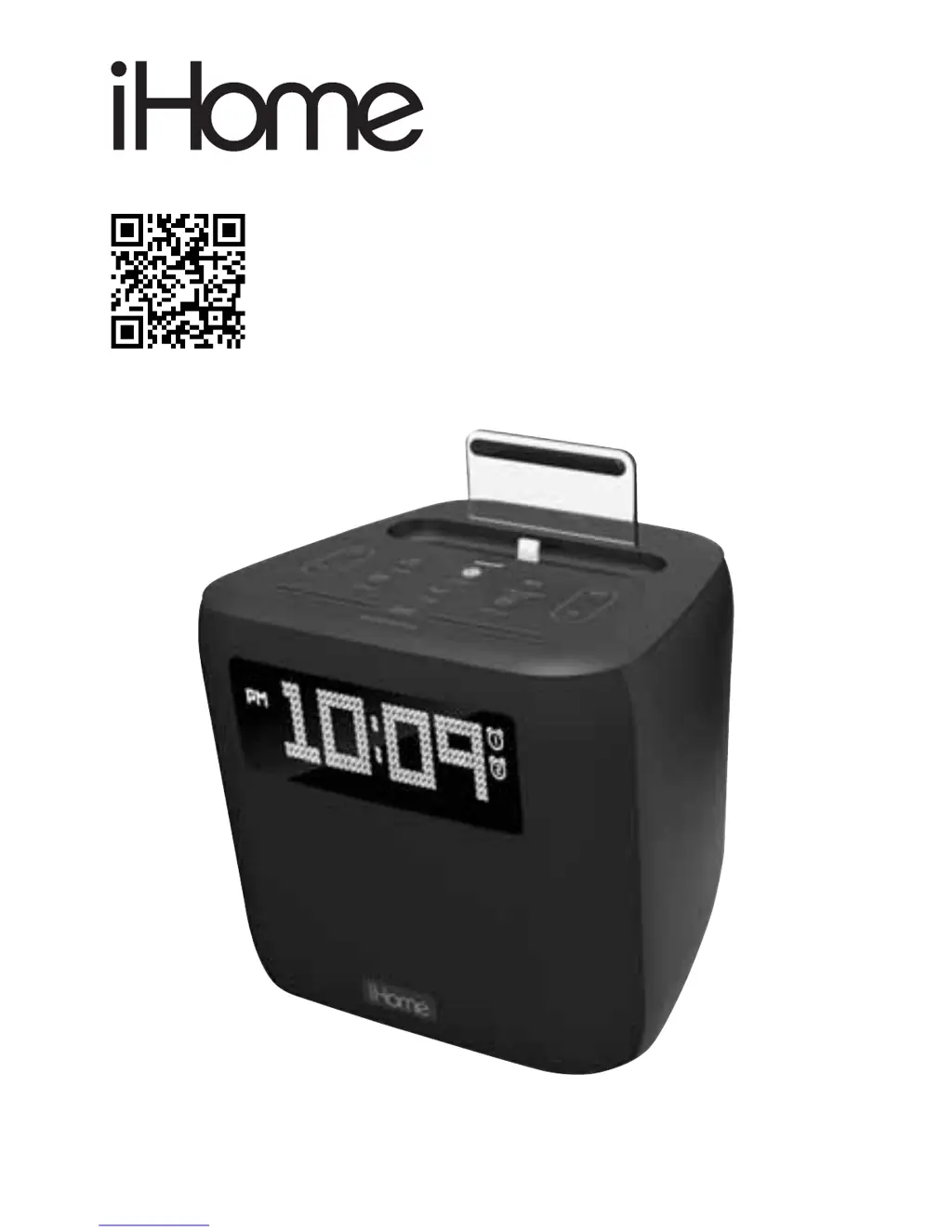
iHome iPL24 - User Manual

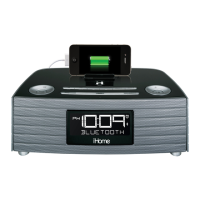
iHome iPL24
15 pages
Print Icon
To Next Page IconTo Next Page
Loading...
Model iPL24
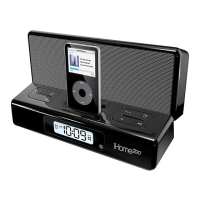
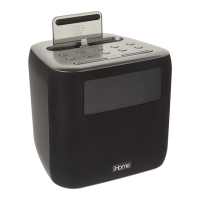
Docking FM clock radio for
iPod or iPhone
QUESTIONS? Visit www.ihome.com

Questions and Answers

  • P
    perezrobertaJul 27, 2025
    What to do if my iHome iPL24 Clock Radio isn't responding or has no sound?
    • I
      iwilsonJul 27, 2025
      First, ensure your iHome Clock Radio is properly connected to a working AC power source and that the unit is turned ON. Try adjusting the volume on both the unit and your audio device. Press the Mode Button to select Dock, FM, or AUX mode. Also, try pressing the Play/Pause Button. Finally, check that your device is correctly docked.
  • A
    Ashley WiseAug 2, 2025
    How to turn on iHome iPL24 Clock Radio?
    • J
      Julia HortonAug 2, 2025
      Plug the AC adapter into a working wall socket and plug the connector into the supply jack on the iHome Clock Radio. Also, make sure any associated wall switch that controls the outlet is turned ON.
  • J
    James SchmidtAug 8, 2025
    How to fix distorted sound on iHome iPL24 Clock Radio?
    • M
      Mr. Zachary WilsonAug 8, 2025
      If the sound from your iHome Clock Radio is distorted, try turning the volume down on your device. If the original sound file (like an MP3) is old or of poor quality, distortion and noise are easily noticed with high-power speakers. Consider upgrading the file from a trusted source such as iTunes.
  • C
    Craig WilliamsAug 14, 2025
    Why isn't my device charging on my iHome iPL24?
    • D
      Darryl WalkerAug 14, 2025
      Ensure the iHome Clock Radio is connected to a working power outlet. Note that the unit will not charge while running on backup battery. Also, check that your device is correctly docked; if necessary, remove the case from your device to ensure a proper connection.
  • A
    ashleyguzmanAug 20, 2025
    Why is my iHome iPL24 Clock Radio performing erratically?
    • J
      Julie MasseyAug 20, 2025
      Erratic performance of your iHome Clock Radio might be due to external interference. Try moving the unit away from potential sources of interference such as computers, modems, wireless devices (routers), or fluorescent lights.

Summary

Getting Started

Connecting AC Adapter and FM Antenna

Backup Battery

Setting the Time

Time Sync

Explains how the unit automatically syncs time with docked iPhone/iPod.

Manual Time Setting

Step-by-step guide for manually setting the time, date, and year.

Setting and Using Alarms

Alarm Setup

Instructions for setting alarm times, schedules, and wake-to sources (Dock, Radio, Tone).

Charging Your iPhone or iPod

Listening to FM Radio

Listening to AUX Devices

Troubleshooting

Important Safety Tips

General Safety Precautions

Covers water, ventilation, heat, power sources, cable, cleaning, and object entry safety.

Product Safety Compliance

iHome iPL24 Specifications

General IconGeneral
BrandiHome
ModeliPL24
CategoryClock Radio
BluetoothYes
USB Charging PortYes
DisplayLED
AlarmDual Alarm
ChargingYes
SpeakerphoneYes
Power SourceAC Adapter
Radio TypeFM
Battery BackupYes
Weight1.5 lbs

Related product manuals