EasyManua.ls Logo

iHome IP45 - User Manual

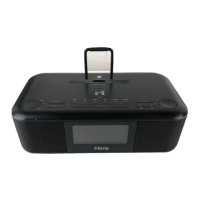
iHome IP45
13 pages
Print Icon
To Next Page IconTo Next Page
Loading...
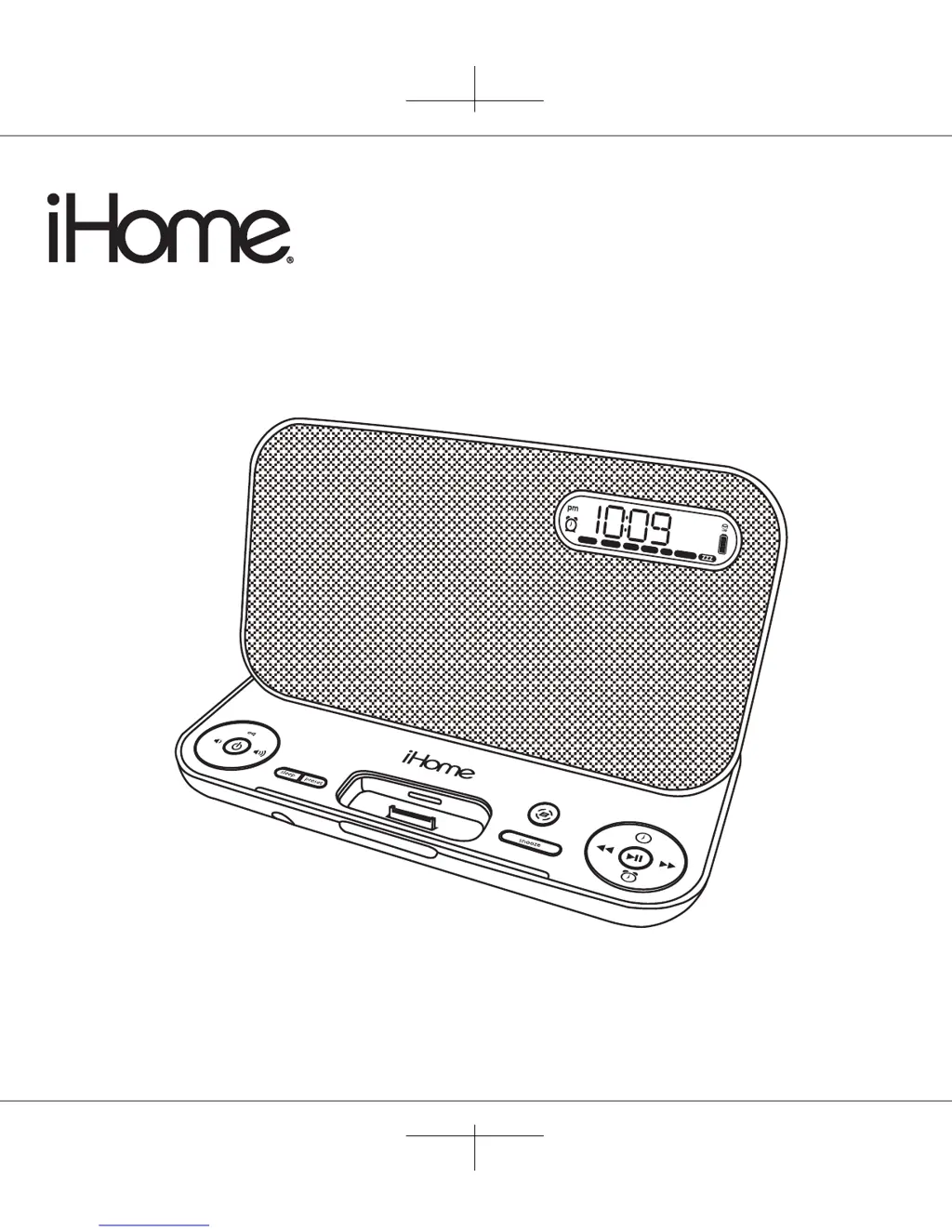
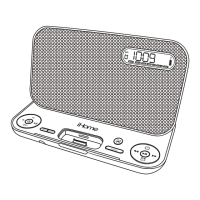
Model iP45
Portable FM Stereo
Alarm Clock Radio
System for iPhone
and iPod
Questions? Visit www.ihomeaudio.com
iP45 IB(iTounch 4)
size: 178 x 178
color: Black
Nov 4, 2010
aux
radioiPodiPhone wake-to
preset
radio
aux

Questions and Answers

  • W
    Wanda KeithJul 28, 2025
    What to do if my iHome IP45 Clock Radio doesn't respond or have no power?
    • V
      Vanessa GutierrezJul 28, 2025
      First, ensure the AC adapter is properly plugged into both a working wall outlet and the power supply jack on the back of the iHome Clock Radio. If the outlet isn't working, test it with another device. Also, the internal battery might be dead or needs charging, so connect the AC adapter to a working outlet to charge the battery.
  • J
    Jorge BarajasAug 1, 2025
    What to do if my iPod/iPhone does not respond to the iHome Clock Radio?
    • H
      Heather Travis DVMAug 1, 2025
      First, remove your iPod/iPhone from the dock and check for any obstructions on the connectors, both in the dock and on your device. Then, reseat it in the dock. Ensure your iPod/iPhone software is up to date by upgrading it via iTunes. Also, make sure your iPod/iPhone is working properly before docking it into the unit. Note that the iHome Clock Radio does not support 3rd generation iPods.
  • A
    Ann GibsonAug 6, 2025
    What to do if the iHome IP45 remote control doesn't work?
    • J
      James YorkAug 6, 2025
      First, replace the battery with a new one. Then, make sure you are pointing the remote control directly at the unit and are within 15 feet of it. Also, check that the remote switch is in the ON position, not AUTO.
  • J
    James GilbertAug 10, 2025
    Why is the sound distorted on my iHome Clock Radio?
    • T
      thomaslewisAug 11, 2025
      Distortion can occur if the volume level is too high, so try decreasing it. Also, the sound source itself may be distorted; if you're using an iPod or iPhone, the original music file might be poor quality. Try a different music file. You can also try reducing the output volume and EQ settings like bass boost on the device itself.
  • J
    James MyersAug 14, 2025
    What to do if my iPod/iPhone doesn't charge on iHome IP45?
    • R
      Randall GarciaAug 14, 2025
      First, remove your iPod/iPhone from the dock and check for any obstructions on the connectors, both in the dock and on your device. Reseat it firmly. Also, ensure your iPod/iPhone is working properly and not locked up or frozen before docking it into the iHome Clock Radio. If the issue persists, the iPod/iPhone battery might have a problem.
  • K
    Kelsey LloydAug 18, 2025
    Why doesn't my iPod/iPhone dock properly with my iHome IP45?
    • S
      Stephanie RichardsonAug 19, 2025
      Ensure that you are using the correct dock insert for your specific iPod/iPhone model. Remove your iPod/iPhone from the dock and inspect both the connectors in the dock and on your device for any obstructions. Then, reseat it in the dock.
  • T
    Taylor DixonAug 23, 2025
    Why is my iHome IP45 warm?
    • M
      Mark VasquezAug 23, 2025
      It is normal for the iHome Clock Radio to feel warm. The unit has a rechargeable battery and charging circuit that may cause it to warm up during charging. You can continue to operate the unit as usual.

Summary

Quick Start Guide

Getting Started

Connect AC Adaptor

Instructions for connecting the power adapter to the unit and a wall outlet.

Install Clock Backup Battery

Guide for installing or replacing the CR2032 backup battery.

Charging the Internal Battery

Battery Charging Status

Information on the device's internal lithium-ion battery charging process.

Setting Up the iP45

Using the Alarm System

Setting the Alarm Parameters

Steps to set alarm time, schedule, and select wake-to source.

Product Safety Information

Important Safety Instructions

Critical safety warnings and guidelines for product installation and use.

Troubleshooting Guide

Unit Not Responding

Solutions for issues where the unit does not power on or respond.

iPod;iPhone Docking Issues

Steps to resolve problems with docking or device recognition.

iHome IP45 Specifications

General IconGeneral
BrandiHome
ModelIP45
CategoryClock Radio
LanguageEnglish

Related product manuals