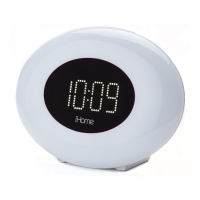
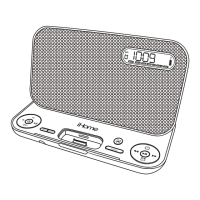
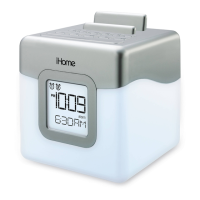
Color Change Mode
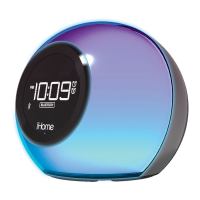
Color Change Mode can be accessed whether the unit is ON or OFF. There are 4 color settings. Press the Color Button
to cycle through them. The settings are:
• FADE Slow color change (default): Colors slowly fade in and out continually from one color to the next.
• F
AST Fast color change: colors change quickly from one to another through the color spectrum.
• 1 COLOR
Select the last color. NOTE: To manually cycle to a desired color, press and release the
– or + Button
as needed while the unit is OFF (this function is not available while the unit is ON).
• NONE
Turns off cabinet color effect.
Dimmer Mode
When unit is in normal mode (no alarm is sounding), press the Snooze/Dimmer Button to cycle through display brightness
settings, including OFF. Settings affect both the display and cabinet LED. Dimmer function will not work during FADE color
change mode. When LED color mode is set to NONE, pressing the Snooze/Dimmer Button will place unit in 1 COLOR mode
with white backlight. Press the Color Button again to return color mode to OFF.
Bedtime Sleep Mode
This unit has a Bedtime Sleep feature which gradually lowers the volume of playing audio over a set time then turns off.
1. Press and release the Time Set/Sleep Button
as needed to cycle to the desired sleep setting: 120, 90, 60, 30, 15
minutes or Of
f (cancels sleep mode).
2.
To set sleep volume, press the or Buttons. Sleep volume does not effect normal or alarm volume settings.
3. During sleep mode, press the Time Set/ Sleep Button to view the sleep time remaining. Press again to set sleep to the
next lowest setting.
4. To cancel sleep mode and turn the unit off, press and release the Button at any time during sleep mode.
6



 To Next Page