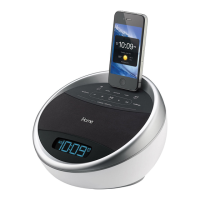
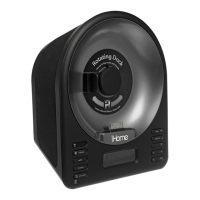
The iPhone OS does not currently support 3rd party applica-
tions running if the app is closed, which means that alarms
won't work if you exit the app. This is why we suggest custom-
ers use our App-enhanced Speaker Systems to make sure you
always have a back-up alarm. If the app exits, simply relaunch
the app and your alarms will automatically pick up where they
left off.
7. What happens if I get a phone call or text message
in the middle of the night?
As with all 3rd party applications on the iPhone, the following
will occur:
• An incoming call will interrupt an application, returning to
the iHome+Sleep app when you end a call. If, while taking a
phone call, you press the iPhone's ‘HOME’ button or otherwise
begin using other applications on the iPhone, this will prevent
iHome+Sleep from automatically resuming.
• If you do not answer a call, or a voicemail is left without any
user interaction, iHome+Sleep will resume, ensuring that calls
which come in at night and are ignored by you won't cause
you to miss an alarm.
• An incoming text message will interrupt an application with
the option to ‘close’ or ‘view’. Closing this pop-up will return
you to the iHome+Sleep app. Choosing to ‘view’ the message
will take you to the text messaging app, exiting iHome+Sleep.
To ensure alarm functionality, re-activate the iHome+Sleep
app after you are done with text messages.



 To Next Page